Free 3D models for printing: where to find them and what you may do with them.
The big model libraries, licences in plain words, and when a generator is the better route.
Free 3D printable models are easy to find: Printables, Thingiverse and MakerWorld each hold a very large library of STL and 3MF files, most of them free to download. A download does not give you the right to sell prints, though. Every model carries a licence, and many free models are licensed for personal use only. This guide shows where to look, how to read the licence, and when it is easier to make the piece yourself with a customisable generator.
Made to measure instead of downloaded
Where to find free 3D models for printing
| Library | Run by | Good to know |
|---|---|---|
| Printables | Prusa Research | Free models with a licence shown on each one; since 2024 also a store for paid models. |
| Thingiverse | UltiMaker | One of the oldest libraries, with a very large archive of free models. |
| MakerWorld | Bambu Lab | Free models with print profiles that open in Bambu Studio; many use MakerWorld's own Standard Digital File License. |
| Cults, MyMiniFactory and others | Independent | A mix of free and paid models, often with their own licence terms per model. |
Search by what the object does, not only by its name: "cable clip 6 mm" finds more than "clip". Open the model's page before you download, because the licence, the print settings and other people's prints ("makes") are all there.
What the licence lets you do
| Licence | Print for yourself | Sell the prints | Share or remix the file |
|---|---|---|---|
| CC0 (public domain) | Yes | Yes | Yes |
| CC BY | Yes | Yes, with credit to the creator | Yes, with credit |
| CC BY-SA | Yes | Yes, with credit | Yes, with credit, under the same licence |
| CC BY-NC (and NC-SA) | Yes | No | Yes, with credit, not for money |
| CC BY-ND | Yes | Yes, with credit | Only unchanged |
| MakerWorld Standard Digital File License | Yes | Only with the creator's permission or a commercial licence from them | As the licence text says |
Two things catch people out. A remix of an NC model is still bound by the NC terms for the parts that come from it, so editing a model does not make it yours to sell. And "free" is about the price of the download, not about commercial use. See How to sell 3D prints legally for the full picture.
Where free models fall short
- One size. A switch plate drawn for one outlet standard does not fit another, and a pet bowl stand drawn for one bowl does not fit yours.
- Scaling breaks details. Scale a keychain to 150% and its 4 mm key ring hole becomes 6 mm and its 2 mm plate becomes 3 mm; holes, threads and clips stop fitting. See How to customise a 3D model for printing.
- Fixed text. A name, a number or a logo is either baked in or missing. Forty guests means forty edits.
- Unknown quality. Some models are tested by hundreds of makes; others were never printed. Thin walls and broken meshes show up only in the slicer, or halfway through a print.
When a generator is the better route
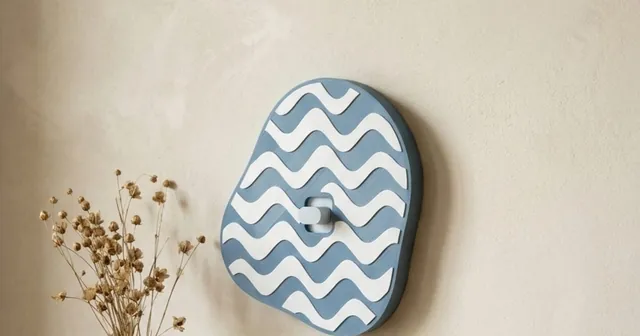
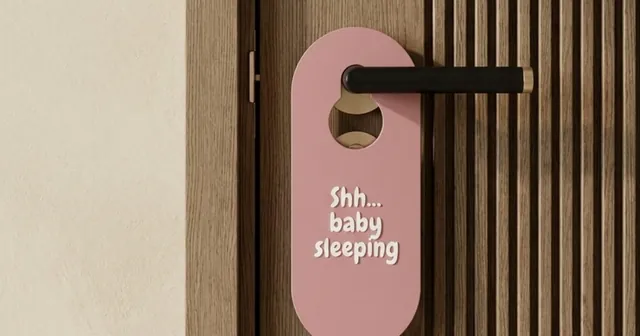
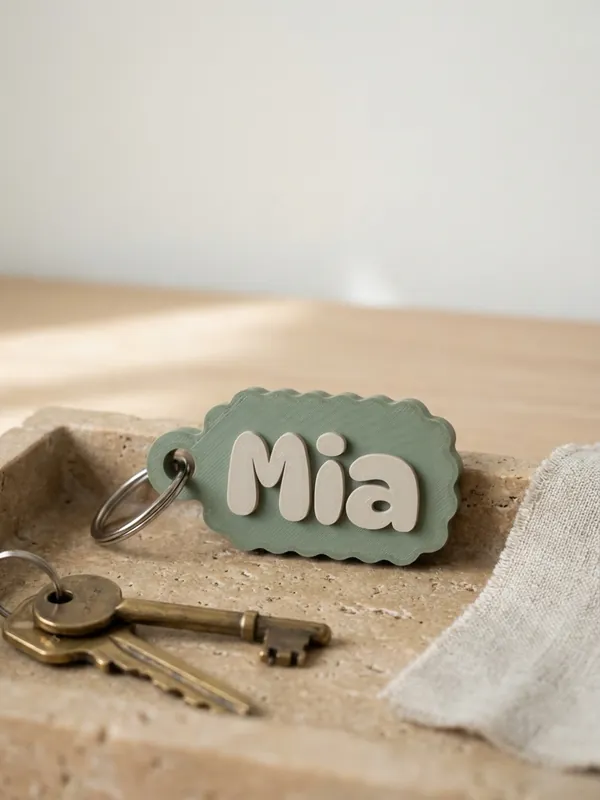
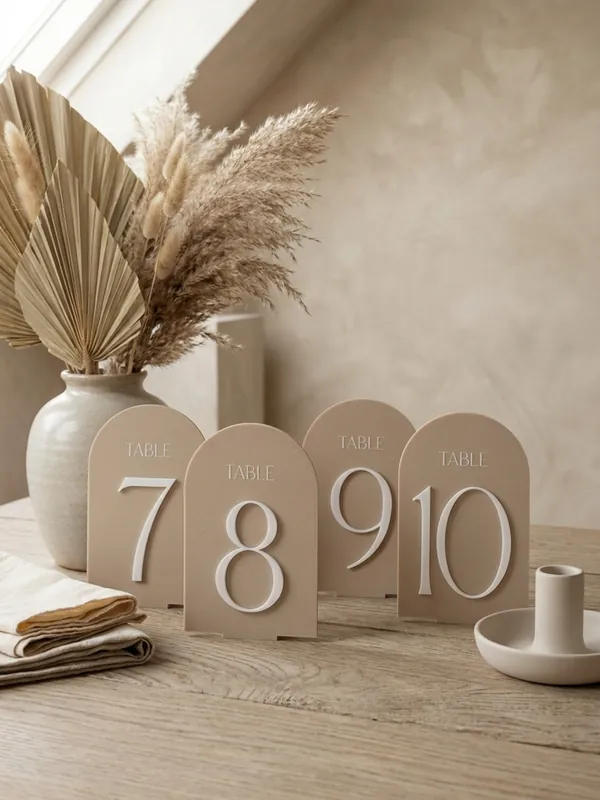
For personalised and made-to-measure pieces, a customisable generator starts from your numbers instead of someone else's finished file. Morcano Studio has generators for keychains, switch plates, door hangers, table numbers, glass name tags, plant markers, stamps, planters, rings and more. You type the sizes in millimetres and the text, and the studio builds new geometry, checks it and exports STL or 3MF.
| Free model | Morcano generator | |
|---|---|---|
| Size | Fixed; scaling distorts holes and walls | Built to your measurements |
| Names and text | Edit each file by hand | Type it; a list of names becomes one batch of up to 200 pieces |
| Will it print? | Depends on the creator | Every file is checked: watertight, one shell, walls thick enough |
| Colours | Depends on the file | Each colour is its own object in the 3MF |
| Selling the prints | Depends on the licence; many free models say no | Allowed on the Seller and Studio plans, which include the commercial licence |
| Price | Free download | Free plan: 3 designs a month on each generator; paid plans on the plans page |
A generator only makes the products it was built for. For an object nobody has made before, a free model or your own CAD design is still the way.
Before you print a free model
Read the licence
On the model's page. If you plan to sell, keep a copy of it with the date.
Look at the makes
Photos of other people's prints tell you more than the render.
Use the creator's settings
Many models list a layer height, supports and filament, or ship a print profile.
Check in the slicer
Look at the layer preview for thin walls, floating parts and missing faces before you start.
Questions
Where can I download free 3D models for printing?
Printables, Thingiverse and MakerWorld are three of the largest free libraries; Cults and MyMiniFactory also host free models. Check each model's licence before you use it.
Can I sell prints of free STL files?
Only if the licence allows commercial use, such as CC BY or CC0, or the creator gives you permission. CC BY-NC and MakerWorld's Standard Digital File License do not allow selling prints on their own.
Can I change a free 3D model?
You can edit it for yourself under most licences, but CC BY-ND does not allow sharing changed versions and an NC remix stays non-commercial. For a new size or a name, a generator that builds the piece from your numbers is usually quicker than editing a mesh.
Is there a free tool to make custom 3D printable models?
Yes. Morcano Studio runs in the browser and its free plan gives 3 designs a month on each generator: keychains, switch plates, door hangers, table numbers, stamps, planters, rings and more, exported as checked STL or 3MF files.
Are free 3D models safe to print?
They are usually safe to print, but quality varies. Look at other people's prints, use the creator's settings and check the layer preview in your slicer first.
Sources
- Prusa Knowledge Base: Where can you get 3D models
- Creative Commons: About CC licenses what BY, SA, NC and ND mean
- Creative Commons: Attribution 4.0 (CC BY)
- Creative Commons: Attribution-NonCommercial 4.0 (CC BY-NC) defines commercial use
- Creative Commons: CC0 1.0 public domain dedication
- MakerWorld: Commercial License Membership Agreement
- 3D Printing Industry: Prusa launches the Printables Store (January 2024)
- Morcano Terms and Conditions sections 5, 7 and 8
- Morcano plans and prices
Checked on 12 October 2026. Rules and fees change: check the source before you rely on a number.