Make a textured planter in the size you need.
Round or square, 50 to 220 mm, 6 textures, a drain hole.
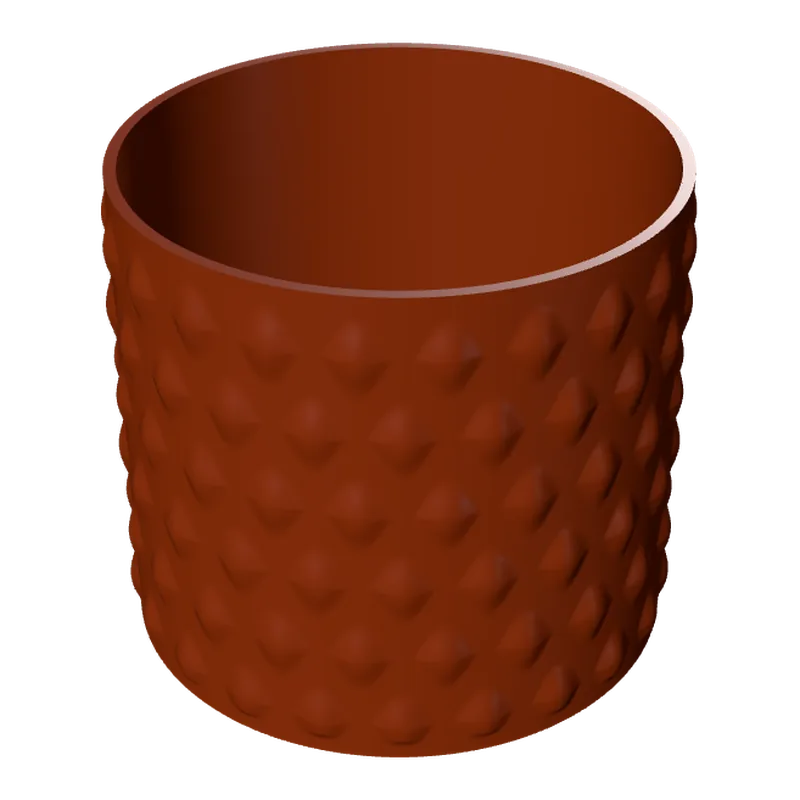
The Planters generator makes a pot to the size of your plant: round or square, with a texture all round it (leaves, waves, ribs, spirals or dots) or plain. A drain hole is on by default and can be sized or switched off for a cover pot.
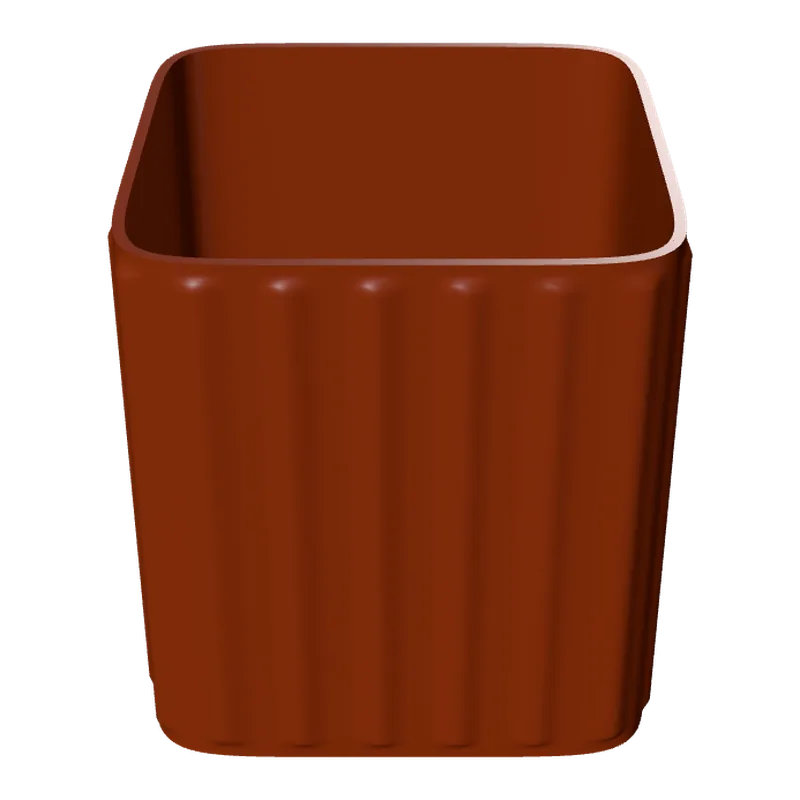
How to make a planter
Measure the pot you need
Width 50 to 220 mm and height 30 to 240 mm.
Pick the shape
Round or square, with corner rounding for square pots.
Choose a texture
Plain, ribs, spiral, waves, leaves or dots, and its depth and size.
Drain hole
Keep it (5 to 30 mm) for a pot, or turn it off for a cover pot that holds a nursery pot inside.
Export and print
Download and print upright.
What you can change
- Wall and floor
- Wall 1.6 to 6 mm, floor 1.6 to 6 mm.
- Texture
- Depth 0.4 to 4 mm, size 6 to 50 mm.
Good to know
Tip.PLA softens in strong sun and heat. For a pot on a sunny windowsill or outdoors, PETG or ASA holds up better.
Questions
What sizes can I make?
Width 50 to 220 mm and height 30 to 240 mm. Your printer's bed sets the practical limit.
Does it have a drain hole?
Yes by default, 5 to 30 mm across. Turn it off for a cover pot.
Which textures are there?
Plain, ribs, spiral, waves, leaves and dots.
What file do I get?
A 3MF, which keeps each colour as its own object for a multi-colour printer, or an STL. Every file is checked before it downloads: closed (watertight) geometry, a single shell and walls thick enough to print.
Is it free?
The free plan gives 3 designs a month on each generator. Selling the printed pieces needs the Seller or Studio plan, which include the commercial licence.
Licence
On the Free and Maker plans you may print your designs for yourself and as gifts, not for sale. Selling the printed pieces needs the Seller or Studio plan, which include the commercial licence and a licence certificate for each design. Pieces made during the free beta, before paid plans launched, may still be sold on the terms of that time. The exported files themselves can never be resold or redistributed, on any plan.
This is a summary. Read Can I sell rings I 3D print with Morcano? and the Terms, which are the authoritative text.