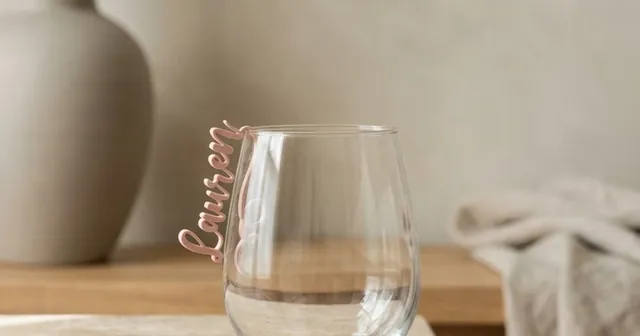
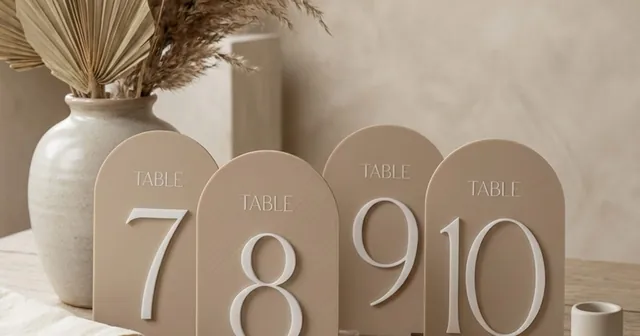
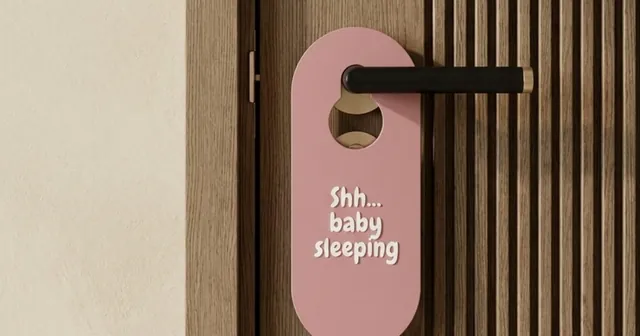
Make custom table numbers to 3D print.
3 shapes, a caption, a slotted base, every table in one batch.
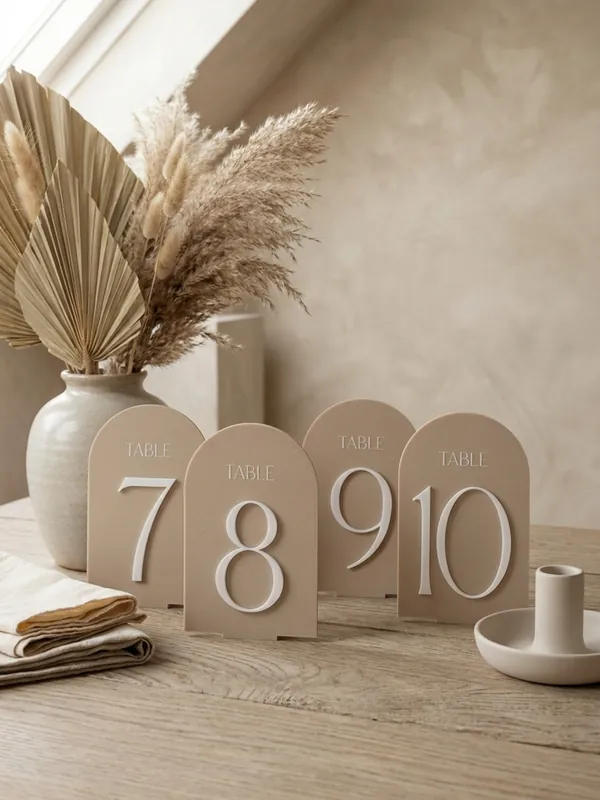
The Table Numbers generator makes a standing sign for each table at a wedding, a banquet or a meeting: a panel with a big number and an optional caption such as TABLE, raised or inlaid in a second colour, standing in its own slotted base. You design one sign, paste the list of tables, and the studio builds every one in the same style.
Examples
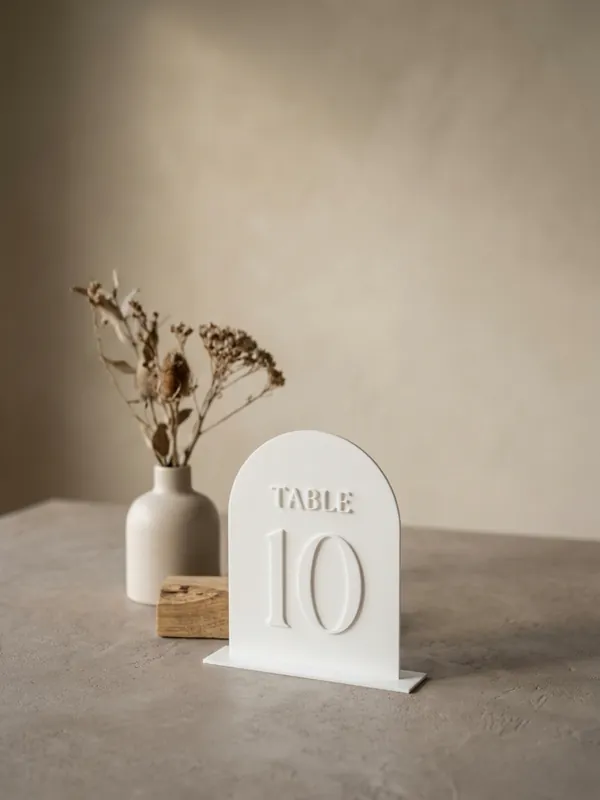
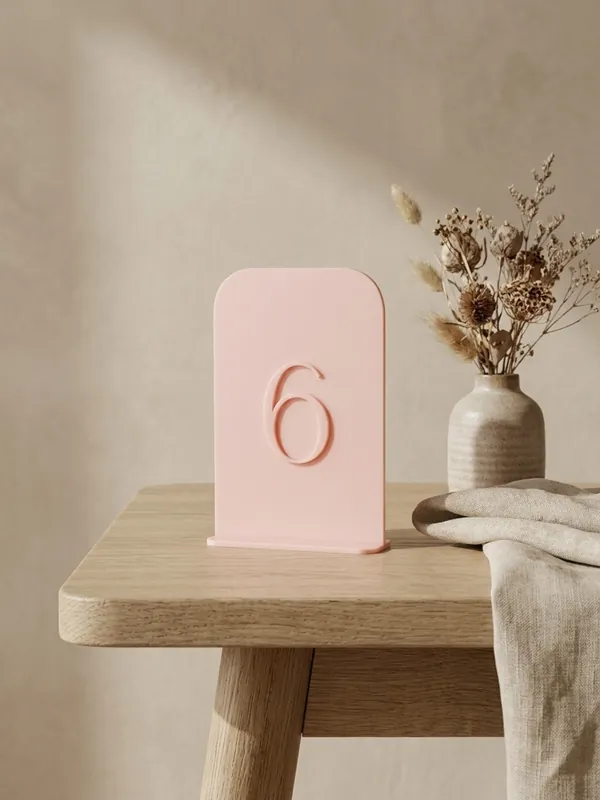
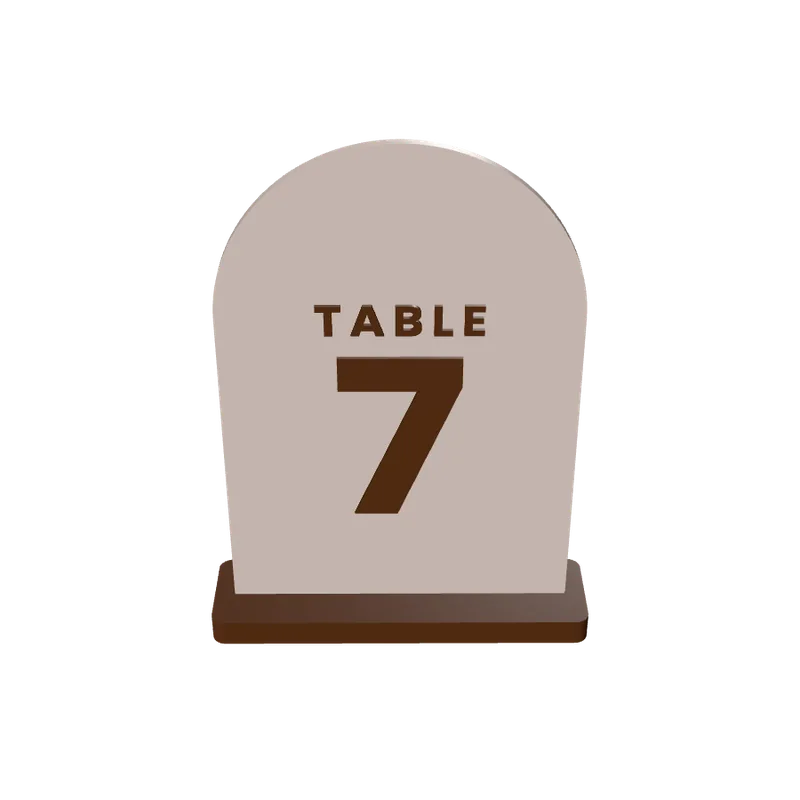
How to make table numbers
Write the number and caption
The number is any short text, such as 7 or 12; the caption sits above or below it, or is left out.
Pick the fonts
11 fonts for the number and 11 for the caption. Wide-spaced capitals read as a label.
Shape the panel
Arch, rounded card or half arch; width, height, corner radius and thickness 2.4 to 6 mm.
Set the base
Height 6 to 25 mm, depth 20 to 90 mm front to back; a deeper base stands steadier.
Every table at once
Paste the list of tables, each with its own number and caption, and get the whole set in one file.
What you can change
- Letters
- Raised 0.4 to 3 mm, or inlaid 0.4 to 1.6 mm deep in a second colour.
- Number and caption
- Number 20 to 110 mm tall; caption 5 to 25 mm, letter spacing 0 to 6 mm, gap to the number 2 to 30 mm.
- Base
- A slotted stand that reaches 0 to 30 mm past each end of the panel, with rounded corners.
- Colours
- Two: the panel and its number and caption. The base prints as its own part.
Printing tips
Tip.Print one sign and its base first and check the panel sits firmly in the slot. Then print the rest of the set.
The 3MF keeps each colour as its own object, so a printer with automatic filament changes (such as a Bambu Lab AMS) prints it in one go. With one colour, print every object in the same filament.
Weddings and events order one design in many copies with a deadline. See Personalised 3D prints in batches.
Questions
Can I make all the table numbers at once?
Yes. Paste the list of tables and the studio builds every sign in one file. A batch holds up to 200 pieces.
Can I use names instead of numbers?
Yes. The number field takes any short text, and the caption can be a word such as TABLE or left empty.
Will the sign stand on its own?
It stands in a slotted base. Make the base deeper, front to back, for a steadier sign.
What file do I get?
A 3MF, which keeps each colour as its own object for a multi-colour printer, or an STL. Every file is checked before it downloads: closed (watertight) geometry, a single shell and walls thick enough to print.
Is it free?
The free plan gives 3 designs a month on each generator. Selling the printed pieces needs the Seller or Studio plan, which include the commercial licence.
Licence
On the Free and Maker plans you may print your designs for yourself and as gifts, not for sale. Selling the printed pieces needs the Seller or Studio plan, which include the commercial licence and a licence certificate for each design. Pieces made during the free beta, before paid plans launched, may still be sold on the terms of that time. The exported files themselves can never be resold or redistributed, on any plan.
This is a summary. Read Can I sell rings I 3D print with Morcano? and the Terms, which are the authoritative text.