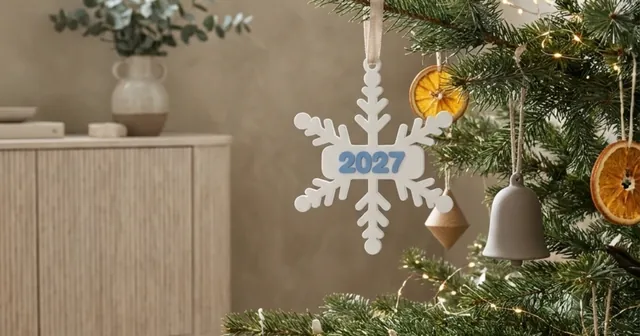
New Year 3D print ideas, with 2027 on them.
The year on a tree or a snowflake, the party table, a goal.
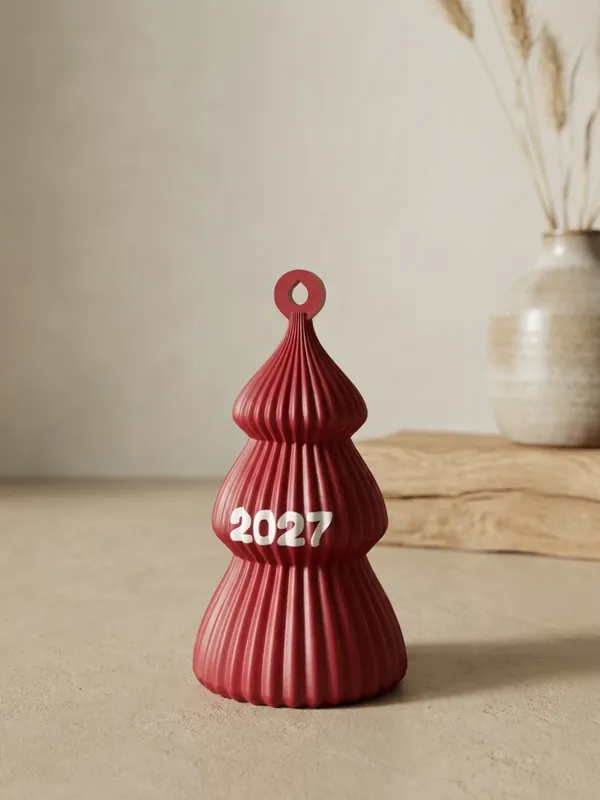
A New Year print carries the year: an ornament that says 2027 is hung again next December and remembered. Here are the New Year pieces worth printing, from the tree to the party table and a goal for the year ahead, each from a Morcano Studio generator.
The year on the tree
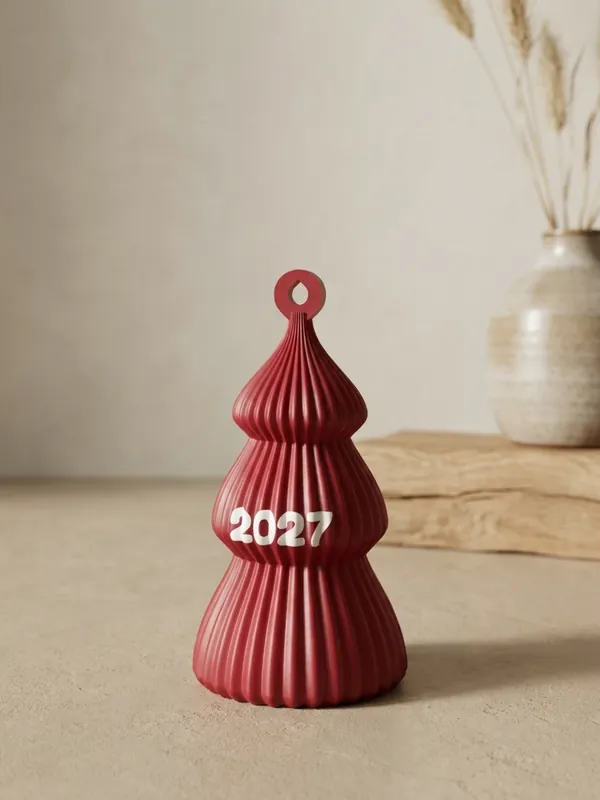
A 2027 tree
The ribbed tree with the year inlaid in white - the second template in Christmas Trees.
Make it →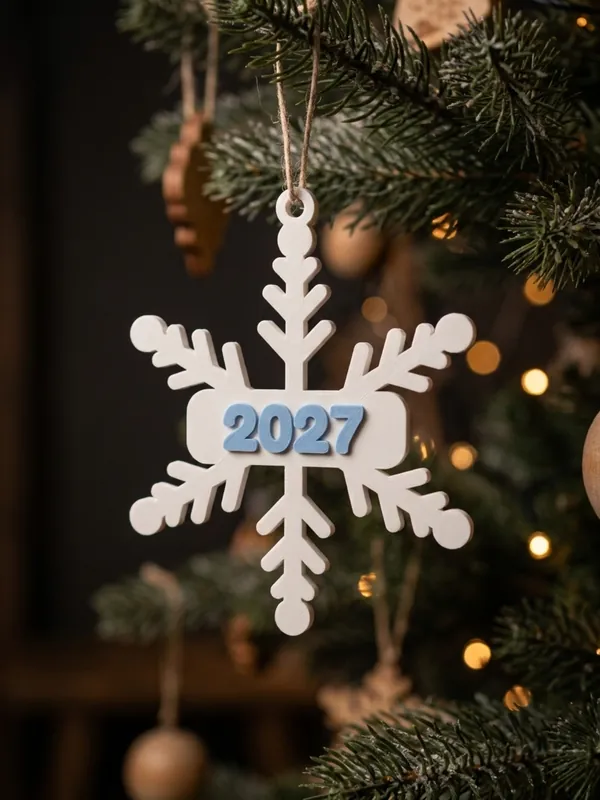
A 2027 snowflake
A snowflake ornament with the year raised on a plate across its middle.
Make it →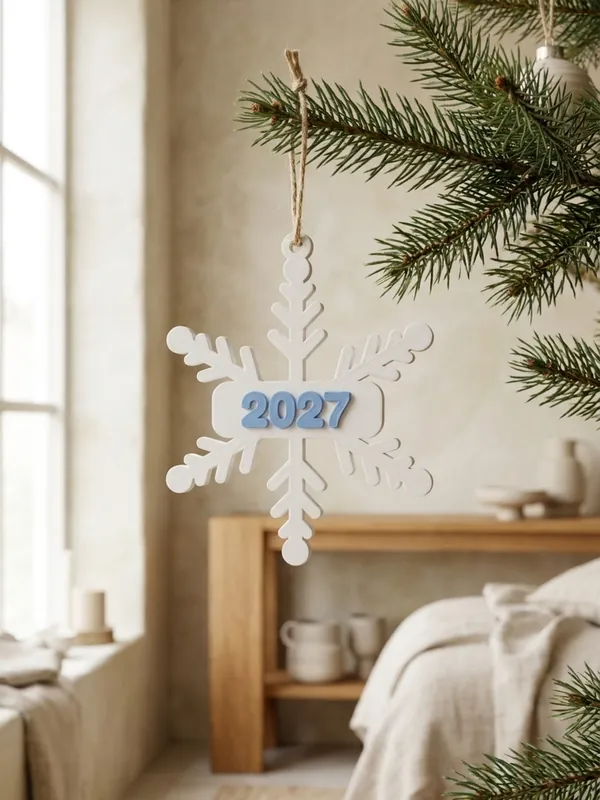
By the window
In white and blue it reads from across the room.
Make it →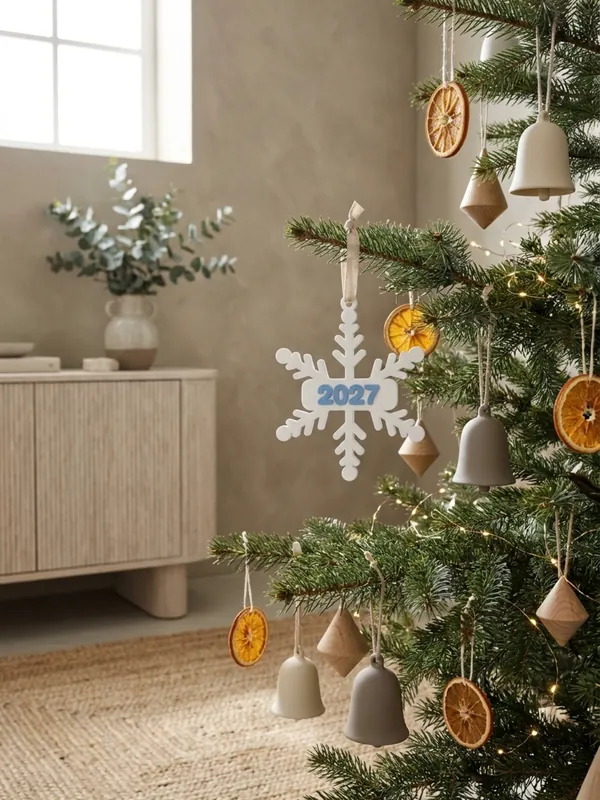
With the family's ornaments
A new one every year: change the year and print.
Make it →Straight off the printer
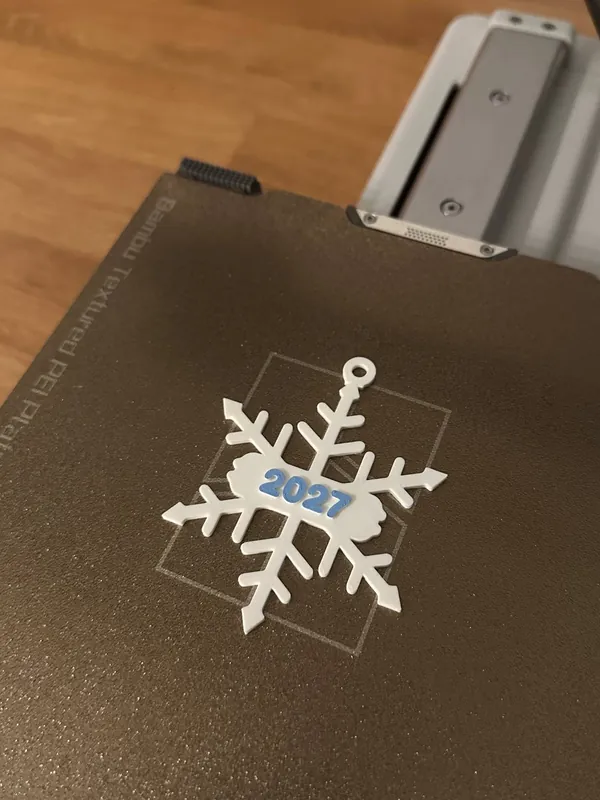
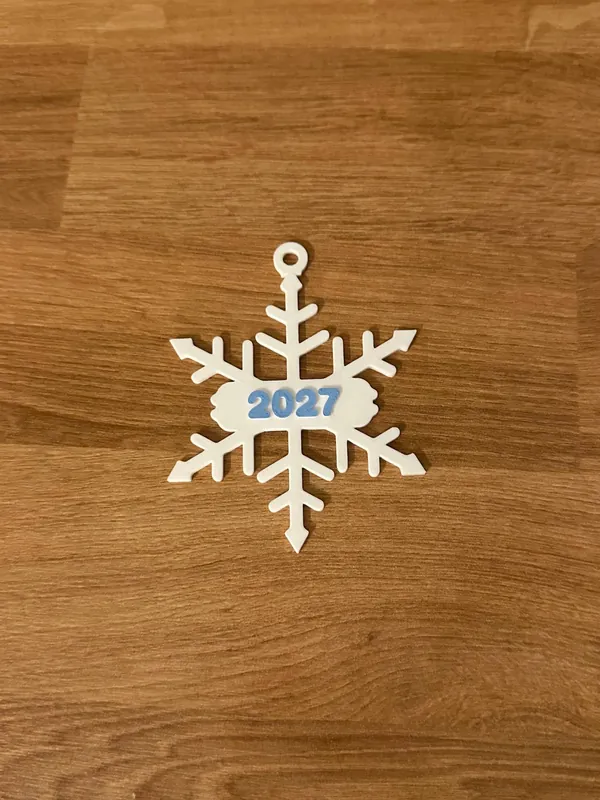
The snowflake prints flat, face up: the year changes colour on its own layers, so a printer with automatic filament changes does it in one go.
For the party
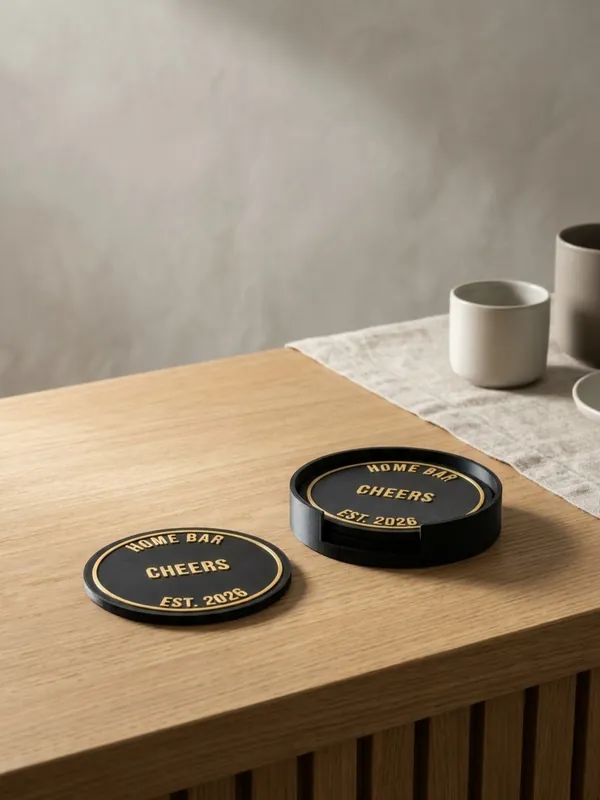

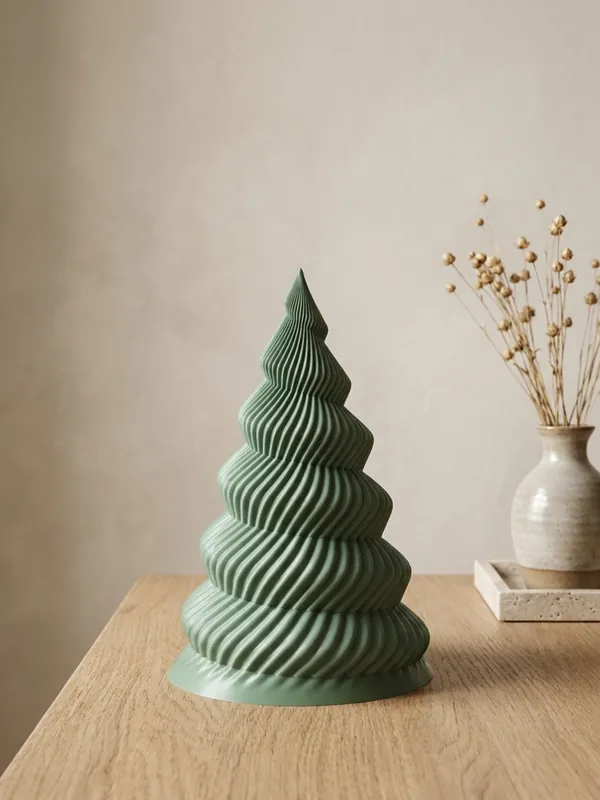
For the year ahead
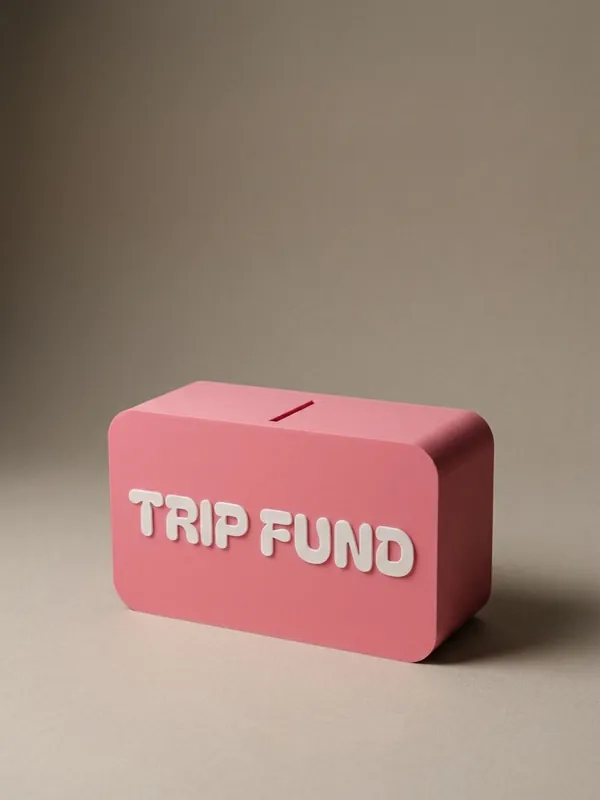
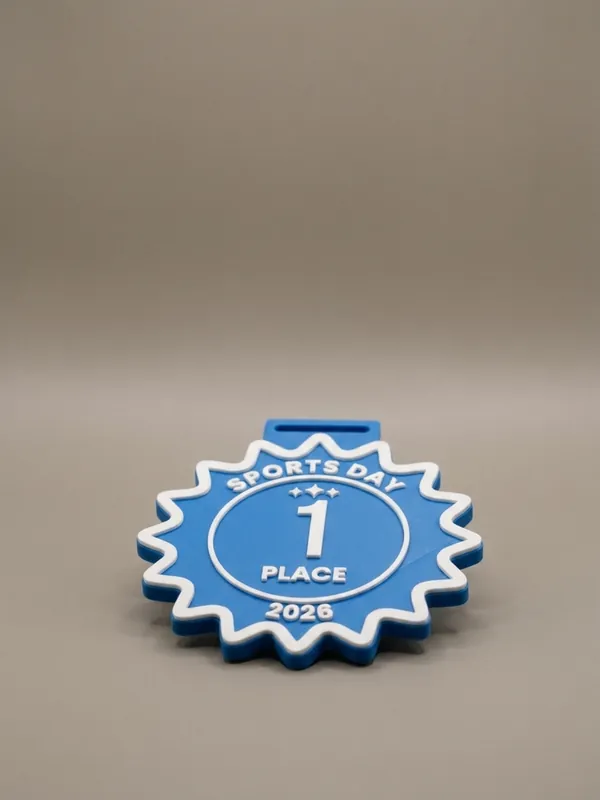
How to make them
Every idea here is a template or a setting in a Morcano Studio generator: open it in the browser, change the colours, the size or the text, and download a 3MF or an STL that is checked before it downloads. The free plan gives 3 designs a month on each generator.
Making one for every guest? Paste a list of names and the generator makes one batch file, a piece per name.
Questions
What can I 3D print for New Year?
An ornament with the year - a ribbed tree or a snowflake with 2027 - coasters and glass tags for the party, a money box for the year's goal and a medal.
How do I put 2027 on a tree?
Open the 2027 template in Christmas Trees, or type the year in the Text box: it is inlaid across the front in its own colour.
Do they print without supports?
Yes. The trees print standing with every overhang at 45 degrees or less; the snowflake, coasters and tags print flat.
Can I sell what I print from these ideas?
Yes, on the Seller or Studio plan, which include the commercial licence to sell the printed pieces. The exported files themselves cannot be resold or shared.