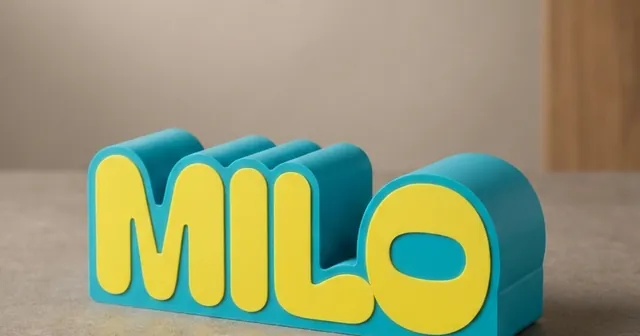
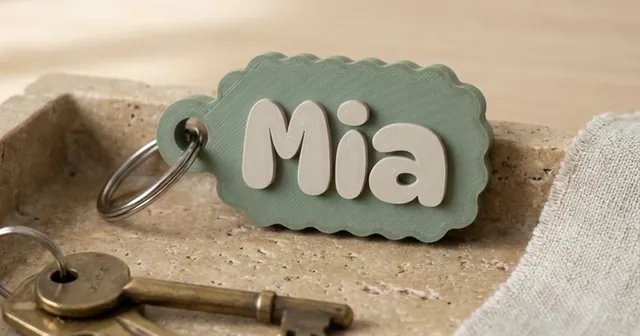
Make a money box with a name to 3D print.
The name in fat letters, or a box with a name or logo.
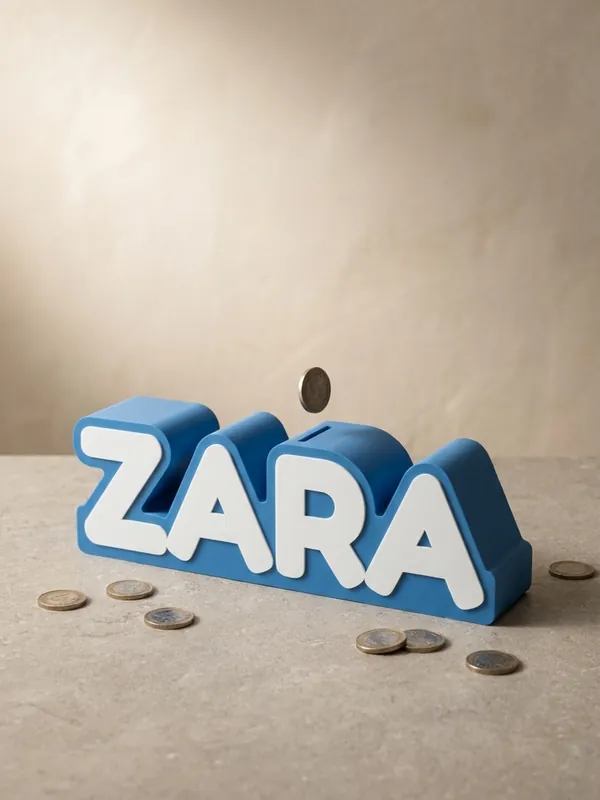
The Money Boxes generator makes a piggy bank with a name. Either the name itself is the money box - fat letters in one hollow body, on a round stand if you like - or it is a rounded box with a name or a logo on the front, which also makes a tip jar for a cafe counter. The coin slot is on top, and the back presses in and comes off to get the money out.
Examples
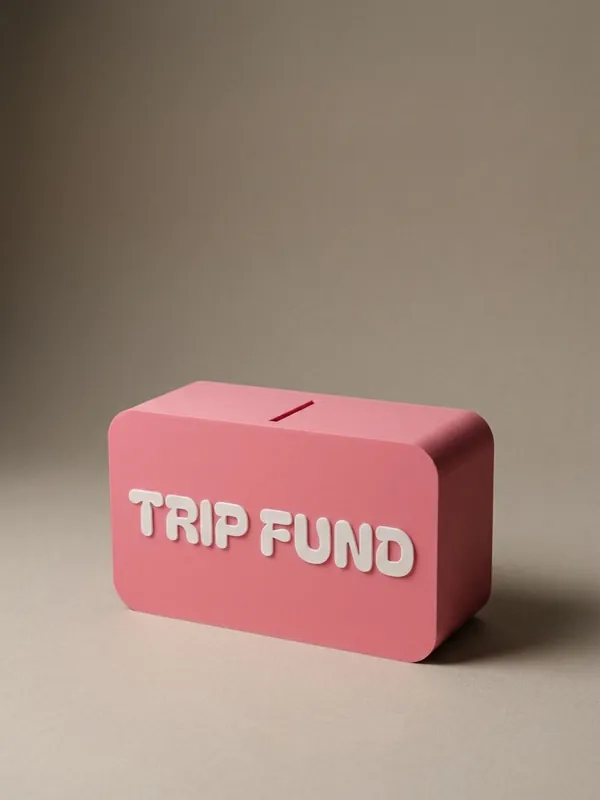
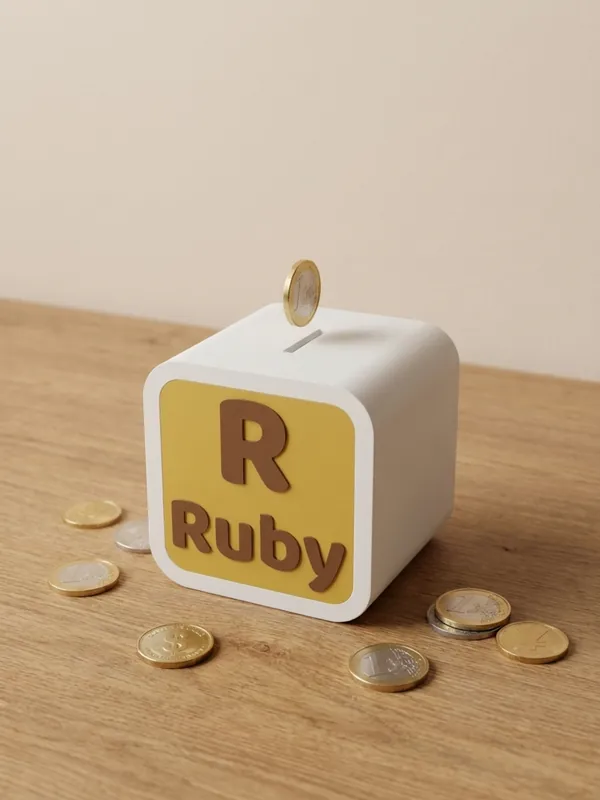
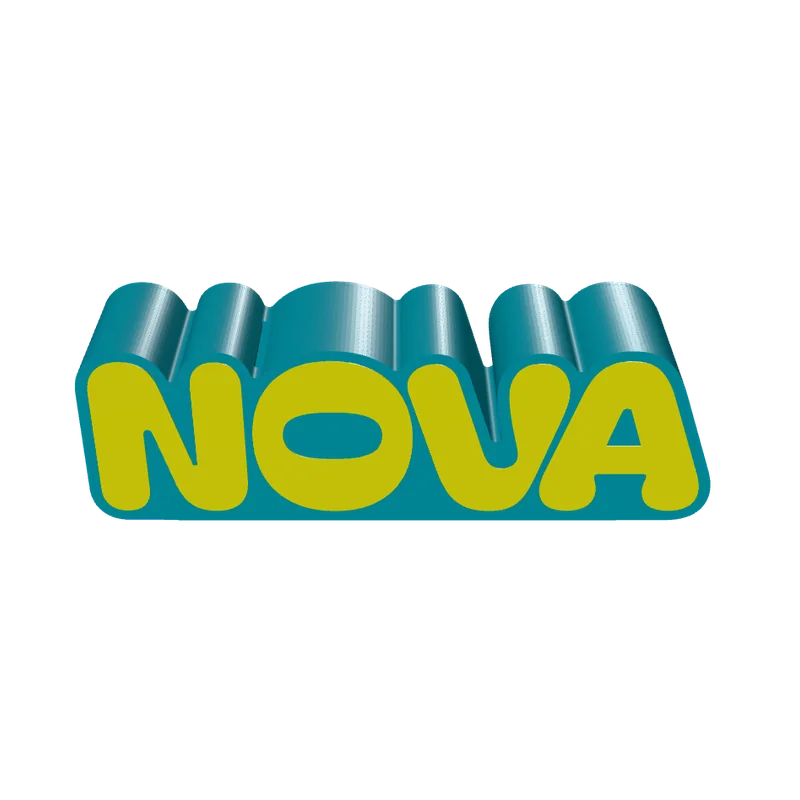
How to make a money box
Pick the style
The name as the money box, or a rounded box.
Type the name
A fat font such as Bagel or Dynapuff makes a roomy box; thin ones hold less.
Set the slot
3 to 3.5 mm wide for coins, 4 to 5 mm for folded notes, which also want a deeper box.
Decorate the front
Letters or a logo inlaid in a second colour; a panel in a frame on a box.
Export and print
The body and the back lid print as separate objects.
Where it is used
- A child's first money box with their name.
- A savings box for a trip.
- A tip jar with a cafe's logo.
Questions
How do I get the money out?
The back presses in and comes off.
Does it take notes?
Folded notes, with a slot 4 to 5 mm wide and 70 mm or longer and a deeper box.
Can it carry my logo?
Upload an SVG, PNG or JPG. A picture is traced to one colour when it is uploaded; lines too thin for the nozzle are drawn bolder if you turn that on. You must hold the rights to what you upload.
What file do I get?
A 3MF, which keeps each colour as its own object for a multi-colour printer, or an STL. Every file is checked before it downloads: closed (watertight) geometry, a single shell and walls thick enough to print.
Is it free?
The free plan gives 3 designs a month on each generator. Selling the printed pieces needs the Seller or Studio plan, which include the commercial licence.
Licence
On the Free and Maker plans you may print your designs for yourself and as gifts, not for sale. Selling the printed pieces needs the Seller or Studio plan, which include the commercial licence and a licence certificate for each design. Pieces made during the free beta, before paid plans launched, may still be sold on the terms of that time. The exported files themselves can never be resold or redistributed, on any plan.
This is a summary. Read Can I sell rings I 3D print with Morcano? and the Terms, which are the authoritative text.