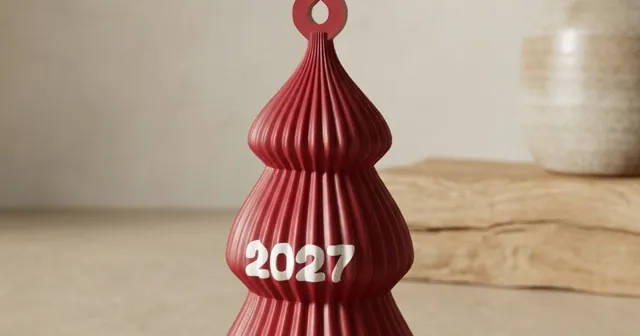
Make a textured Christmas tree to 3D print, with no supports.
Ribbed bells or a swirled cone, hollow, a name or a year on it.
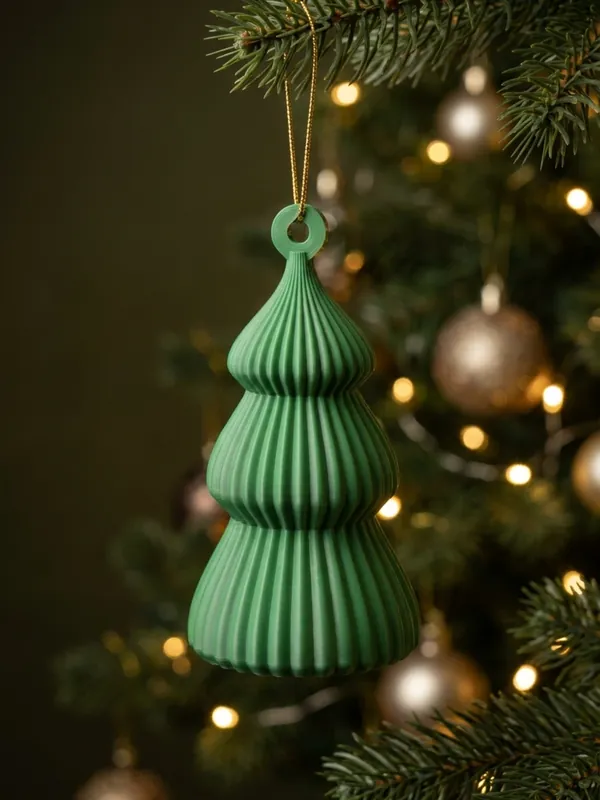
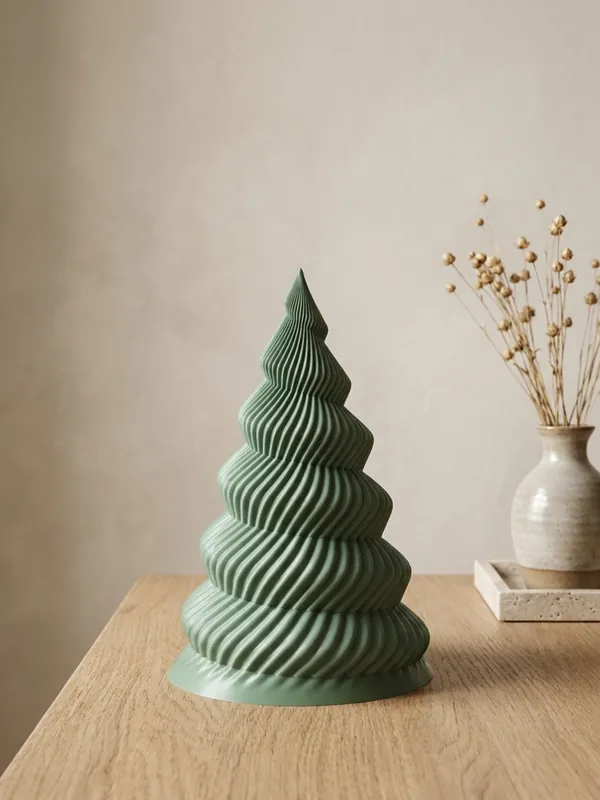
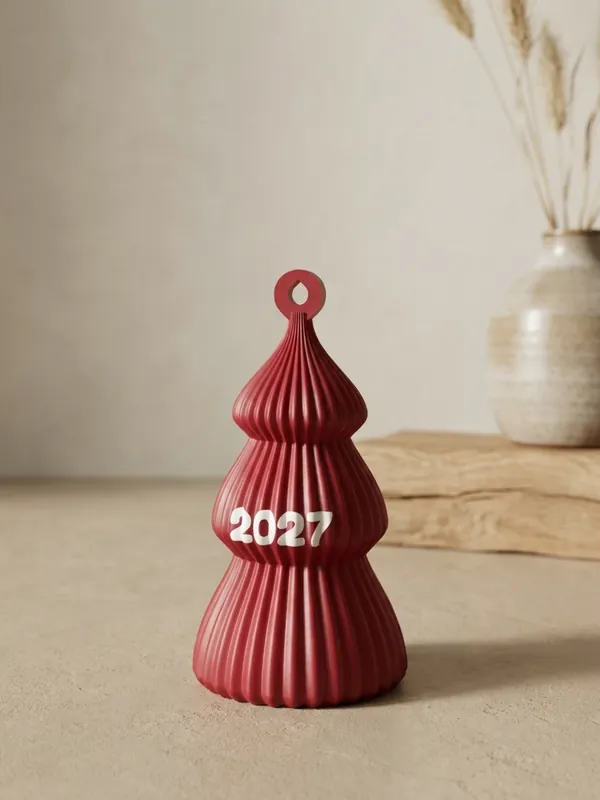
The Christmas Trees generator makes the textured trees seen on shelves and trees every December, in two styles. Spiral is a cone whose tiers wind up it as one smooth ledge, with fine ridges swirling round. Ribbed is three or more bell-shaped tiers of close vertical ribs with a spire on top. Every tree prints standing up with no supports: each surface that reaches outwards does so no flatter than 45 degrees. It is hollow by default, so it uses little plastic, and it can carry a loop to hang it and a name or a year in a second colour.
Examples
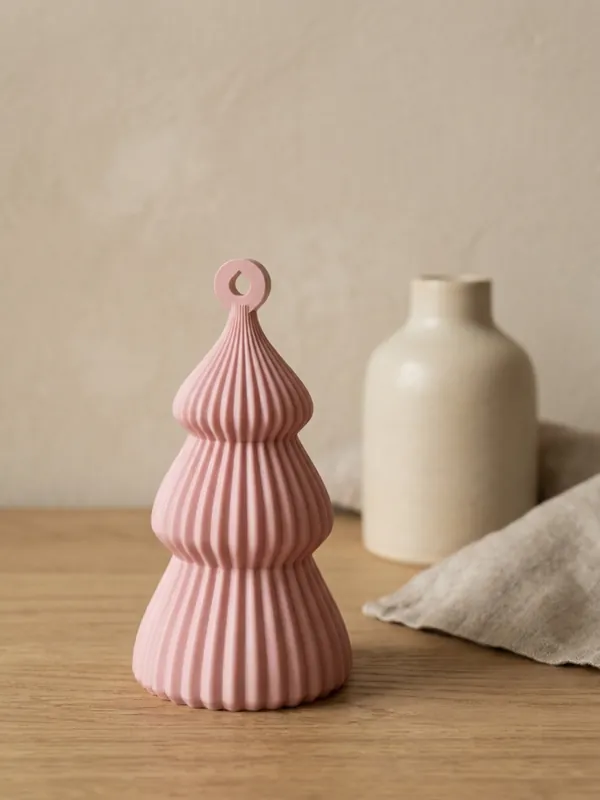
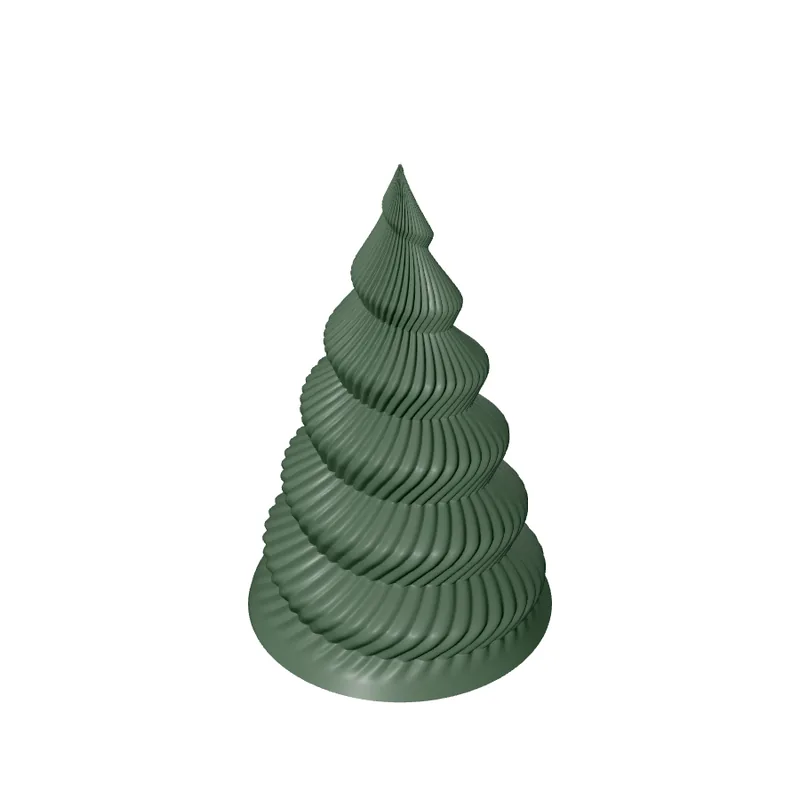
How to make a tree
Pick the style
Spiral for a tabletop cone with swirled ridges, ribbed for bell tiers like a paper lantern.
Set the size
The height, and the width as a share of it. A hanging ornament is about 80 mm; a table tree 120 to 180 mm.
Shape the texture
The number of tiers, the ribs (up to 72) and how deep they are; on a spiral, how far the ridges swirl.
Choose the top and the inside
A point or a loop; hollow, solid or vase mode.
Add a name or a year
Type it: it sits across the middle of the front, or along the ledge of a spiral, in its own colour.
Export and print
Download the 3MF and print it standing, bottom on the bed.
What you can change
- Style
- Spiral: 3 to 10 tiers winding up as one ledge, ridges swirling 0 to 1.2 turns. Ribbed: 2 to 6 bell tiers.
- Size
- 40 to 240 mm tall, the loop not counted; the widest tier 45 to 90 % of the height.
- Ribs
- 0 to 72 round the tree, 0.4 to 2.5 mm deep. Ribs too fine for a narrow tree are lowered with a note.
- Inside
- Hollow with a 1.2 to 4 mm wall, open at the bottom; solid; or vase mode.
- Text
- Letters up to 5 to 30 mm tall in 11 fonts, inlaid 0.8 mm deep; a long word is set smaller to fit.
- Colours
- The tree and the text, each its own object in the 3MF.
Printing tips
Tip.The tree prints standing on its flat bottom. Tier undersides flare out no flatter than 45 degrees and the loop has a pointed arch inside, so no supports are needed anywhere.
A hollow tree is open at the bottom: it is light enough to hang, and a standing one can go over a battery LED tealight. For the fastest print with one colour, choose vase mode and turn on Spiral vase in the slicer - one continuous wall, no seam.
The text is set into the surface and filled by its own object, level with the tree, so the colour change happens in the same layers and nothing hangs. The 3MF keeps each colour as its own object, so a printer with automatic filament changes (such as a Bambu Lab AMS) prints it in one go. With one colour, print every object in the same filament.
Where it is used
- On the tree: ribbed trees with a loop, in a set of colours.
- On a shelf or a table: a pair of swirled trees, a tall one and a small one.
- As a gift or a keepsake: a name or the year across the front.
- For shops and markets: the same tree in five colours, one template each.
Questions
Does it need supports?
No. Every surface that reaches outwards leans no flatter than 45 degrees, and the loop is printed upright with a pointed arch inside.
How much plastic does it use?
It is hollow by default, open at the bottom, with a 1.2 to 4 mm wall - far less than a solid tree. The studio shows the filament estimate before you download.
Can I put a name or a year on it?
Yes. Type it and it sits across the middle of the front, flush, in its own colour; on a spiral it can also run along the ledge.
Can I print it in vase mode?
Yes. Choose vase mode and turn on Spiral vase in the slicer. Vase mode prints one wall, so it leaves off the loop and the text.
What file do I get?
A 3MF, which keeps each colour as its own object for a multi-colour printer, or an STL. Every file is checked before it downloads: closed (watertight) geometry, a single shell and walls thick enough to print.
Is it free?
The free plan gives 3 designs a month on each generator. Selling the printed pieces needs the Seller or Studio plan, which include the commercial licence.
Licence
On the Free and Maker plans you may print your designs for yourself and as gifts, not for sale. Selling the printed pieces needs the Seller or Studio plan, which include the commercial licence and a licence certificate for each design. Pieces made during the free beta, before paid plans launched, may still be sold on the terms of that time. The exported files themselves can never be resold or redistributed, on any plan.
This is a summary. Read Can I sell rings I 3D print with Morcano? and the Terms, which are the authoritative text.