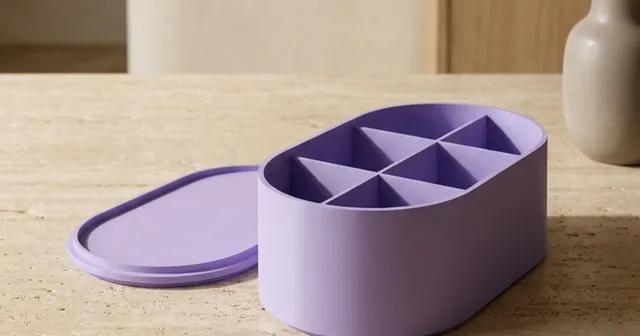
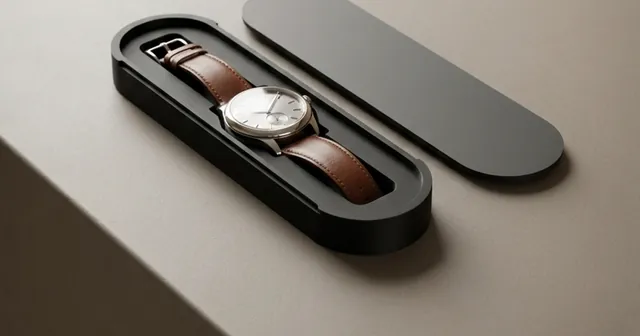
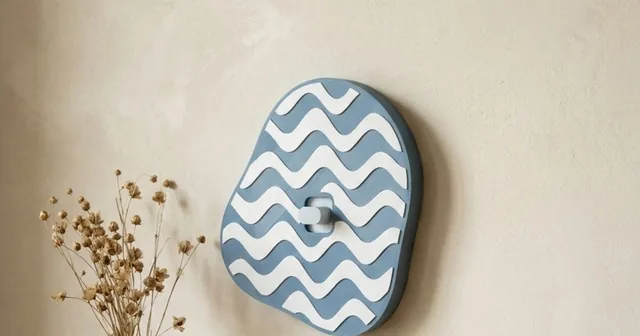
A box generator for 3D printing: your sizes in, a box with a lid out.
Five box generators: which one fits your box, and how it works.
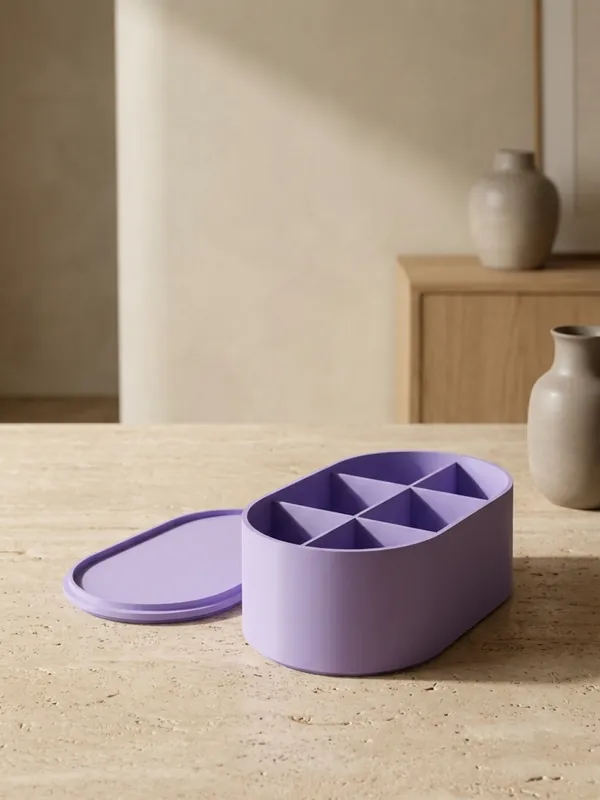
A box generator builds a 3D printable box from your measurements instead of a fixed file: you type the length, width and height, pick the lid and the compartments, and download a print-ready STL or 3MF. Morcano Studio has five of them, each for a different kind of box. This page shows which one to open for your box, and what each can and cannot do.
Boxes made with the generators
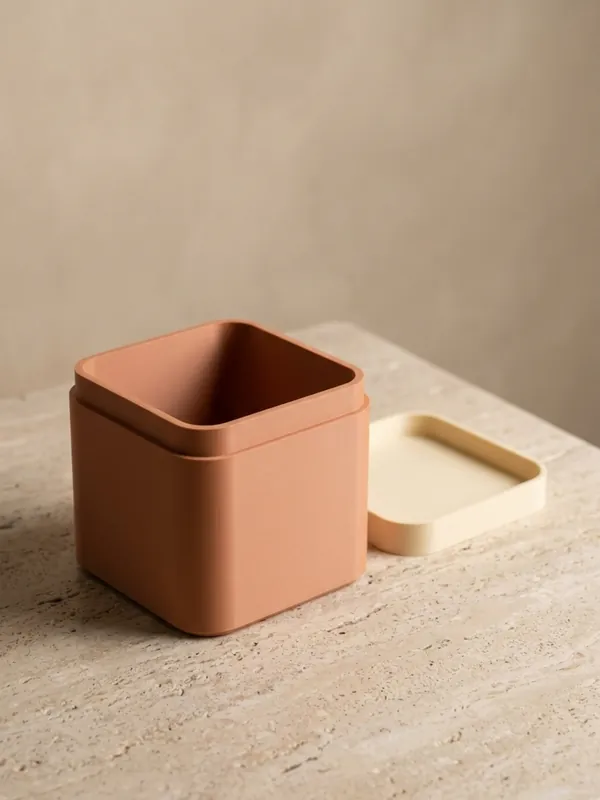
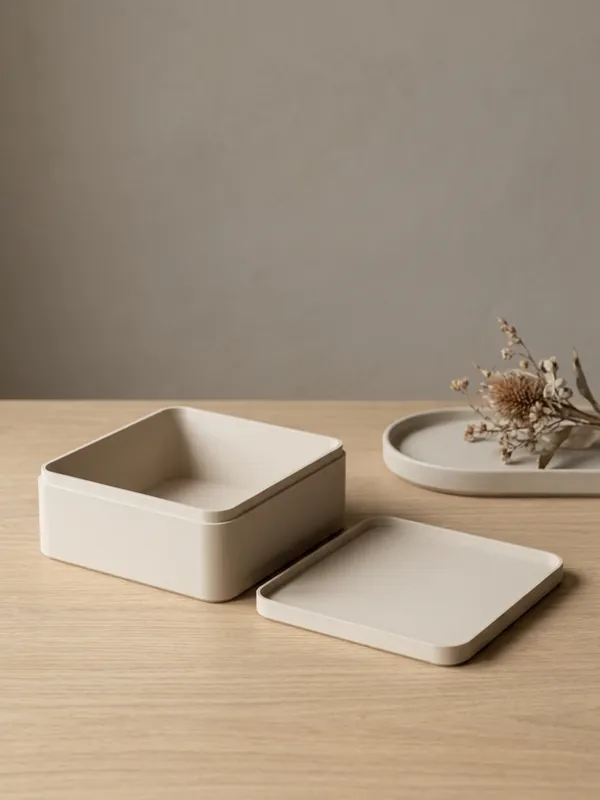
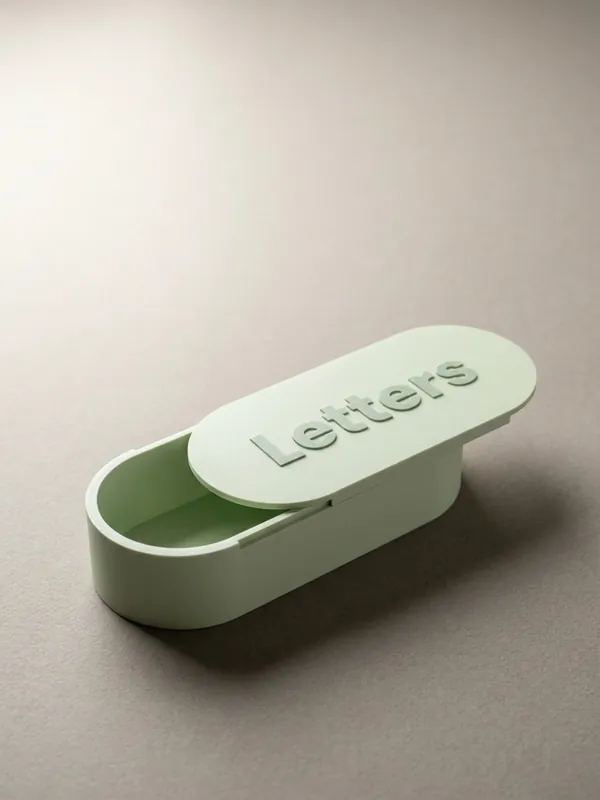
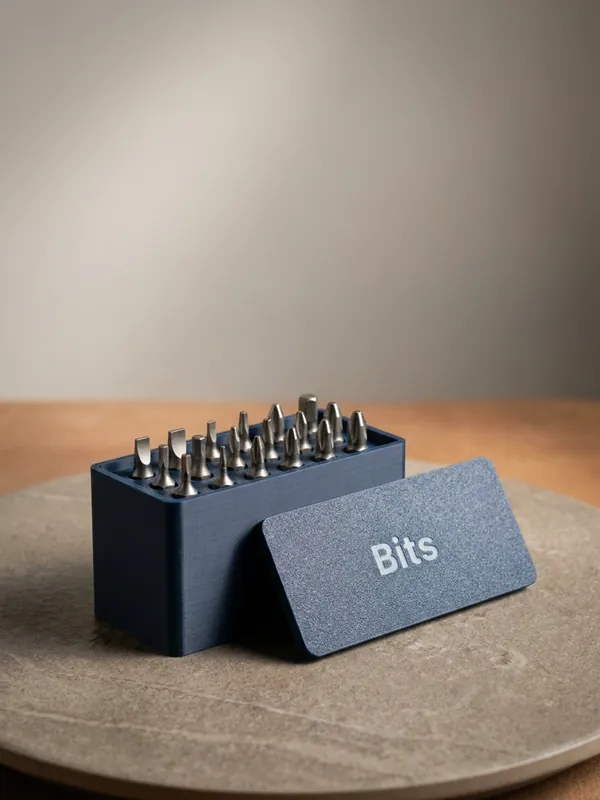
Which box generator to open
| Your box | Generator | Size and lid |
|---|---|---|
| A small box to carry: mints, earrings, small parts | Pocket Boxes | Length 30 to 160 mm; a lid that swivels on a pin or slides off; up to 4 sections |
| Storage with compartments: beads, screws, tea | Storage Containers | 60 to 240 x 40 to 220 mm, up to 150 mm tall; up to 6 x 4 compartments; press-on, sliding or sleeve lid; a label on the front |
| A round or shaped jar | Jars with Lids | 30 to 140 mm across, up to 120 mm tall; round, hexagonal, square, cushion or scalloped |
| A gift or keepsake box with a word on the lid | Keepsake Boxes | Up to 220 x 220 mm; square, stadium, round, heart or scalloped; hat-box or press-on lid; compartments |
| A case that holds one product in place | Fitted Cases | A pocket cut to the product's outline from a photo or its sizes; up to 8 x 6 pockets; numbered batches |
How a box generator works
Type the sizes
Length, width and height in millimetres, or the size of what goes inside.
Pick the lid and its fit
Snug, normal or loose: the gap between the lid and the box, so it closes on your printer.
Divide it
Compartments in rows and columns, or pockets cut to a product.
Mark it
A name, a word or your logo on the lid; on storage containers, a label on the front.
Download
STL for any slicer, or 3MF with each colour as its own object. The studio checks the file first: closed geometry, one shell, walls thick enough to print.
A box generator or a box STL?
A free box STL from a model library comes in one size. Scale it and the walls and the gap between the lid and the box scale too, so the lid stops fitting. A generator rebuilds the box for each size and keeps the walls and the lid gap right. See How to customise a 3D model for printing.
- No hinges. The lids here swivel on a pin, slide, press on or go down over the box; there is no hinged lid.
- For 3D printing only. These generators make solid boxes for a printer, not flat panels for a laser cutter.
Questions
Is there a free box generator for 3D printing?
Yes. Morcano Studio runs in the browser, and its free plan gives 3 designs a month on each generator, including the five box generators. Selling the printed boxes needs the Seller or Studio plan.
Can I make a box with a lid that fits?
Yes. Every generator here makes the lid with the box, and lets you choose a snug, normal or loose fit for your printer.
Can I get the box as an STL?
Yes, STL or 3MF. The 3MF keeps the box, the lid and the mark as separate objects for a multi-colour printer.
Can I put my name or logo on the box?
Yes, on the lid, inlaid in a second colour or pressed in; storage containers also take a label on the front. You must hold the rights to a logo.
Can it make a box with compartments?
Yes. Storage containers and keepsake boxes take up to 6 x 4 compartments, pocket boxes up to 4 sections, and fitted cases up to 8 x 6 pockets cut to a product.