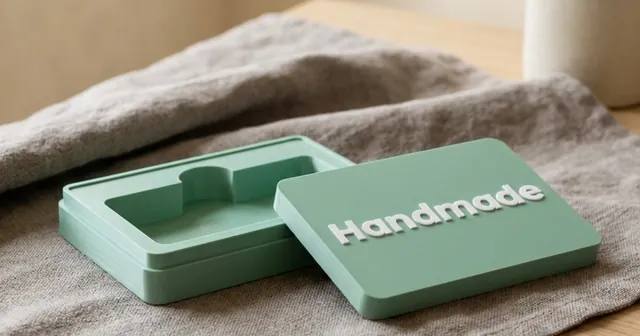
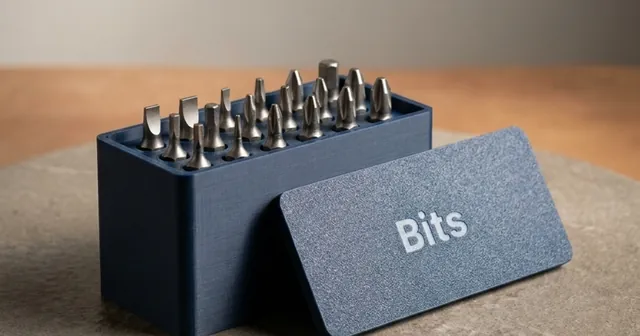
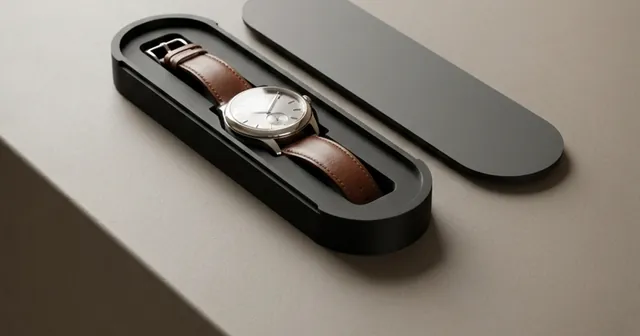
Make a case cut to your product's shape, to 3D print.
A pocket in your product's outline, from a photo or its sizes.
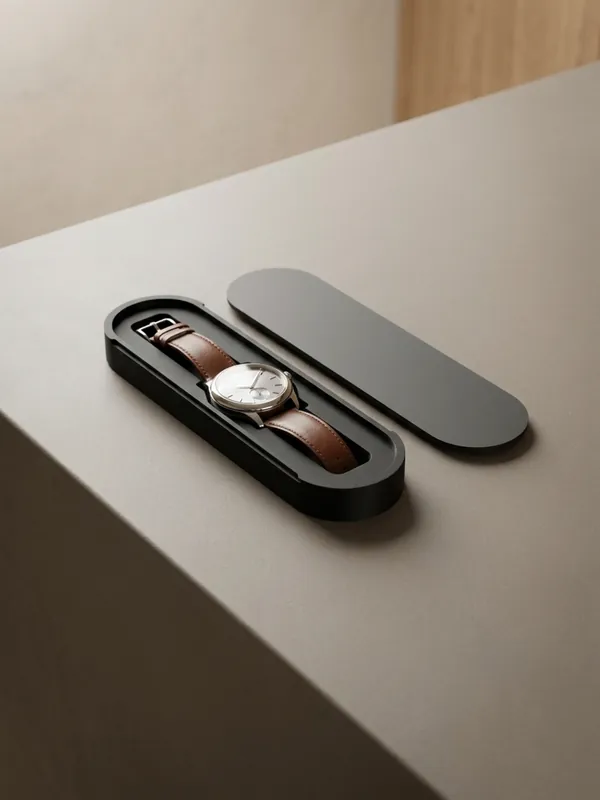
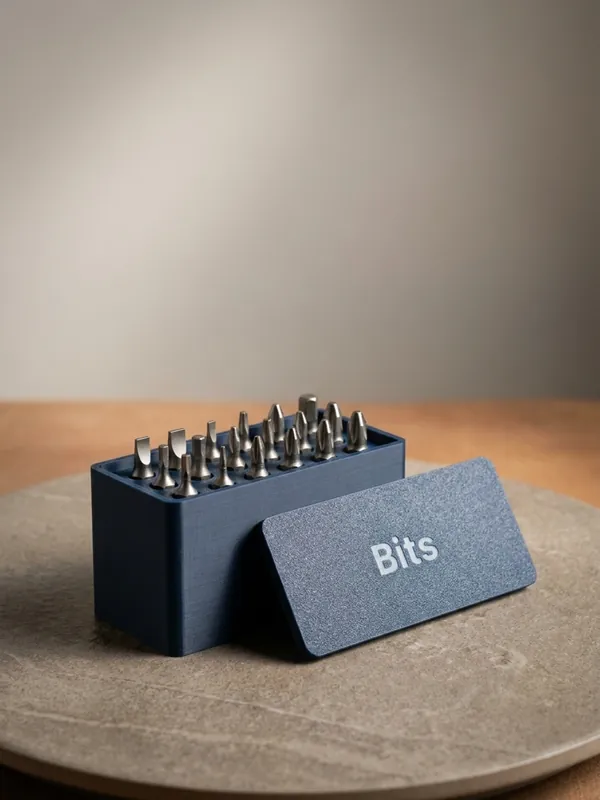
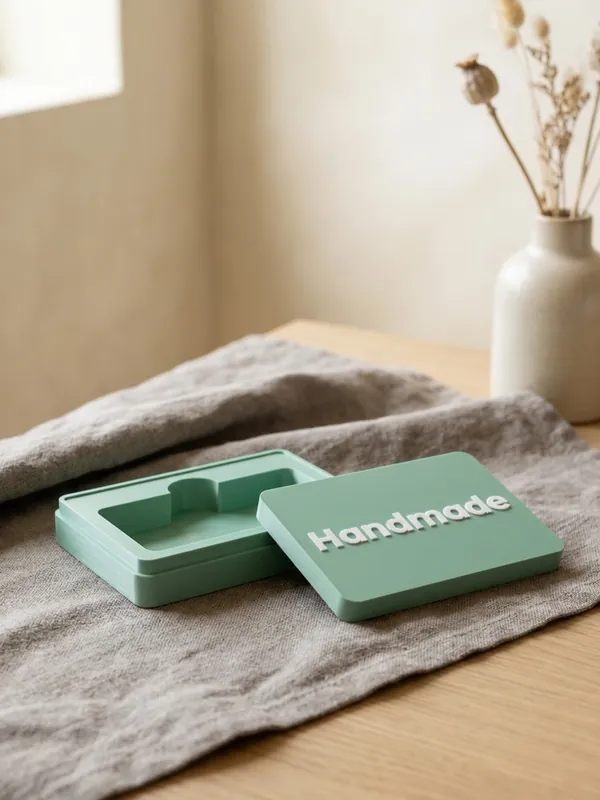
The Fitted Cases generator makes a box and a lid with a pocket cut to the outline of your product: a watch, a knife, a pen, a tool, a set of bits. Photograph the product on a white A4 sheet and the studio reads its true size, or type its length, width and thickness. You get a finger notch to lift it out, up to 8 x 6 pockets in one case, your name or logo on the lid, and a number or code on any side. One case, or a numbered batch.
Examples
How to make a fitted case
Give it the shape
Upload a photo of the product on a white A4 sheet, an SVG outline, or pick a rectangle, a round, an oval or a bottle lying on its side and type its size.
Set the thickness
How tall the product lies, 2 to 80 mm: that is the pocket's depth.
Fit the pocket
Clearance round the product (0.6 mm lifts it out easily, less holds it snug) and a finger notch at the edge.
Choose how many
1 to 8 pockets along and 1 to 6 across, 2 to 30 mm apart. Add a second and a third product, each with its own size and count. The case grows until they fit.
Close it
A rounded-rectangle or stadium case; a lid that goes down over the box, presses into the mouth or slides off along rails.
Mark it
Your name or logo on the lid, and a number, code or letters on the front, back, a side, the lid, inside or the bottom.
Taking the photo
Lay the product on a white A4 sheet on a darker table and photograph it from straight above, with all four corners of the sheet in view. The sheet is a known 210 x 297 mm, so the studio removes the perspective and reads the product's true size.
Tip.Without a sheet in the photo, the studio still reads the outline, but not the size: it scales the outline to the Length you type, and says so.
Start from a template if your product is one of these: a watch box (a round face), a knife case (a long pocket with a sliding lid), a bit set (twelve upright pockets) or a ring tray (six small pockets).
What you can change
- Product
- Length 3 to 500 mm, width 5 to 500 mm, thickness 2 to 80 mm; a rectangle's corners rounded 0 to 40 mm.
- Case
- Room to the wall 2 to 40 mm, wall 1.5 to 4 mm, bottom 1.2 to 4 mm, 1.2 to 20 mm solid under the pocket.
- Lid
- Sleeve, cap or slide; fit snug, normal or loose; 1.6 to 4 mm thick.
- Steps
- 0 to 6 steps going down to the pockets, 1.5 to 10 mm wide and 0.4 to 3 mm high, straight or wavy.
- Lid mark
- A word in a choice of fonts or your logo (SVG, PNG or JPG), inlaid flush in a second colour or pressed in.
- Label
- A number, a code, letters or a name, pressed in on the front, back, left, right, the lid, inside next to the pocket, or the bottom.
Printing tips
Tip.Print one case and try the product in it before a batch. If it sits too loose or too tight, change the clearance by 0.1 to 0.2 mm; if the lid does, switch its fit.
The 3MF keeps the box, the lid and the mark as separate objects, so a printer with automatic filament changes (such as a Bambu Lab AMS) prints the mark in a second colour. With one colour, print every object in the same filament.
A case bigger than your printer is still built, with a note that it will not fit the bed: make the room to the wall smaller, or fewer pockets.
Questions
How exact is the size from a photo?
The A4 sheet gives the scale, and the pocket adds the clearance you set, 0.6 mm a side by default. Print one case and adjust the clearance if needed.
Can one case hold different products?
Yes, up to three: the product and two more, each with its own shape, size, count and pocket depth, side by side. A bottle and five vials lying in troughs is one of the templates.
Can each case in a batch have its own number?
Yes. The lid keeps your name or logo, and each case takes its own label; "Fill in order" in the batch list makes No. 001, 002 and so on.
Can I put my logo on the lid?
Yes, as an SVG, PNG or JPG, inlaid in a second colour or pressed in. You must hold the rights to the logo.
What file do I get?
A 3MF, which keeps the box, the lid and the lid's mark as separate objects for a multi-colour printer, or an STL. Every file is checked before it downloads: closed (watertight) geometry, a single shell and walls thick enough to print.
Is it free?
The free plan gives 3 designs a month on each generator. Selling the printed pieces needs the Seller or Studio plan, which include the commercial licence.
Licence
On the Free and Maker plans you may print your designs for yourself and as gifts, not for sale. Selling the printed pieces needs the Seller or Studio plan, which include the commercial licence and a licence certificate for each design. Pieces made during the free beta, before paid plans launched, may still be sold on the terms of that time. The exported files themselves can never be resold or redistributed, on any plan.
This is a summary. Read Can I sell rings I 3D print with Morcano? and the Terms, which are the authoritative text.