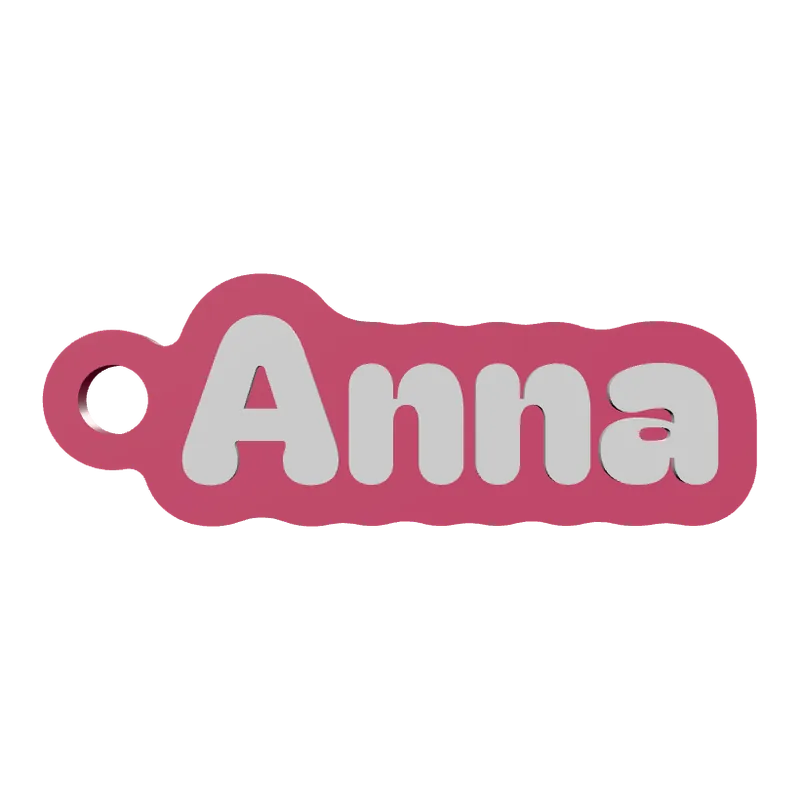
Make a name in bubble letters to 3D print.
Any name, puffy letters, flat back, up to 4 colours.
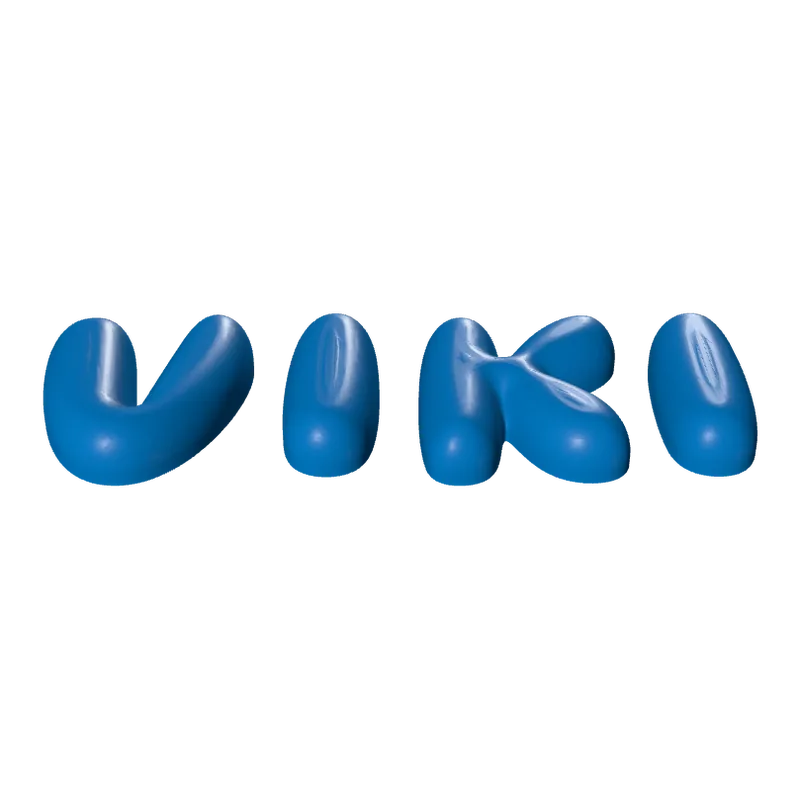
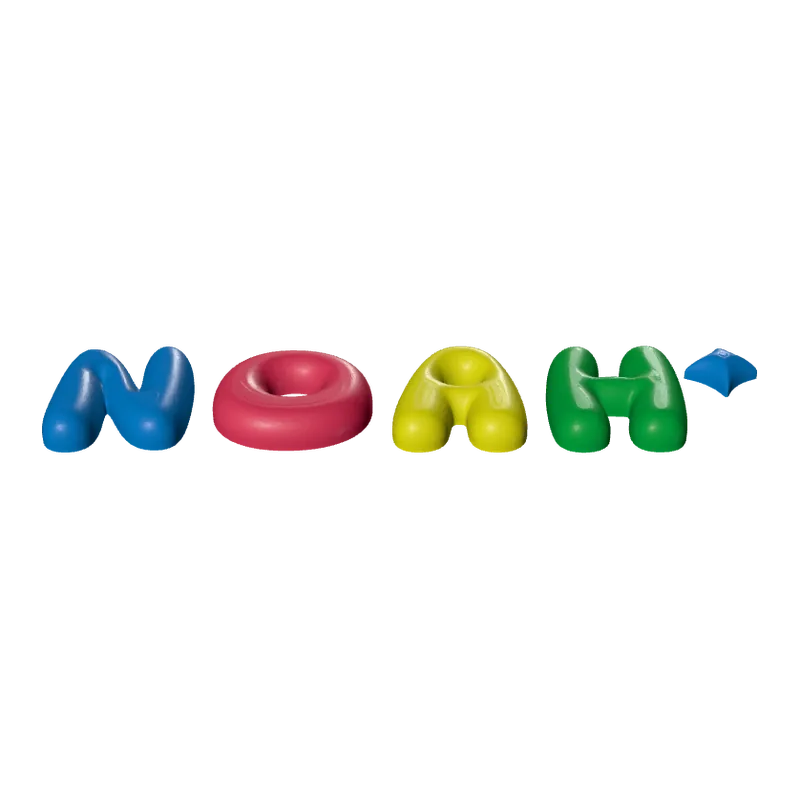
The Bubble Letters generator turns a word into puffy, balloon-like letters with a flat back, so they stand on a shelf or lie flat on a wall or the fridge. The letters can be separate pieces or joined into one, and each can take its own colour.
How to make a bubble letter name
Type the word
Letter height 25 to 220 mm, spacing from overlapping to 30 mm apart.
Apart or joined
Separate letters, or one joined piece.
Set the puff
Thickness 6 to 40 mm, how much is rounded and how round.
Add extras
A sparkle, and magnet pockets sized to your magnets.
Choose colours and export
One, two or four colours, then 3MF or STL.
Good to know
The flat back sits on the build plate, and the round face is built up from it.
Tip.Small magnets are a swallowing hazard for children. Glue them in firmly, and keep fridge letters with magnets out of the reach of small children.
Questions
How big can the letters be?
25 to 220 mm tall. Large letters print one per plate.
Can I put magnets in?
Yes. Turn on magnet pockets and set the magnet's diameter (4 to 25 mm) and thickness (1 to 6 mm).
Can each letter be a different colour?
Yes, with two or four colours across the letters.
What file do I get?
A 3MF, which keeps each colour as its own object for a multi-colour printer, or an STL. Every file is checked before it downloads: closed (watertight) geometry, a single shell and walls thick enough to print.
Is it free?
The free plan gives 3 designs a month on each generator. Selling the printed pieces needs the Seller or Studio plan, which include the commercial licence.
Licence
On the Free and Maker plans you may print your designs for yourself and as gifts, not for sale. Selling the printed pieces needs the Seller or Studio plan, which include the commercial licence and a licence certificate for each design. Pieces made during the free beta, before paid plans launched, may still be sold on the terms of that time. The exported files themselves can never be resold or redistributed, on any plan.
This is a summary. Read Can I sell rings I 3D print with Morcano? and the Terms, which are the authoritative text.