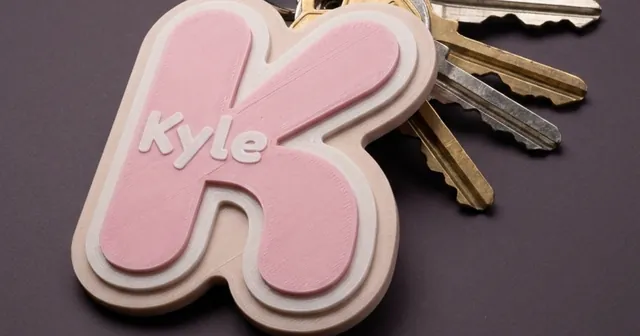
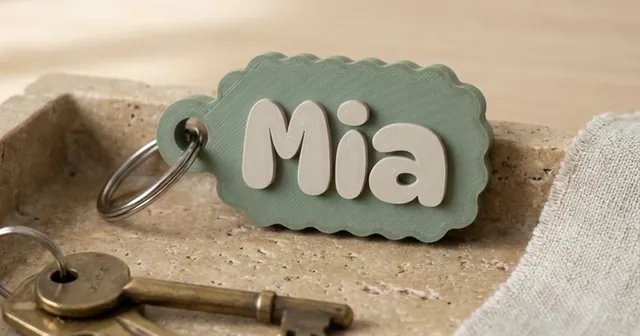
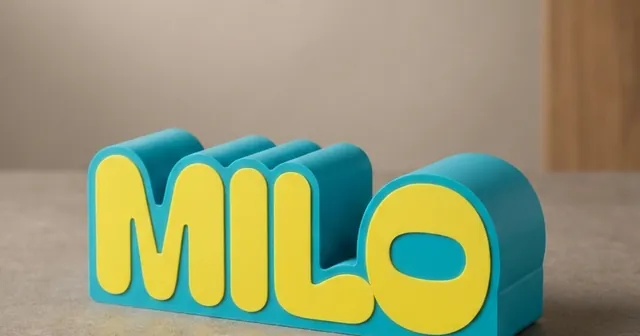
Make an initial keychain with a name, to 3D print.
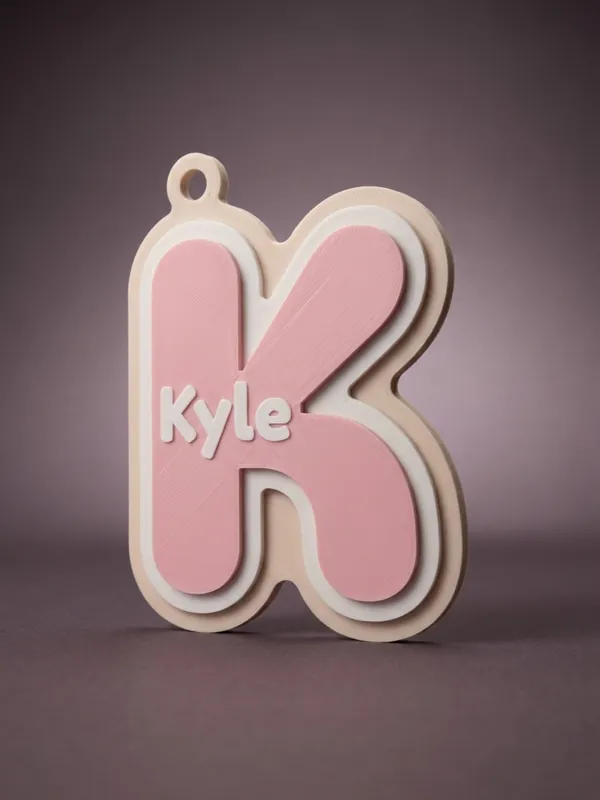
A big letter, the name on it, up to 3 coloured layers.
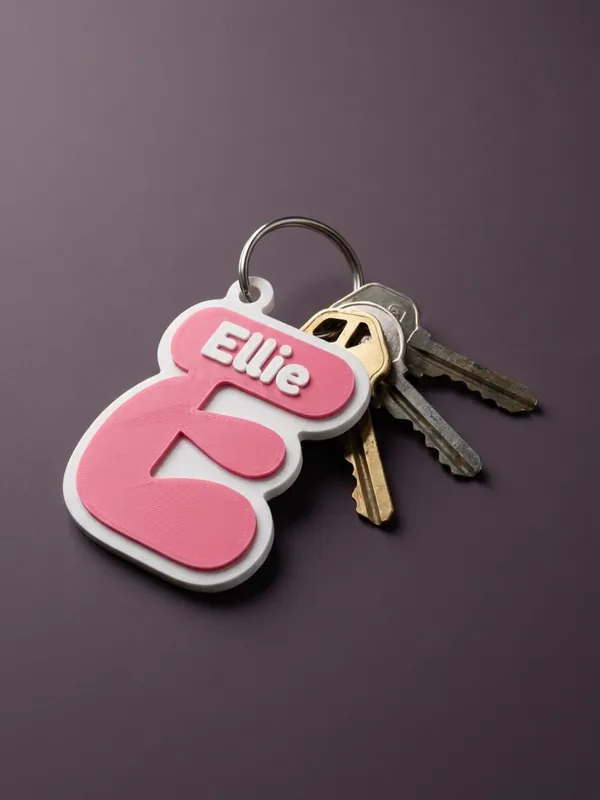
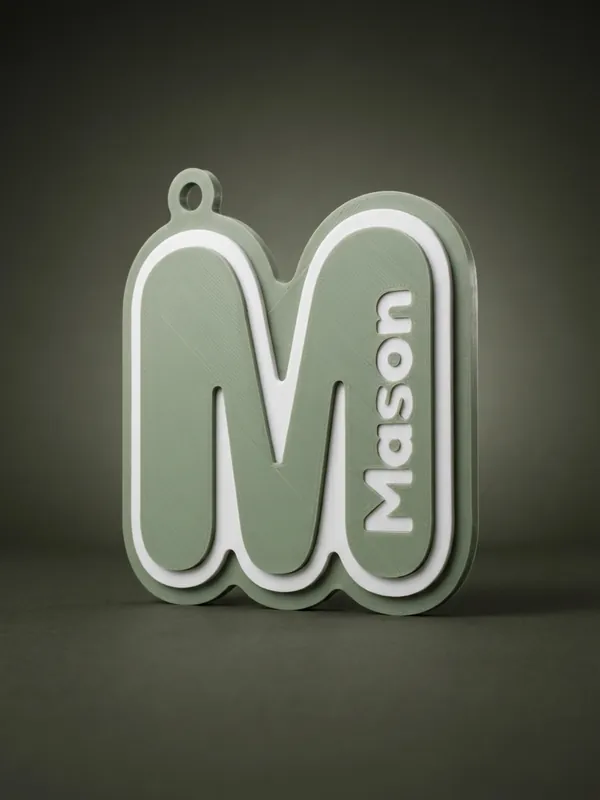
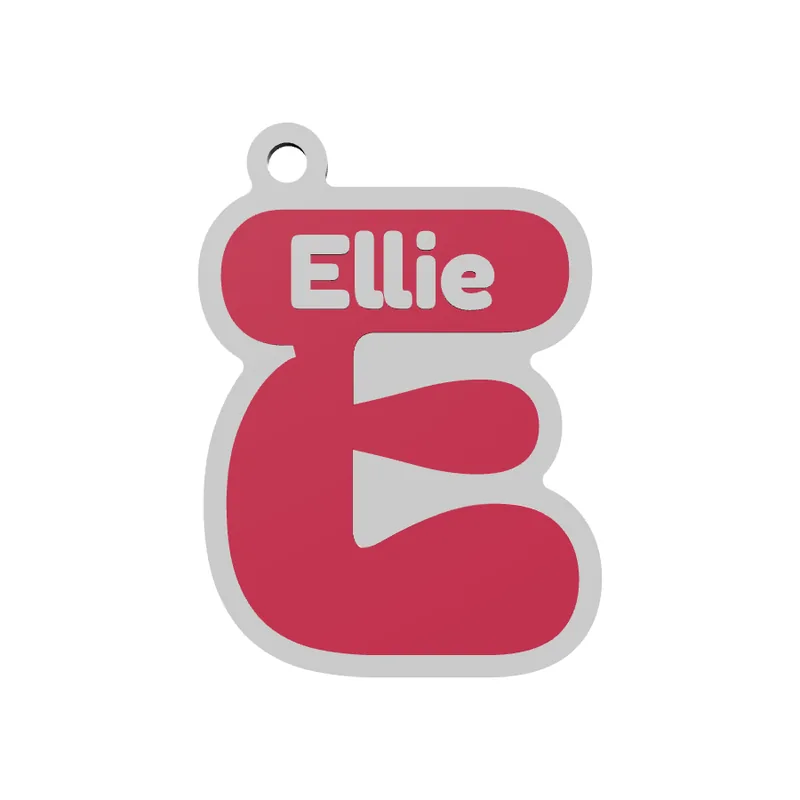
The Letter Keychains generator makes the popular initial keychain: a big letter with the name set on it, stacked in up to three layers of colour, each one a little wider than the one above. You type the name; the first letter becomes the keychain, and the name finds the widest part of the letter by itself - across the top bar of an E, along the stroke of an M or an I. Paste a list of names and every keychain gets its own initial.
Examples
How to make a letter keychain
Type the name
The keychain takes its first letter. To use another letter - a surname, a nickname - type it in the letter box.
Pick the fonts
One for the big letter and one for the name, from 11: rounded Bagel and Fredoka, clean Poppins, scripts like Pacifico.
Choose the layers
One layer for a plain letter, two for a letter on a coloured outline, three for the stacked sticker look.
Set the name style
Raised letters stand up from the letter; flush letters are inlaid level with it; pressed-in letters sit below the face.
Place the hole
Top left, top or top right. The ear grows from the bottom layer, so the ring never pulls on the top colours.
Export and print
Download the 3MF and print it flat, letter up.
Where the name goes
The studio looks for the biggest box the name fits in, inside the letter and a small margin from its edge. On a wide letter like E or K the name runs across; on a tall, narrow one like I, L or M it turns and runs along the stroke, from the bottom up. You can also set across or along yourself.
A long name first gets smaller, down to the smallest size that still prints cleanly. If it still does not fit, the letter grows - up to 90 mm - and the studio says by how much. Only a name that does not fit even then is refused, with a hint: shorten it, or set it along the stroke.
What you can change
- Letter
- 30 to 90 mm tall, 11 fonts; any letter or digit, or the name's first letter.
- Name
- Up to 4 to 20 mm tall, its own font; direction auto, across or along; raised 0.4 to 2 mm, or flush, or pressed in 0.4 to 1.6 mm.
- Layers
- 1 to 3; outline 1.5 to 8 mm per layer; bottom layer 1.6 to 5 mm thick, each layer above 0.6 to 3 mm.
- Ring hole
- Top left, top or top right; 3 to 10 mm across, with a 2 to 6 mm wall round it.
- Colours
- One per layer and one for the name - up to four.
Printing tips
Tip.The keychain prints flat, bottom layer on the bed. Each layer is smaller than the one under it, so nothing hangs in the air and no supports are needed.
Every layer starts at its own height, so a printer with automatic filament changes swaps colour a few times per piece. On a single-colour printer, pause at each layer height and change the filament by hand.
The 3MF keeps each colour as its own object, so a printer with automatic filament changes (such as a Bambu Lab AMS) prints it in one go. With one colour, print every object in the same filament.
Where it is used
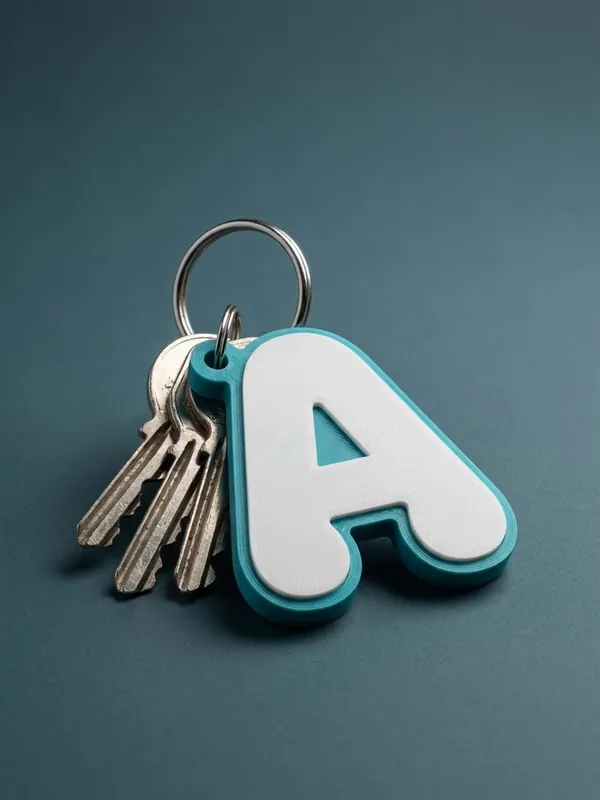
- Keys and bags: a name on the house keys or a school bag.
- Gifts and party favours: one per guest, each with their own initial.
- Teams, classes and staff: a batch of names in the same colours.
- Luggage and lockers: a single-layer letter with the name pressed in.
Questions
Do I have to type the letter?
No. Leave it empty and the keychain takes the name's first letter. Type a letter only when it should be different from the name.
What happens with a long name?
It gets smaller first, then the letter grows up to 90 mm, with a note saying so. A name that does not fit even then is refused, with a hint to shorten it or set it along the stroke.
Can I make one for every guest at once?
Yes. Paste a list of names; each keychain gets its own initial, and the whole list comes out as one print file.
Does it need supports?
No. It prints flat, letter up, and each layer is smaller than the one under it.
What file do I get?
A 3MF, which keeps each colour as its own object for a multi-colour printer, or an STL. Every file is checked before it downloads: closed (watertight) geometry, a single shell and walls thick enough to print.
Is it free?
The free plan gives 3 designs a month on each generator. Selling the printed pieces needs the Seller or Studio plan, which include the commercial licence.
Licence
On the Free and Maker plans you may print your designs for yourself and as gifts, not for sale. Selling the printed pieces needs the Seller or Studio plan, which include the commercial licence and a licence certificate for each design. Pieces made during the free beta, before paid plans launched, may still be sold on the terms of that time. The exported files themselves can never be resold or redistributed, on any plan.
This is a summary. Read Can I sell rings I 3D print with Morcano? and the Terms, which are the authoritative text.