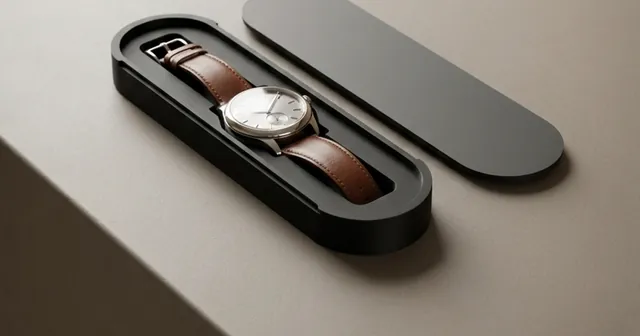
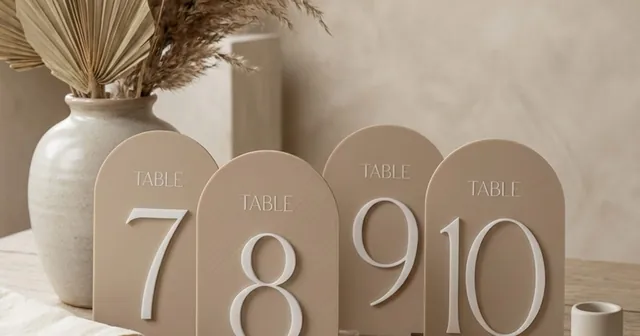
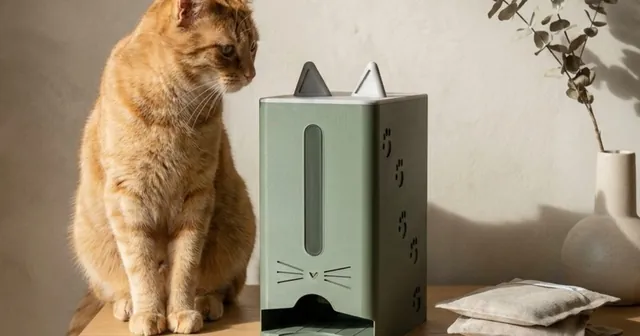
Custom packaging for your product, printed in your own workshop.
A case cut to your product, your logo on the lid, a number on each one.
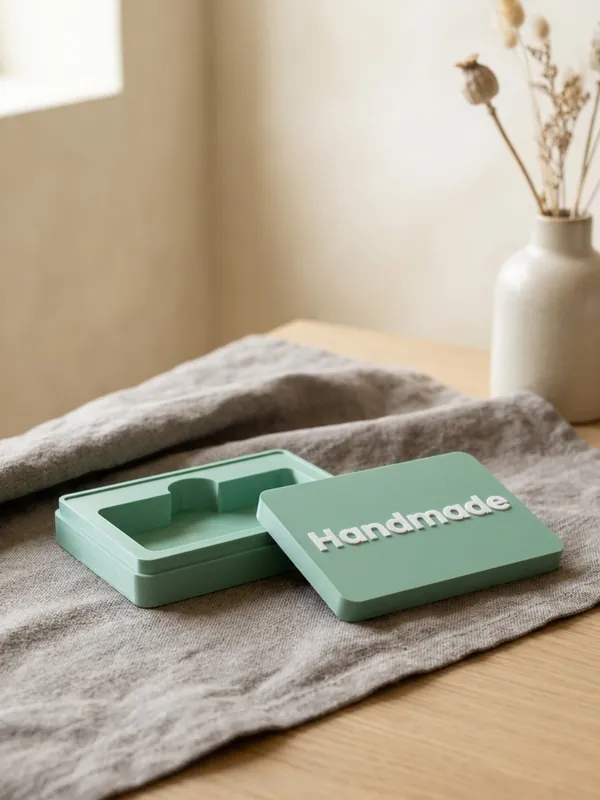
A stock box from a packaging supplier fits most products roughly, and the product moves around inside it. A printed case can have a pocket cut to the product's own outline, your logo on the lid and a number on each piece, and you print as many as you have orders. This guide covers when that makes sense, how to make the case from one photo, and how to number a limited run.
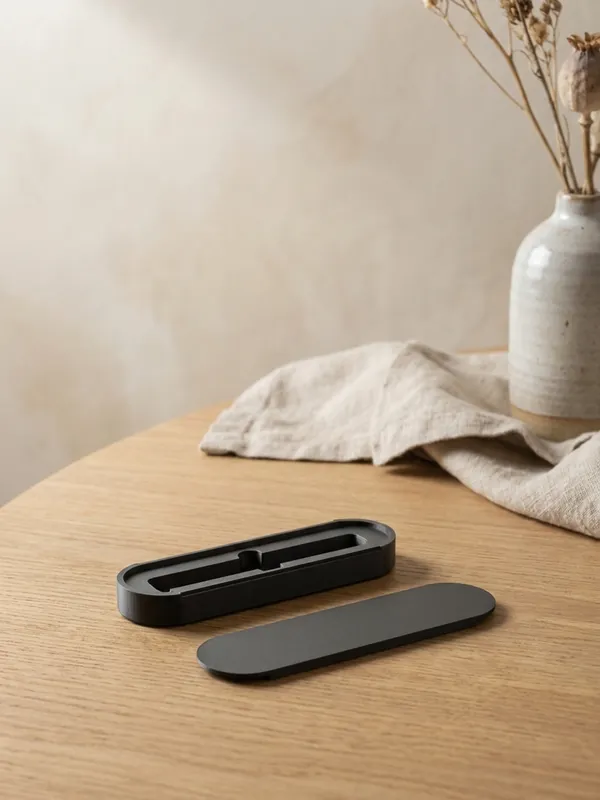
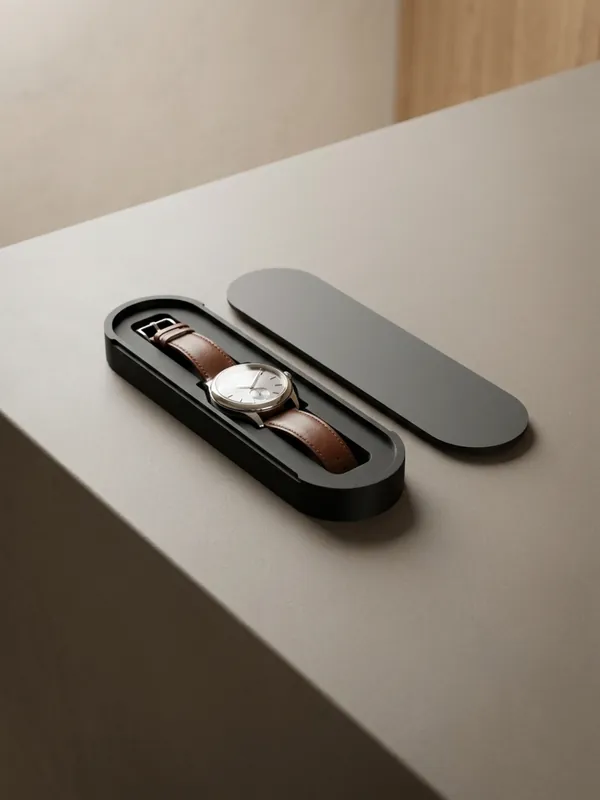
Cases made in the Fitted Cases generator
When a printed case beats a stock box
| Stock box | Printed fitted case | |
|---|---|---|
| Fit | One size for many products; filler keeps the product in place | A pocket cut to your product's outline, with a set clearance |
| Branding | A sticker or a printed sleeve on top | Your name or logo in the lid, in a second colour |
| Quantity | Usually ordered in bulk, in advance | Printed as orders come in, one or a batch |
| Numbering | A hand-written label | A number pressed into each case |
| Time per piece | Seconds to fold | Printer time for every case |
How to make the case from one photo
Photograph the product
Lay the product on a white A4 sheet on a darker table and photograph it from straight above, with all four corners of the sheet in view. The sheet is a known 210 x 297 mm, so the studio removes the perspective and reads the product's true size.
Set the thickness
How tall the product lies, 2 to 80 mm. That is how deep the pocket is cut.
Set the fit
0.6 mm a side lifts the product out easily; less holds it snug. Keep the finger notch so a customer can take it out.
Put your brand on the lid
Type the name or upload your logo (SVG, PNG or JPG). It is inlaid flush in a second colour or pressed in.
Print one and try it
Check the product in the pocket and the lid on the box, then print the run.
Number a limited edition
A number on the case turns a short run into a numbered edition, and helps you match a case to an order. Add a label, pick where it goes (front, back, a side, the lid next to the name, inside next to the pocket, or the bottom), then open the batch list.
Fill the list
"Fill in order" makes No. 001, 002 and onwards; or paste your own order numbers or stock codes.
Build the batch
Up to 200 cases in one batch. The lid keeps the same name or logo on every case.
Print
Every case is checked before it downloads, each with its own number.
More on lists of names and numbers in Personalised 3D prints in batches.
What to keep in mind
- Up to three products per case. A gift set of more than three kinds of item needs a second case.
- Size. A case bigger than the printer bed is built with a note: fewer pockets or less room to the wall bring it back.
- Selling. Printing cases for the products you sell needs the Seller or Studio plan, which include the commercial licence.
Questions
Can I print packaging with my own logo?
Yes. Upload the logo as an SVG, PNG or JPG; it goes on the lid, inlaid in a second colour or pressed in. You must hold the rights to the logo.
How do I make a box that fits my product exactly?
Photograph the product on a white A4 sheet from straight above and upload the photo to the Fitted Cases generator. The sheet gives the true size; the pocket follows the outline with a 0.6 mm clearance you can change.
Can every box have its own number?
Yes. Add a label and use "Fill in order" in the batch list: No. 001, 002 and so on, up to 200 cases in one batch.
Can I sell products packed in these cases?
Yes, on the Seller or Studio plan, which include the commercial licence. The exported files themselves cannot be resold.