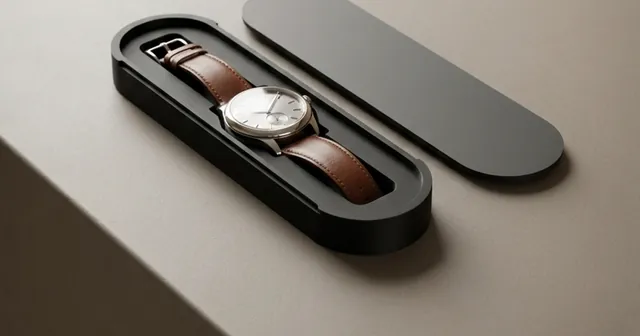
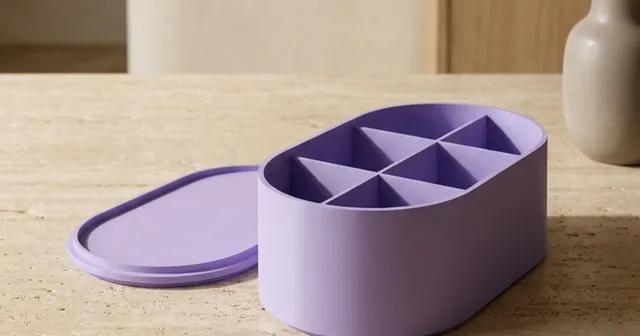
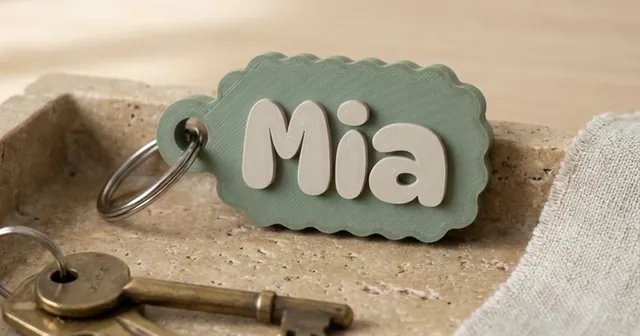
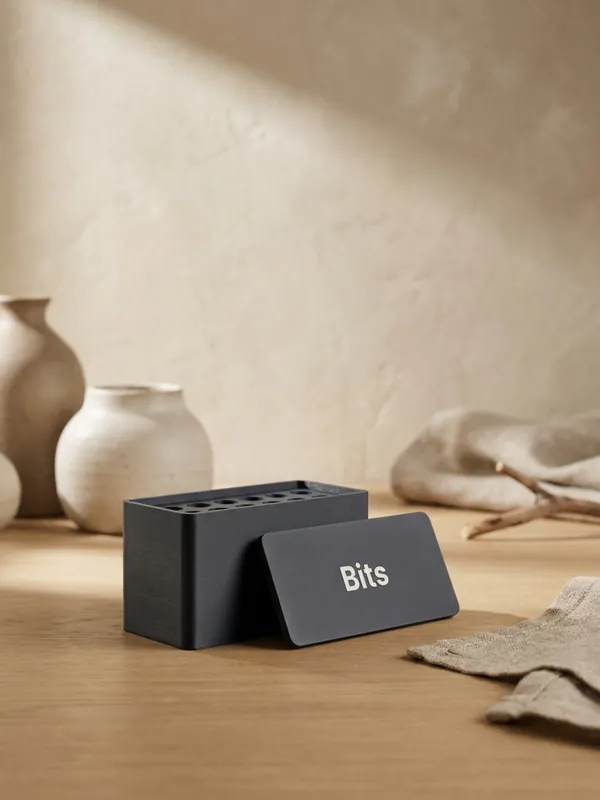
A 3D printed organizer with a pocket for every bit, knife or tool.
Rows of upright bits, a single knife, a code on the side for the shelf.
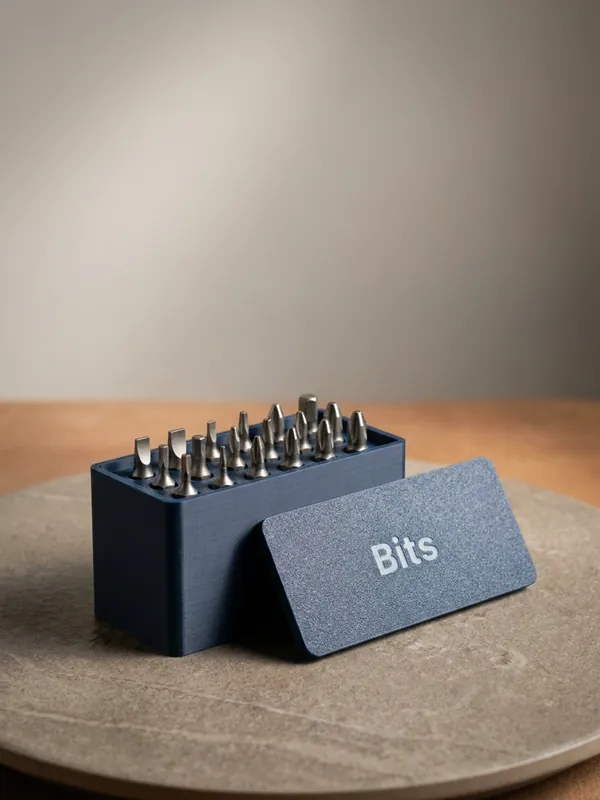
Loose bits and small tools end up in a drawer where nothing has its place. A case with a fitted pocket for each one keeps them apart, and an empty pocket shows at a glance what is missing. This guide shows two kinds of tool case: a grid of upright pockets for bits, and a single pocket cut to a tool's outline from a photo.
Bit cases made in the Fitted Cases generator
A grid for bits and drill bits
Start from the bit set
The template has twelve upright round pockets under a press-on lid.
Measure a bit
Its diameter is the Length of a round pocket, and how deep it should sit is the Thickness (up to 80 mm).
Set the grid
1 to 8 pockets along and 1 to 6 across. The case grows until they fit.
Turn the notch off
Bits standing upright do not need a finger notch; leave a little more clearance instead, so they come out easily.
Bits of two or three sizes fit one case: add them as a second and third product, each with its own diameter and count.
A fitted pocket for a knife or a tool
Photograph the tool
Lay the product on a white A4 sheet on a darker table and photograph it from straight above, with all four corners of the sheet in view. The sheet is a known 210 x 297 mm, so the studio removes the perspective and reads the product's true size.
Set the thickness
The thickest part of the tool as it lies, 2 to 80 mm.
Pick the lid
A slide lid suits a long case such as a knife case; a sleeve or a press-on lid suits a compact one.
For a plain long shape you can skip the photo: the knife case template is a 200 x 30 mm rounded pocket with a slide lid, and a rectangle with rounded corners takes any length and width.
Label it for the shelf
- On the front or a side: a code, a size or a name pressed into the wall, readable with the case on a shelf.
- On the lid: a word such as Bits, inlaid in a second colour or pressed in.
- A set of cases: make one design and a batch list of labels, for example a size per case, and print them together.
Questions
How do I make a 3D printed bit holder?
Open the Fitted Cases generator, start from the bit set template, set the bit's diameter and how deep it sits, then choose how many rows and columns of pockets.
Will the bits fall out?
They sit in pockets as deep as you set. A lid closes the case; less clearance holds each bit tighter.
Can I make a case for a knife?
Yes. Photograph the knife on a white A4 sheet, or use the knife case template, a long rounded pocket with a slide lid.
Can one case hold bits of different sizes?
Yes, up to three sizes: each is a product of its own with its own pockets, side by side.