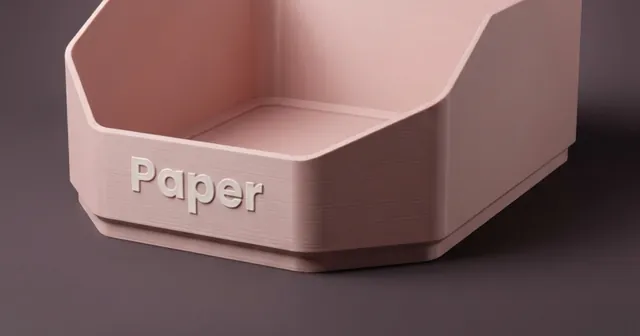
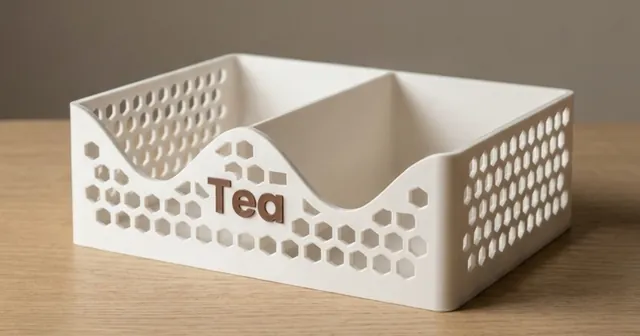
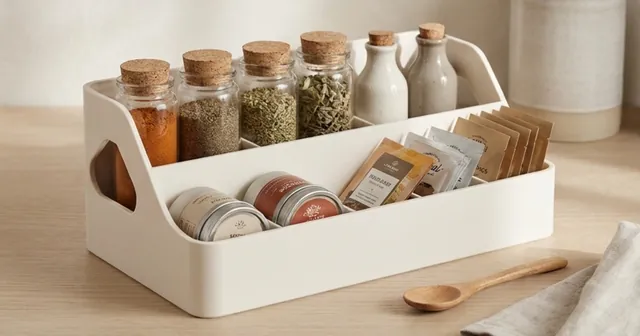
Make a tiered countertop organizer to 3D print.
Rows of compartments stepping up to the back, a second colour inside.
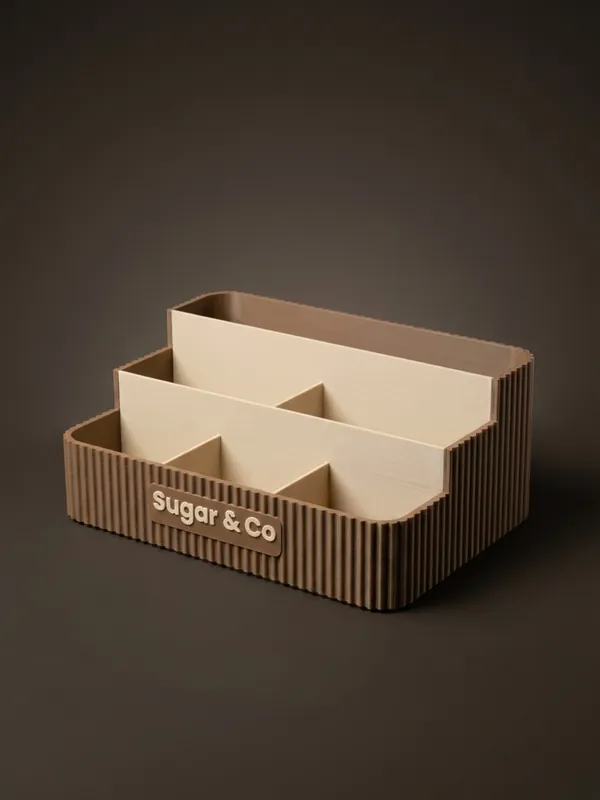
The Display Organizers generator makes a countertop organizer in rows of compartments, each row taller than the one in front, so everything in it shows: sugar, stirrers and napkins on a cafe counter, cards and pens at a shop till, brushes and lipsticks on a dressing table, remotes by the sofa. The sides step up row by row or slope in one line, the compartment walls can come in a second colour, the outside can be ribbed or waved, and it can stand on four legs.
Examples
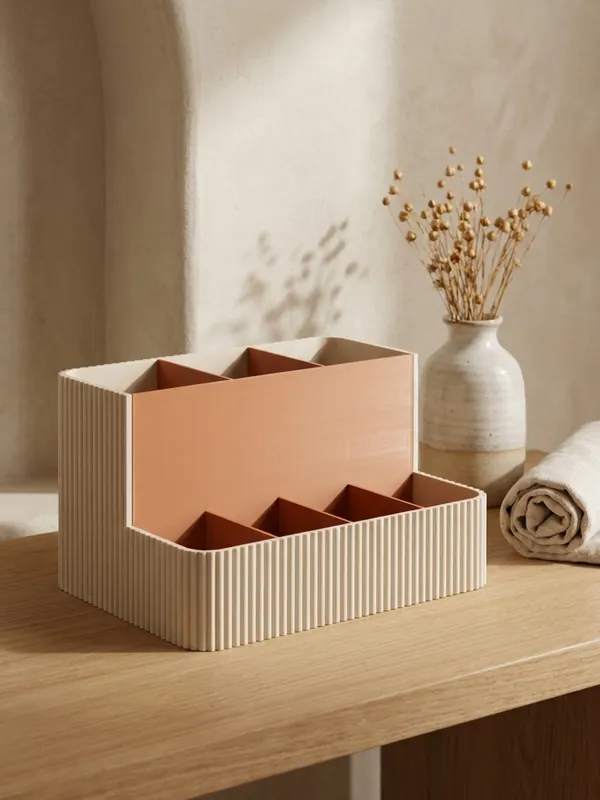
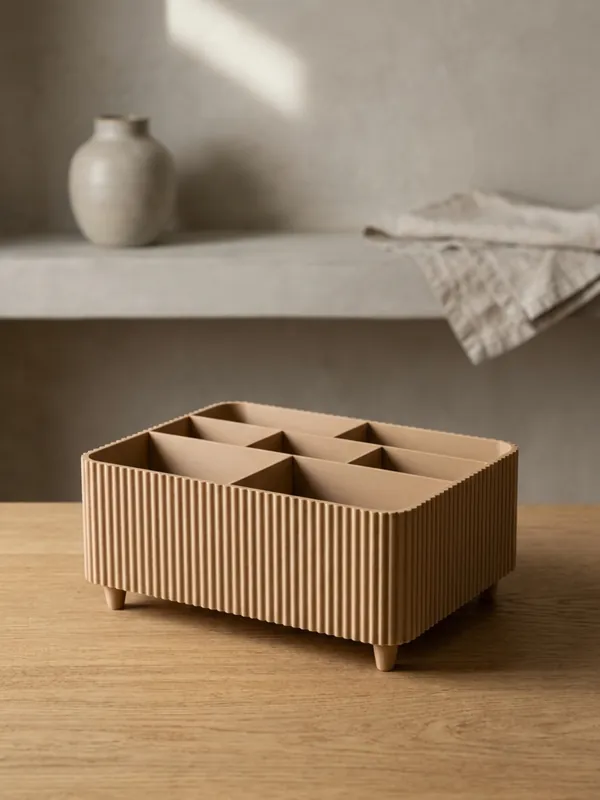
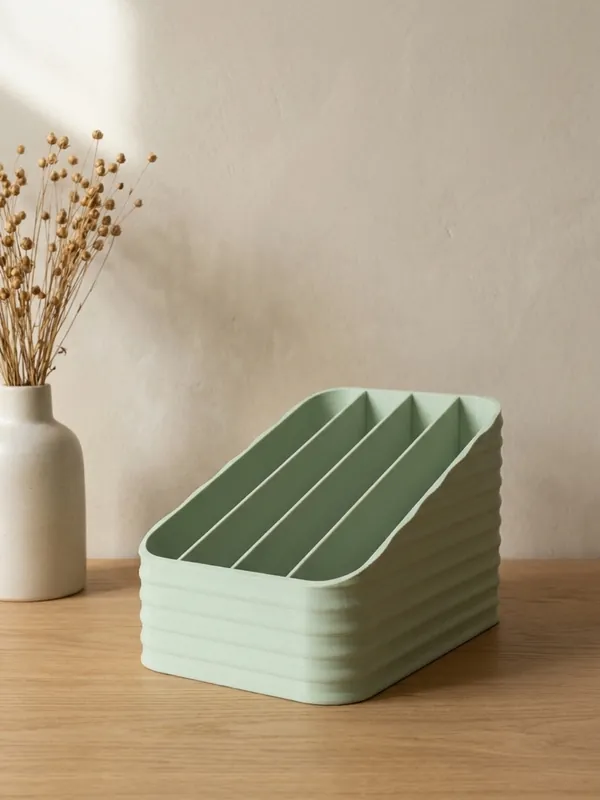
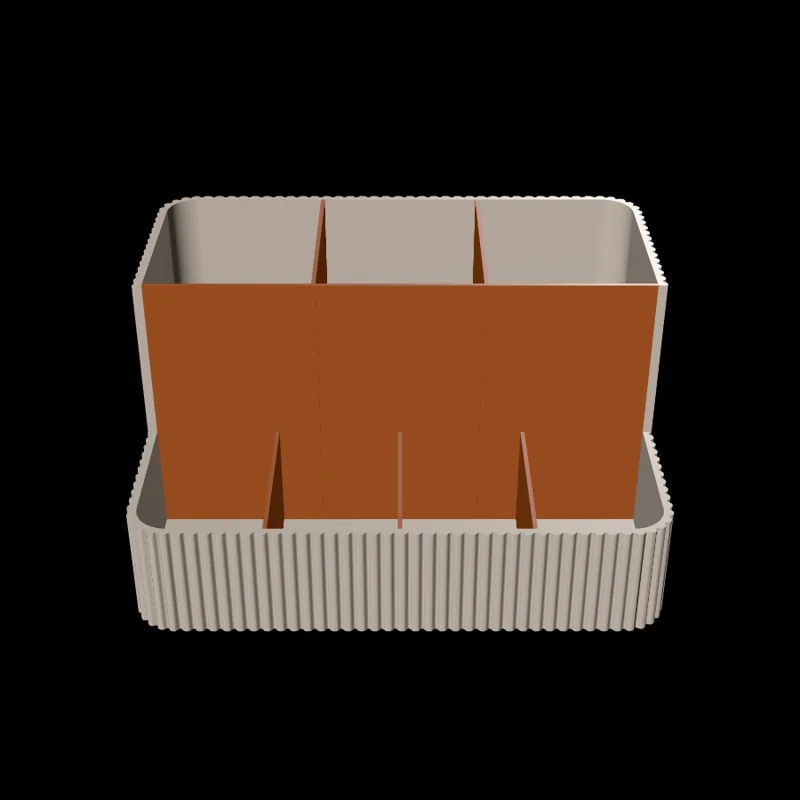
How to make a display organizer
Size it
Width, depth, the back's height and the front row's height.
Set the rows
1 to 3 rows front to back and how many compartments in each; how deep the front row is.
Shape the sides
Steps that follow the rows, one straight slope, or level all round.
Lift the back
Raise the floors of the rows behind, so short things show over the front row.
Dress it
Flutes, beads or soft horizontal waves outside; compartment walls in a second colour; legs.
Name it
A name or a logo on the front, then export and print.
What you can change
- Size
- Width 80 to 240 mm, depth 50 to 240 mm, back 30 to 200 mm, front 15 to 150 mm; corners rounded 2 to 40 mm; wall 1.6 to 4 mm.
- Rows
- 1 to 3 rows, 1 to 8 compartments each; the front row 20 to 80% of the depth; back floors raised 0 to 80% of the step.
- Colours
- The box in one colour and the compartment walls in a second, in one object; legs and the front mark in their own.
- Outside
- Plain, flutes or beads (a rib every 4 to 14 mm) or soft horizontal waves.
- Legs
- Four tapered legs 8 to 60 mm tall, printed standing and pressed into holes under the floor.
- Front
- Text 5 to 40 mm tall or a logo, inlaid flush, pressed in or raised.
Printing tips
Tip.Print it standing on its floor, open side up: every wall stands straight up and the waves roll in at under 25 degrees, so it needs no supports. The compartment walls are a second colour in the same object.
The legs print on their own, standing on their feet with the pegs up. Press each peg into its hole under the floor; a drop of glue holds one that is loose.
The 3MF keeps each colour as its own object, so a printer with automatic filament changes (such as a Bambu Lab AMS) prints it in one go. With one colour, print every object in the same filament.
Where it is used
- Sugar, sweeteners, stirrers and napkins on a cafe counter.
- Cards, pens and small goods at a shop till.
- Brushes, pencils and lipsticks on a dressing table.
- Remotes, notes and keys on a desk or by the sofa.
Questions
Can each row have a different number of compartments?
Yes, 1 to 8 in each of up to 3 rows. Compartments narrower than 12 mm are merged, with a note.
Can the inside be a different colour?
Yes. The walls between the compartments are their own part in the same object, so a multi-colour printer prints them in a second colour in one go.
Does it need supports?
No. It prints standing on its floor; the legs print apart.
Can I put the cafe's name on it?
Yes, as text or a logo on the front, inlaid in a second colour, pressed in or raised. You must hold the rights to a logo.
What file do I get?
A 3MF, which keeps each colour as its own object for a multi-colour printer, or an STL. Every file is checked before it downloads: closed (watertight) geometry, a single shell and walls thick enough to print.
Is it free?
The free plan gives 3 designs a month on each generator. Selling the printed pieces needs the Seller or Studio plan, which include the commercial licence.
Licence
On the Free and Maker plans you may print your designs for yourself and as gifts, not for sale. Selling the printed pieces needs the Seller or Studio plan, which include the commercial licence and a licence certificate for each design. Pieces made during the free beta, before paid plans launched, may still be sold on the terms of that time. The exported files themselves can never be resold or redistributed, on any plan.
This is a summary. Read Can I sell rings I 3D print with Morcano? and the Terms, which are the authoritative text.