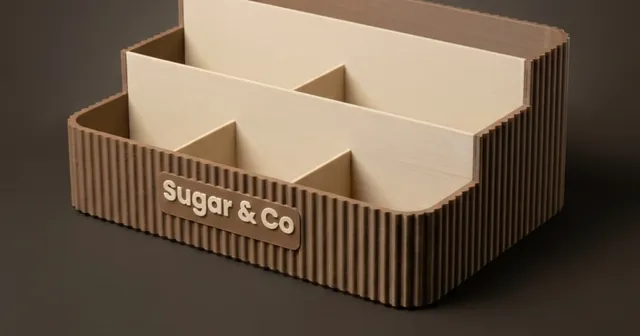
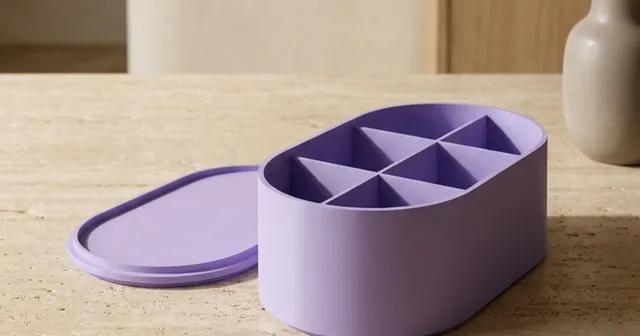
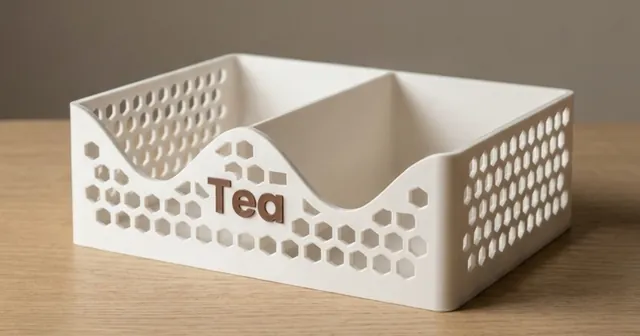
Make stacking storage bins to 3D print.
A low front, a name on the front and sides, they stack into a tower.
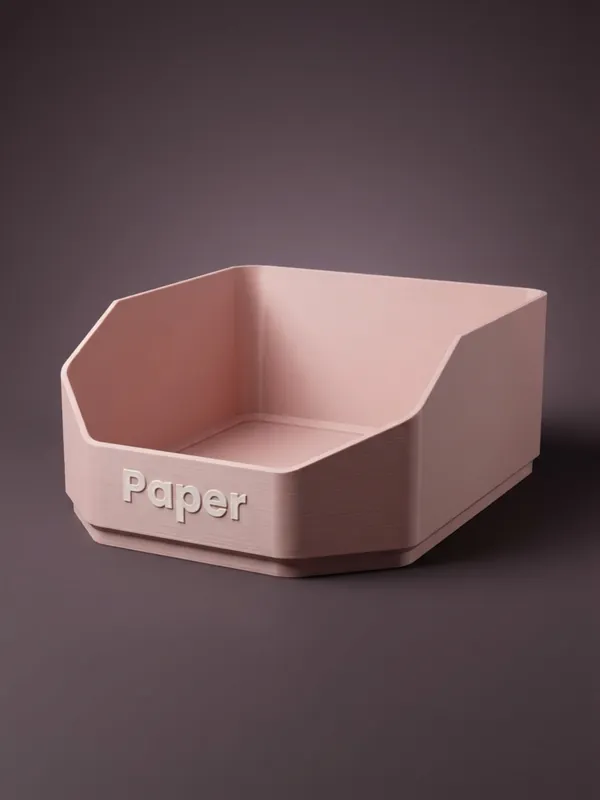
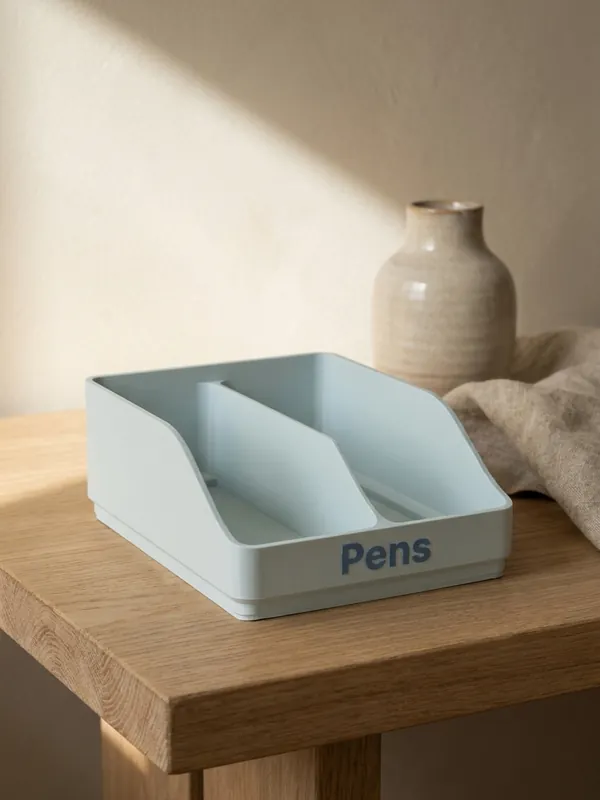
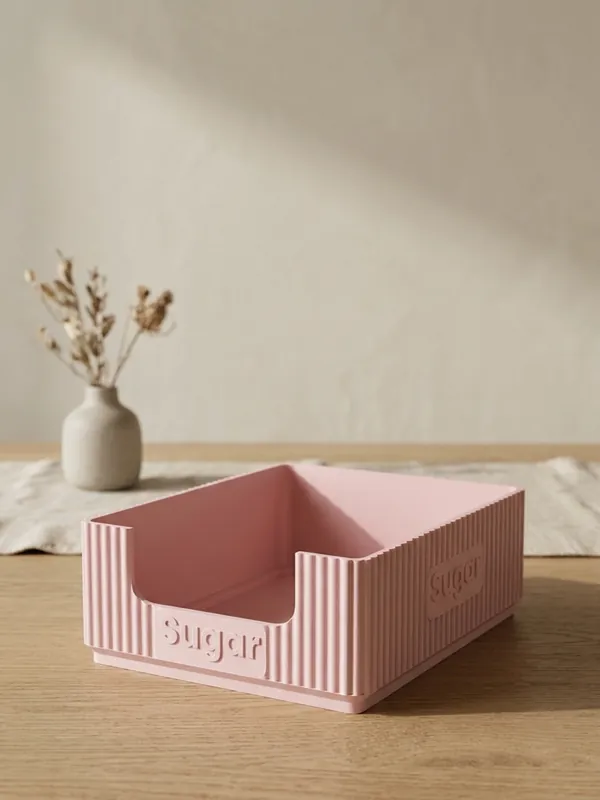
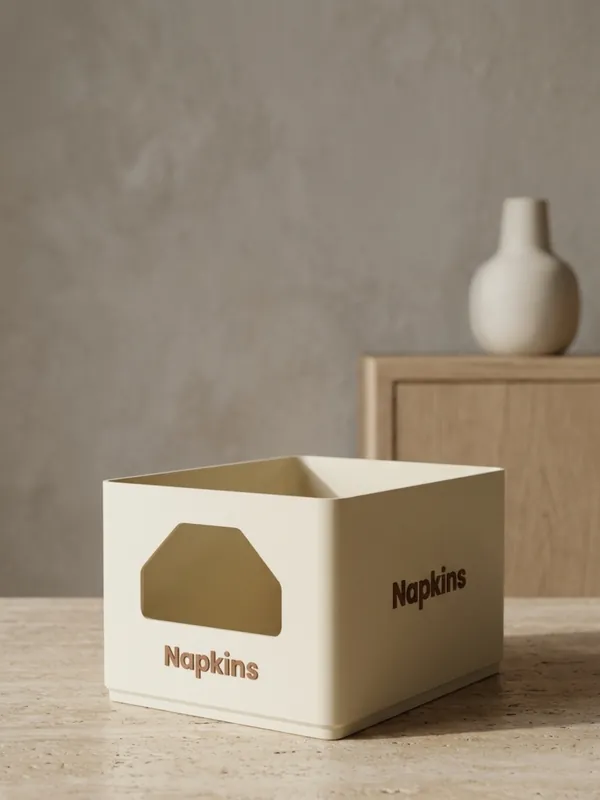
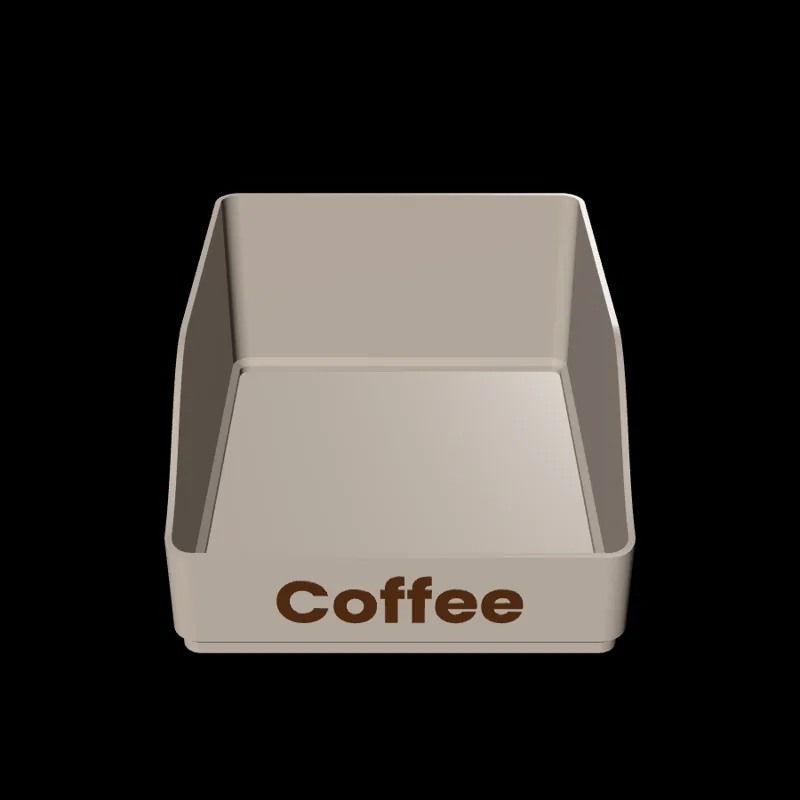
The Stacking Bins generator makes open storage bins for a cafe counter, a pantry shelf, an office or a desk. The front is cut low so what is inside shows and comes out with one hand, a name goes on the front and on both sides, and a foot under each bin sits in the mouth of the one below, so they stack into a tower. Bins of the same width and depth stack whatever their heights.
Examples
How to make a stacking bin
Size the bin
Width across the front, depth and height. Keep the width and depth the same for every bin that should stack.
Shape it
Rounded corners, or the two front corners cut off at an angle; flutes or beads outside if you like.
Open the front
A curve or a straight slope from the back down to a low front, a rounded notch, a window under a solid top edge, or none.
Divide it
Sections across and front to back, their corners rounded; the last column can stay one long section.
Name it
A word or a logo on the front, and the same word on both sides, so the bin reads from any angle on a shelf.
Export and print
One piece, standing on its foot. Print as many as you need and stack them.
How the bins stack
Under each bin is a foot as wide as the inside of the bin below, less a small clearance. It drops 5 mm into the mouth of the bin below, and a 45 degree shoulder above it rests on the inner edge of the rim, so the bin on top centres itself and stays put.
The fit is set in the panel: snug, normal or loose (0.3, 0.5 or 0.8 mm a side), or an exact gap. Sections inside stop under the foot of the bin above, and a curved or sloped front reaches full height no further than 45% of the way back, so a bin on top rests behind its own middle and never tips forward.
What you can change
- Bin
- Width and depth 60 to 240 mm, height 30 to 200 mm; corners rounded 2 to 40 mm or front corners cut 8 to 60 mm; wall 1.6 to 4 mm, bottom 1.2 to 4 mm.
- Front
- Curve, slope, notch, window or none; 20 to 80% of the height deep; a curve or slope runs 15 to 90% of the depth; a notch or window 30 to 95% of the front.
- Sections
- 1 to 6 across and 1 to 4 front to back; corners rounded 1 to 40 mm; the last column whole; walls 30 to 100% of their most height.
- Outside
- Plain, flutes or beads, a rib every 4 to 14 mm.
- Labels
- Text in a choice of fonts (6 to 60 mm tall) or a logo on the front, one word on both sides; inlaid flush in a second colour, pressed in, or raised.
Printing tips
Tip.Print the bin standing on its foot. The shoulder under it is cut at 45 degrees and a window's top corners close in at 45 degrees to a flat of at most 40 mm, so nothing needs supports.
Inlaid letters on an upright wall change colour on every layer they cross. Set a small prime tower in the slicer, or choose raised letters for a one-colour print.
The 3MF keeps each colour as its own object, so a printer with automatic filament changes (such as a Bambu Lab AMS) prints it in one go. With one colour, print every object in the same filament.
Where it is used
- Sugar, stirrers, napkins and tea on a cafe counter.
- Paper, pens and documents on an office shelf or a desk.
- A pantry or a bathroom shelf, each bin named for what is in it.
- A shop's back room, the same bins in a row and in towers.
Questions
Do bins of different heights stack?
Yes. Any two bins with the same width and depth stack, whatever their heights: the foot of one sits in the mouth of the other.
Will a bin on top fall off?
Its foot goes 5 mm into the bin below and its 45 degree shoulder rests on the rim, so it centres itself. A low front is held to reach full height within 45% of the depth, so the bin above stays balanced.
Can a bin have sections?
Yes, up to 6 across and 4 front to back, with rounded corners. The last column can stay one long section.
Can I put a word on it?
Yes, a name or logo on the front and a word on both sides, inlaid in a second colour, pressed in or raised.
Can I keep food in it?
Not loose food: printed plastic is not food-safe. It is for packets, cups, napkins, paper and other things.
What file do I get?
A 3MF, which keeps each colour as its own object for a multi-colour printer, or an STL. Every file is checked before it downloads: closed (watertight) geometry, a single shell and walls thick enough to print.
Is it free?
The free plan gives 3 designs a month on each generator. Selling the printed pieces needs the Seller or Studio plan, which include the commercial licence.
Licence
On the Free and Maker plans you may print your designs for yourself and as gifts, not for sale. Selling the printed pieces needs the Seller or Studio plan, which include the commercial licence and a licence certificate for each design. Pieces made during the free beta, before paid plans launched, may still be sold on the terms of that time. The exported files themselves can never be resold or redistributed, on any plan.
This is a summary. Read Can I sell rings I 3D print with Morcano? and the Terms, which are the authoritative text.