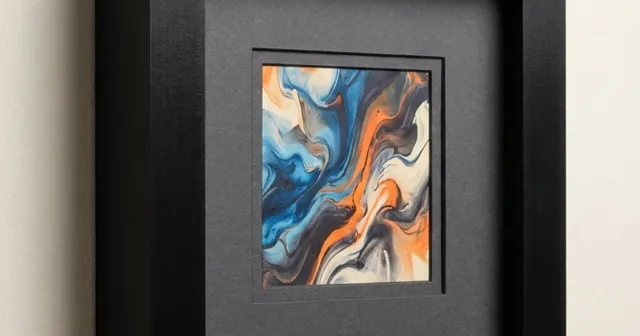
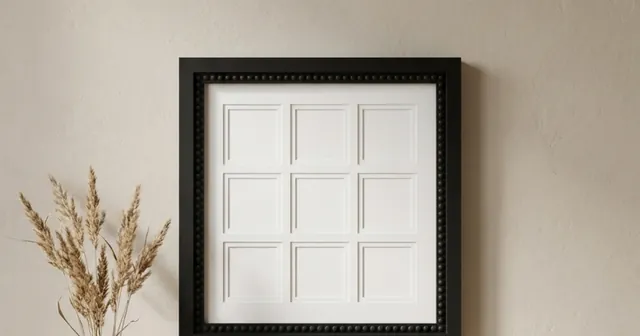
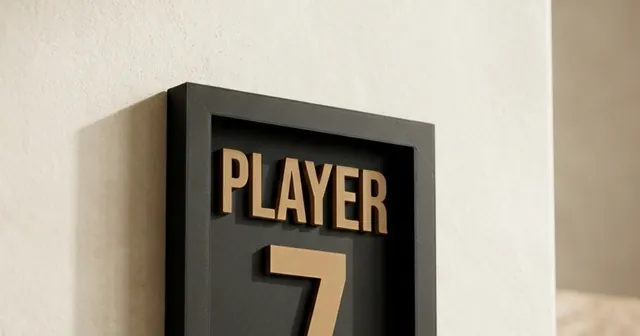
Make a deep display frame with a mat, to 3D print.
A mat with windows, a pocket behind each, a profiled frame.
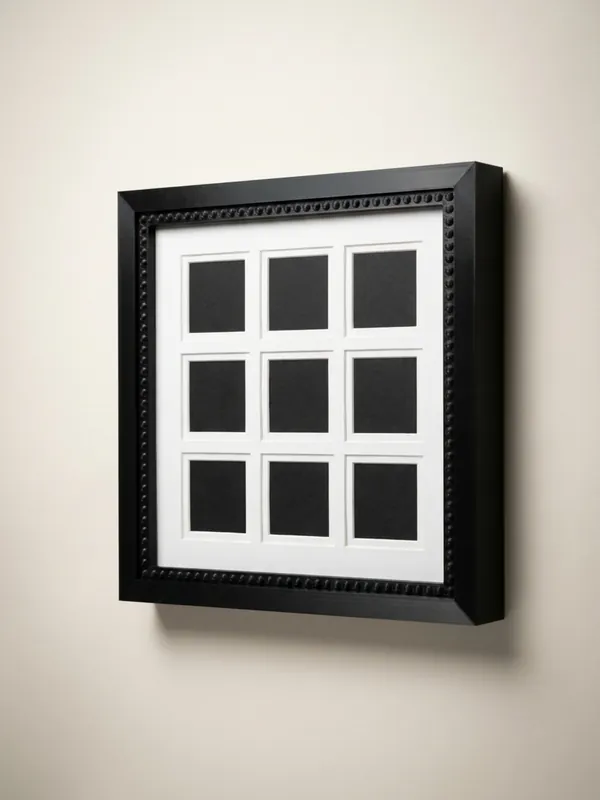
The Display Frames generator makes a deep frame with a mat in front: one window or a grid of them, each cut for a real thing - a print, a card, a coin, a few coffee beans, a stone - with a pocket or a small block behind it to hold the thing in place. You set one window and how many across and down; the mat and the frame grow round them. A caption can go under the windows, the frame can be flat, stepped, classic or beaded, and a sheet of glass or clear plastic closes the front.
Examples
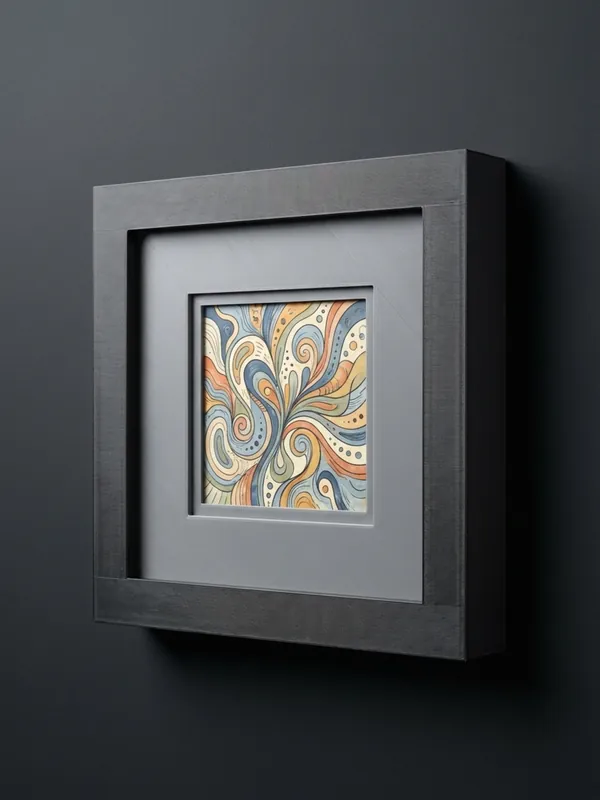
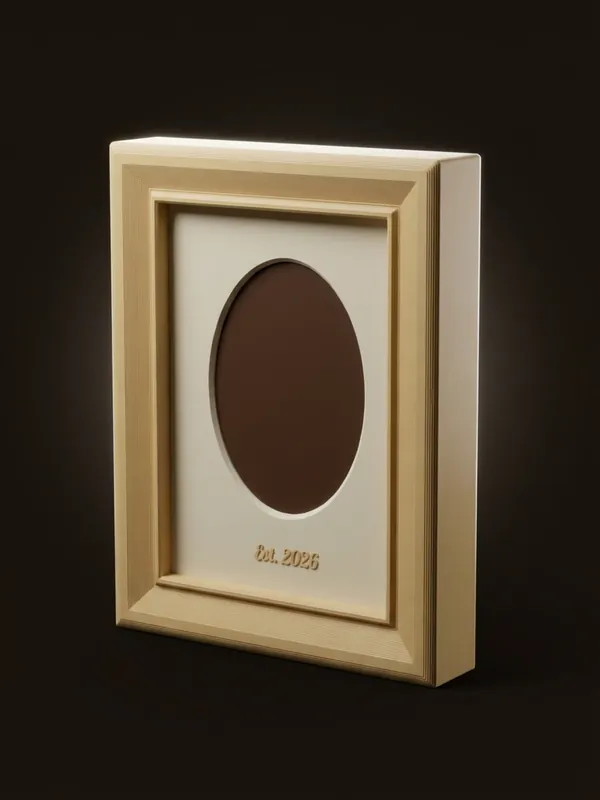
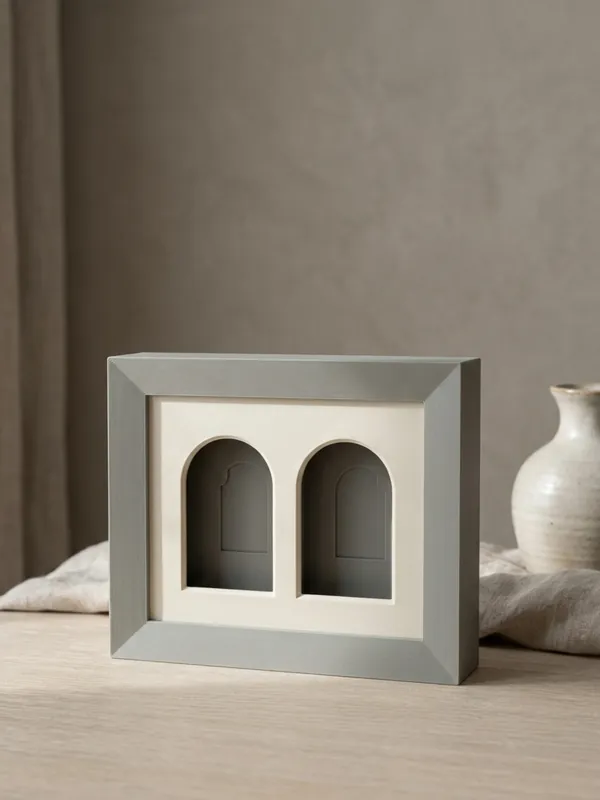
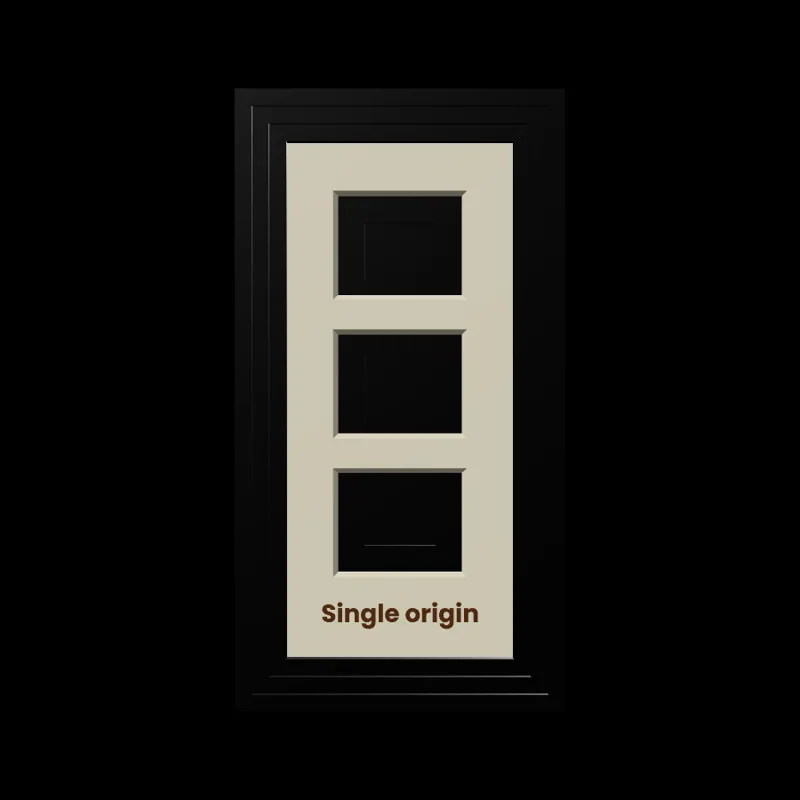
How to make a display frame
Measure the thing
Its width and height, plus a little. That is one window.
Set the grid
1 to 6 windows across and down, 6 to 60 mm apart, and their shape.
Choose the mat
A flat mat, a bevelled one, or a double mat, and how wide its border is.
Hold the things
A pocket in the back for a loose thing, a block to glue a thing onto, or a plain back for a print or a card; and the depth inside.
Frame it
The profile, the frame's width and the profile's height; a caption under the windows.
Export and print
Frame, mat and back each on a plate, flat on their backs.
How it goes together
Lay the frame face down. Drop in a sheet of glass or clear plastic cut to the mat's size (the studio says the size), then the mat, then press the back in until it clicks. The back's wall holds the mat against the glass, and two keyhole slots in the back hang it on two screws.
Every part prints face up, flat on its back. The frame's profile is built as steps of height on its top face, and the lip over the glass closes in at 45 degrees behind the glass, so a stepped, classic or beaded frame prints without supports.
What you can change
- Windows
- 1 to 6 across and down; each 15 to 200 mm wide and tall; rectangle, rounded, oval or arch; 6 to 60 mm apart.
- Mat
- Single, bevel or double; a border of 10 to 80 mm round the windows.
- Inside
- 6 to 60 mm deep; a pocket or a block behind each window, 20 to 100% of its size, 0.6 to 30 mm deep or tall.
- Frame
- Flat, bevel, steps, classic or beaded; 10 to 50 mm wide, the profile up to 14 mm tall.
- Caption
- One line under the windows, 4 to 20 mm tall, inlaid flush in a second colour or pressed in.
- Back
- 2 to 8 mm thick; glass or sheet 0 to 3 mm; back fit snug, normal, loose or exact; keyholes or none.
Printing tips
Tip.Print the frame, the mat and the back one each on a plate, all flat on their backs. Print one back first and try its fit in the frame; change Back fit if it is loose or tight.
The frame is a solid ring, so it uses more filament than a thin picture frame: the slicer fills it with sparse infill. A frame grows with its windows up to the 256 mm bed; fewer or smaller windows, a narrower mat or a narrower frame bring a larger design back onto the bed.
The 3MF keeps each colour as its own object, so a printer with automatic filament changes (such as a Bambu Lab AMS) prints it in one go. With one colour, print every object in the same filament.
Where it is used
- A print, a drawing or a postcard behind a mat, framed deep.
- A collection: stones, shells, coins, pins or keys, one per window.
- A cafe or restaurant wall: the beans of each origin, corks, a first coin.
- A keepsake: a ticket, a baby bracelet, a medal, with a date in the caption.
Questions
What can I put in the windows?
Anything flat or small enough for the depth you set (6 to 60 mm): a print or card on the plain back, a loose thing in a pocket, or a thing glued to a raised block.
Does it need glass?
No. Set the glass to 0 for an open frame, or up to 3 mm for glass or clear plastic cut to the mat's size.
How big can it be?
Up to the 256 mm bed of a Bambu Lab A1, P1S or X1C. The frame grows from the windows: fewer or smaller windows, or a narrower mat or frame, make it smaller.
How does it hang?
On two screws: the back has two keyhole slots, so it slides down onto them. You can also stand it on a shelf.
Can the caption be in a second colour?
Yes. It is inlaid flush in the mat, so a printer with automatic filament changes prints it in its own colour; or choose the pressed-in finish.
What file do I get?
A 3MF, which keeps each colour as its own object for a multi-colour printer, or an STL. Every file is checked before it downloads: closed (watertight) geometry, a single shell and walls thick enough to print.
Is it free?
The free plan gives 3 designs a month on each generator. Selling the printed pieces needs the Seller or Studio plan, which include the commercial licence.
Licence
On the Free and Maker plans you may print your designs for yourself and as gifts, not for sale. Selling the printed pieces needs the Seller or Studio plan, which include the commercial licence and a licence certificate for each design. Pieces made during the free beta, before paid plans launched, may still be sold on the terms of that time. The exported files themselves can never be resold or redistributed, on any plan.
This is a summary. Read Can I sell rings I 3D print with Morcano? and the Terms, which are the authoritative text.