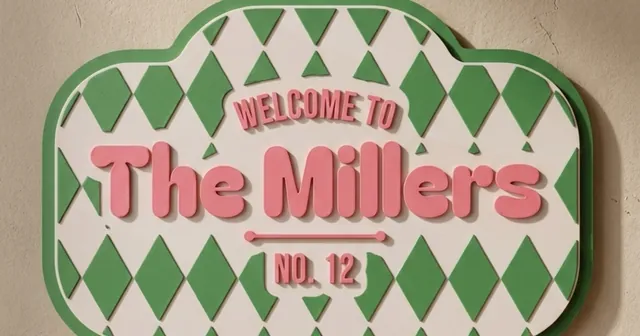
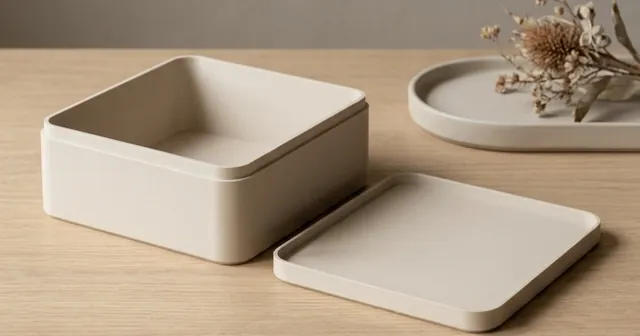
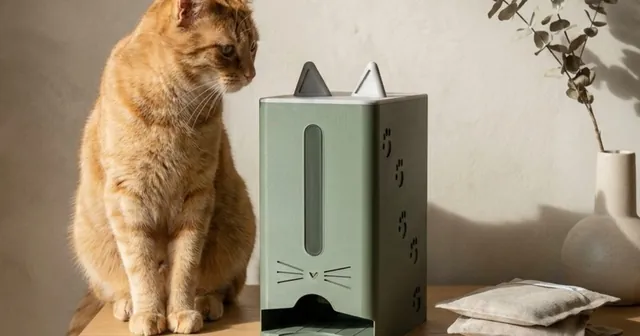
Make a 3D shadow box frame from one picture.
One picture raised in 3D, a front and a back, glass in between.
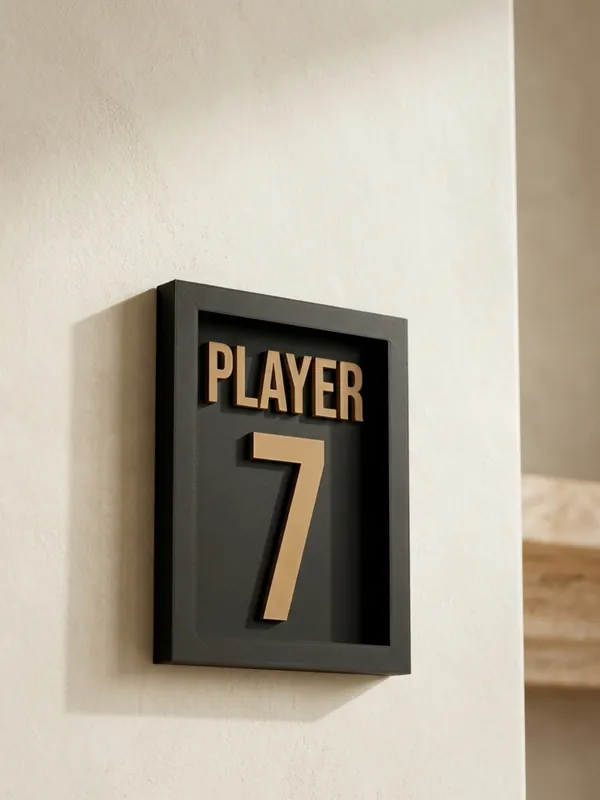
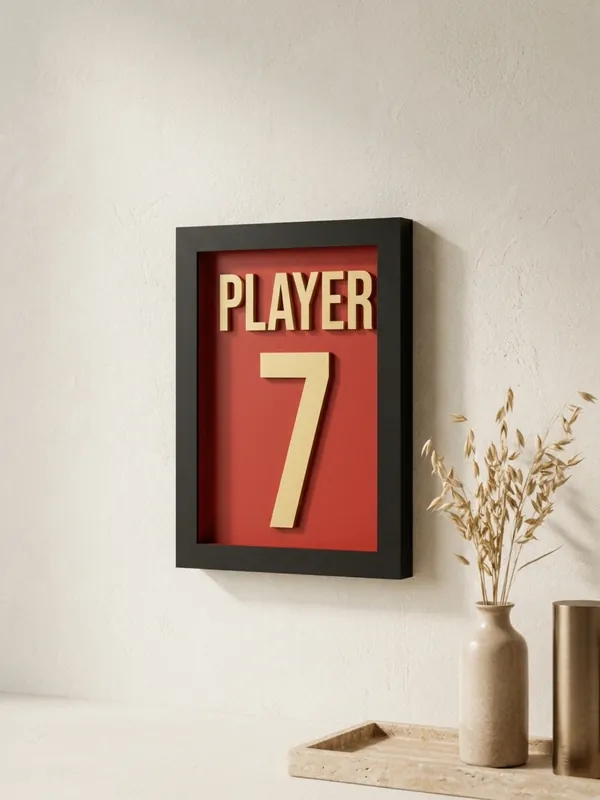
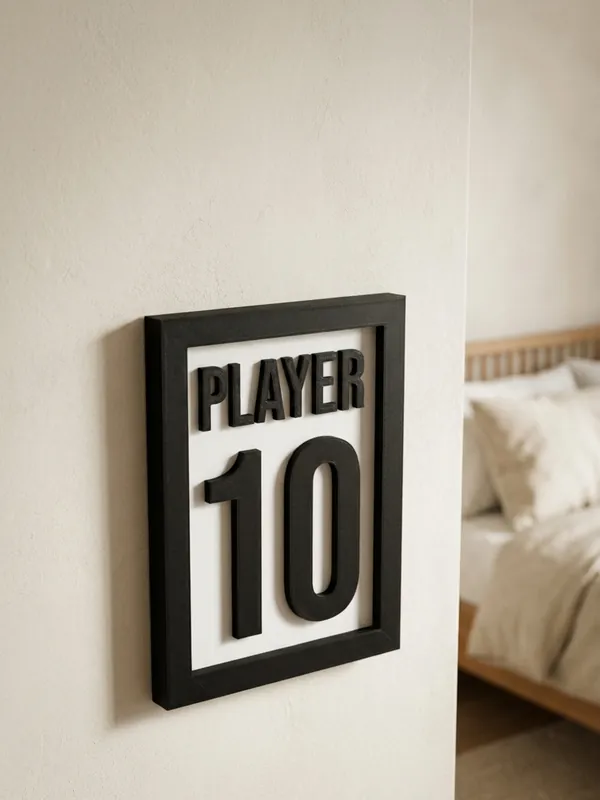
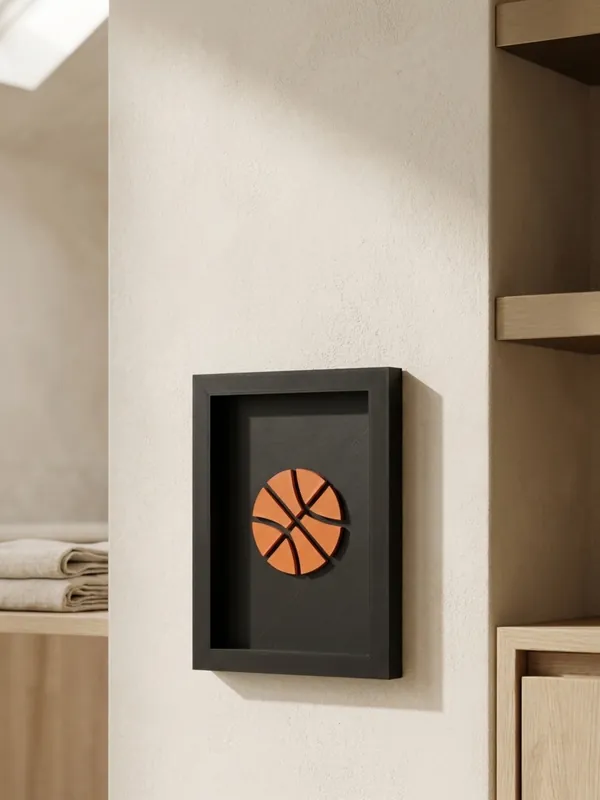
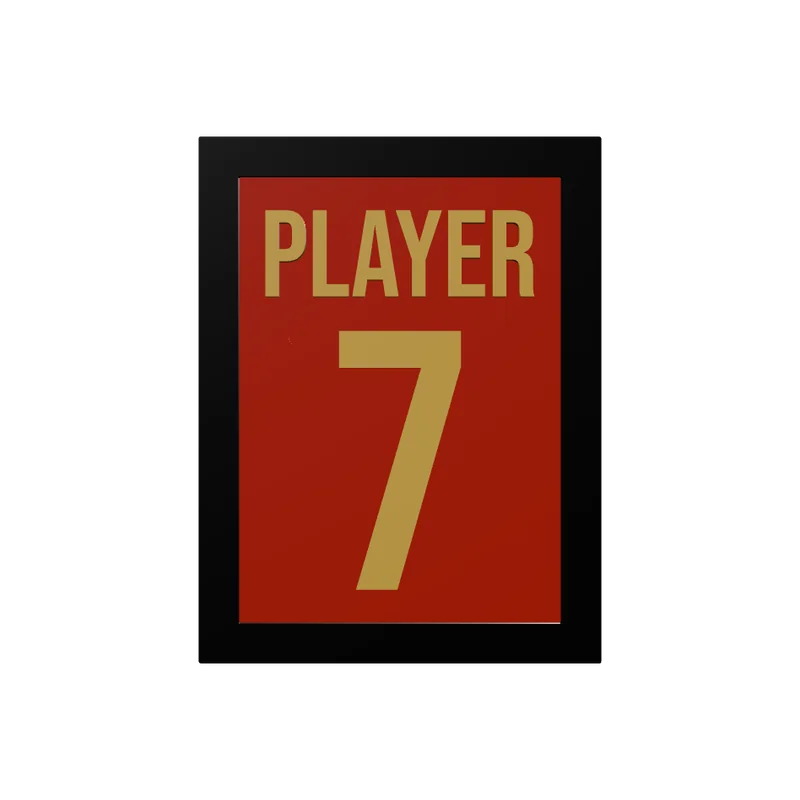
The Shadow Box Frames generator makes a deep picture frame with the art standing up inside it. You upload one picture - an icon, a crest you own, a drawing, or an image made by an AI image tool - and it is spread over the whole window and raised off the back in its own colour; there is nothing to place by hand. Or you type a name and a number, the way a shirt is framed. The frame prints as a front and a back that clicks in behind it, with a sheet of glass or clear plastic between them, or as one open box.
Examples
How to make a shadow box frame
Get one picture
Flat art on a plain background works best: an icon, a silhouette, a crest you own. With an image AI, ask for a flat vector in one colour on a white background.
Upload it
SVG, PNG or JPG. It is traced to one colour and spread over the whole window, keeping its proportions; set how much of the window it fills.
Or type a name and a number
The name sits over a number three times its size, in one of 11 fonts.
Pick the size and depth
A photo size or your own window, the frame width, and the depth inside - room for the raised art.
Choose two parts or one
Two parts take glass or a clear sheet; the studio tells you the size to cut it to. One part is an open box without glass.
Export and print
The frame prints face down, the back flat with the art standing on it.
What you can change
- Size
- Window 10 x 15 to 20 x 20 cm or 40 to 230 mm your own; frame 10 to 40 mm wide; corners 0 to 12 mm; depth 6 to 40 mm; back 1.6 to 6 mm.
- Build
- Front and back with a sheet 0.5 to 3 mm thick (snug, normal or loose back), or one open box.
- Art
- Raised 0.6 to 12 mm, kept clear of the glass; filling 40 to 100% of the window.
- Wall
- Two keyhole slots in the back for two screws, or none.
Printing tips
Tip.Cut the glass or clear sheet to the size the studio shows, lay it in the frame face down, then press the back in until it clicks on its ridges.
A frame bigger than half the bed prints in two runs: the frame on one plate, the back with the art on another.
The 3MF keeps each colour as its own object, so a printer with automatic filament changes (such as a Bambu Lab AMS) prints it in one go. With one colour, print every object in the same filament.
Questions
Can I use a picture made by an AI image tool?
Yes. Ask for a flat, one-colour image on a plain background; the studio traces it and raises it over the whole window, with no placing by hand.
What glass does it take?
A sheet of picture-frame glass or clear PET or acrylic 0.5 to 3 mm thick. The studio shows the size to cut it to.
Does it hang on the wall?
Yes, on two screws through keyhole slots in the back, or it stands on a shelf.
Can I frame a name and a number?
Yes: a name over a number three times its size, like a shirt.
Can I use a club crest or a brand logo?
Upload an SVG, PNG or JPG. A picture is traced to one colour when it is uploaded; lines too thin for the nozzle are drawn bolder if you turn that on. You must hold the rights to what you upload.
What file do I get?
A 3MF, which keeps each colour as its own object for a multi-colour printer, or an STL. Every file is checked before it downloads: closed (watertight) geometry, a single shell and walls thick enough to print.
Is it free?
The free plan gives 3 designs a month on each generator. Selling the printed pieces needs the Seller or Studio plan, which include the commercial licence.
Licence
On the Free and Maker plans you may print your designs for yourself and as gifts, not for sale. Selling the printed pieces needs the Seller or Studio plan, which include the commercial licence and a licence certificate for each design. Pieces made during the free beta, before paid plans launched, may still be sold on the terms of that time. The exported files themselves can never be resold or redistributed, on any plan.
This is a summary. Read Can I sell rings I 3D print with Morcano? and the Terms, which are the authoritative text.