Engrave a name or date inside a ring.
Text inside the band, shallow enough to keep the fit.
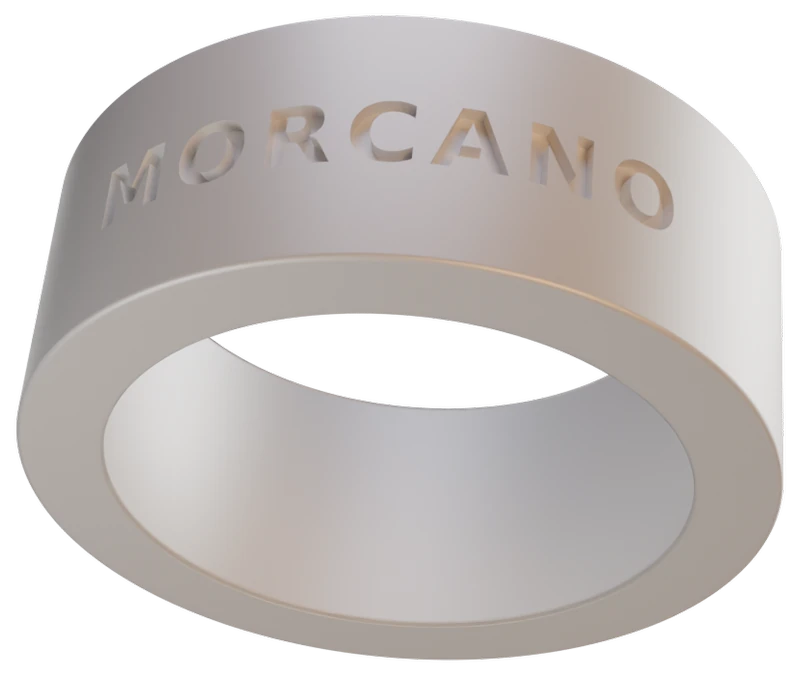
In Morcano Studio you can engrave your own text inside the band, the classic place for a name or a date. The engraving is 0.15 to 0.3 mm deep, so it stays a mark in the wall rather than a change to the ring size, and the studio checks the file before you download it.
How to engrave inside a ring
Set the size
Choose a standard ring size. The studio sets the exact inner diameter.
Add text inside the band
Enter your name or a date and choose the inside.
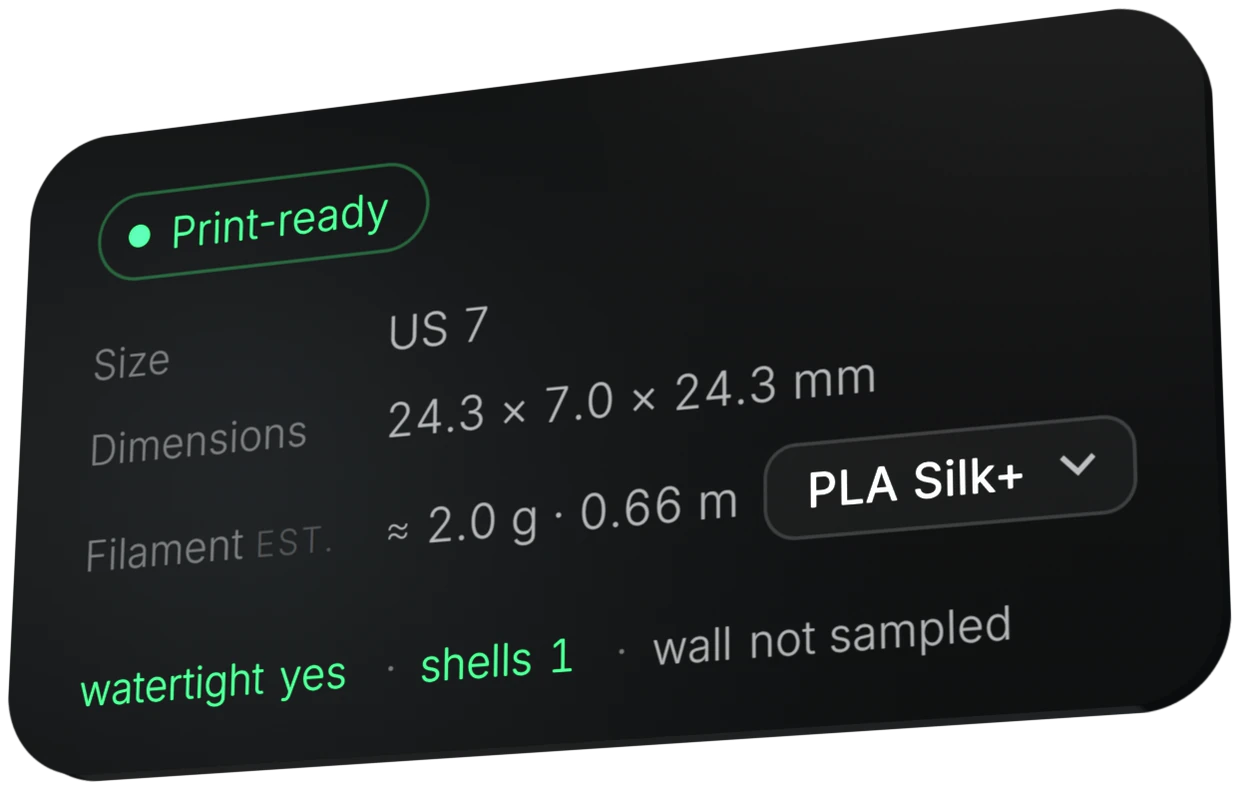
Check the status card
Look for Print-ready, watertight yes and shells 1.
Export and print
Download 3MF or STL and print with a 0.4 mm nozzle.
Tip.The inside of the ring is the one dimension a finger has to agree with, so the engraving depth is capped at 0.3 mm. Engraved text also needs a stroke of at least 0.45 mm.
Try it in the studio
The free plan gives 3 designs a month on each generator. Paid plans are on the plans page.
Questions
How deep is the engraving inside?
0.15 to 0.3 mm, with 0.3 mm as the default.
Will it change the ring size?
The depth is capped at 0.3 mm so that the engraving stays a mark in the wall rather than a change to the fit.
Can I engrave outside and inside together?
Yes. Text can go outside the band, inside it, or both.
What is the smallest text that prints?
Engraved text needs a stroke of at least 0.45 mm, a little above the 0.4 mm of a standard nozzle.