How to optimise 3D printing: faster prints, less waste, fewer failures.
Design, plate and slicer choices that save time, plastic and failed prints.

Most of the time and plastic a print wastes is decided before you press print: by how the piece is designed and how it sits on the plate. A part designed to print flat without supports, with details sized to the nozzle and colour kept to a few layers, prints faster and fails less often than the same object rescued in the slicer. This guide goes from design to plate to slicer settings.
Designed to print flat
Steps
Design it to print flat
Put the side people see against the build plate. It comes out smooth and needs no supports.
Size details to the nozzle
Letters and ribs at least as wide as the nozzle (0.4 mm on most printers); walls that carry load 1.5 mm or more.
Match depths to the layer height
At 0.2 mm layers, recesses and raised letters of 0.4, 0.6 or 0.8 mm print clean.
Keep colour low and shallow
An inlaid second colour in the first or last few layers means a few filament changes, not hundreds.
Fill the plate
Print a batch at once: one heat-up, one first layer check, colour purges shared by every piece.
Test one, then print many
Before a batch, print one piece and check anything that has to fit: a thread, a clip, a slot.
Design decides most of the cost
- Orientation
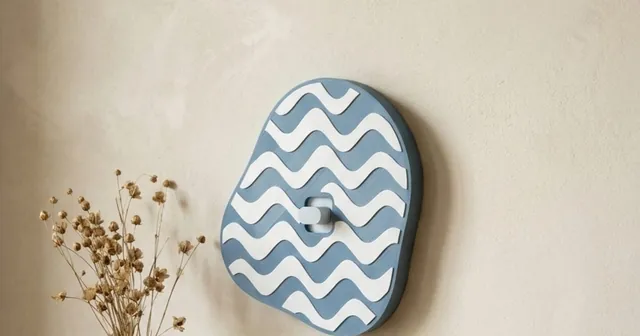
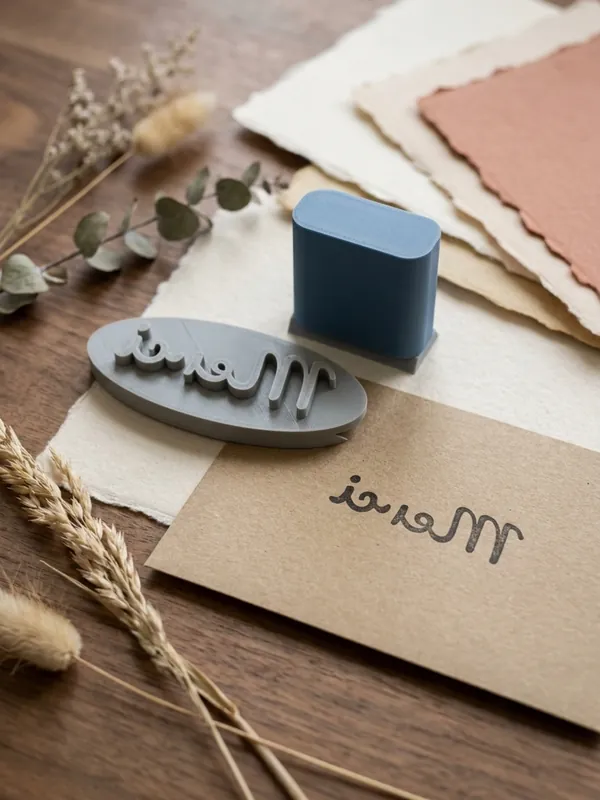
- A flat face on the plate is the smoothest surface a home printer makes. Morcano's switch plates are designed to print face down for that reason, and its stamps print without supports.
- Supports
- Overhangs steeper than about 45 degrees from vertical need support. Each support costs plastic and time and leaves marks; a design without overhangs avoids them.
- Walls
- Thin walls print weak or with gaps. Morcano checks the walls before export and, when one is too thin, says which setting to change.
- Letters
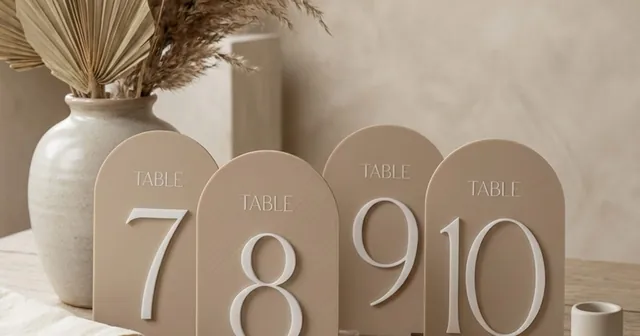
- Strokes thinner than the nozzle break up. Bold fonts and slightly larger letters print more reliably than hairline scripts.
Multi-colour without the waste
On a printer with automatic filament changes, every change pushes old filament out before the new colour prints: into a purge chute, a prime tower, or both. The cost is per change and per layer that changes colour, not per piece.
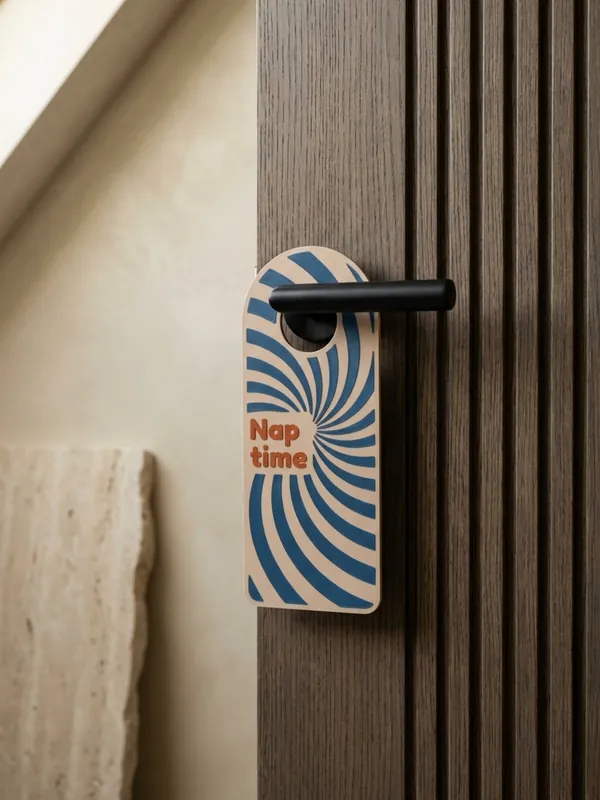
- Keep the second colour shallow. Text inlaid 0.6 mm into a face printed face down changes colour only in the first three layers.
- Share the purges. Ten keychains on one plate change colour on the same layers as one keychain, so each piece carries a tenth of the waste.
- One object per colour. A 3MF with each colour as its own object lets the slicer assign filaments without painting.
Slicer settings worth knowing
| Setting | What it changes | A sensible start |
|---|---|---|
| Layer height | Detail against speed | 0.2 mm for most pieces; thinner only where curves show steps |
| Infill | Strength, plastic, time | Your slicer's standard profile (often 15%) for decorative pieces; more for parts under load |
| Walls | Strength of the outside | 2 to 3 walls; more for hooks, hangers and clips |
| Speed | Time, and failures if pushed | The printer maker's profile for your filament |
| Brim | Grip of small or tall parts | On for thin, tall or tiny pieces that may come loose |
| Ironing | Smooth flat top faces | Only where the top face is the show face; it adds time |
Measure before you optimise
Write down grams, print time and failures for the first few pieces of a product. That record shows where the time goes: often the setup and removal between plates, not the printing itself. Electricity is usually a small line; one measured value for a Bambu Lab A1 mini printing PLA is about 85 W.
For pricing from those numbers, see How to make money with 3D printing.
Questions
How can I make 3D prints faster?
Design pieces to print flat without supports, use a 0.2 mm layer height unless detail needs less, keep infill at the standard profile for decorative parts, and print several pieces per plate.
How do I reduce filament waste on a multi-colour printer?
Keep the second colour to a few layers, for example text inlaid 0.6 mm in a face printed face down, and print many pieces per plate so each filament change is shared.
What layer height should I use?
0.2 mm with a 0.4 mm nozzle suits most pieces. Make recesses and raised details a whole number of layers, such as 0.6 mm.
Why do my prints fail?
The usual causes are a poor first layer, a dirty build plate, overhangs without support, and walls or letters thinner than the nozzle. A file checked before slicing removes the last two.
Do I need supports?
Only for overhangs steeper than about 45 degrees. Pieces designed to print flat, like Morcano's switch plates and stamps, need none.
Sources
- Igor's Lab: Bambu Lab A1 mini test, power draw about 85 W printing PLA
Checked on 12 October 2026. Rules and fees change: check the source before you rely on a number.