AI 3D print generator: from one sentence to a file that prints.
Text-to-3D meshes and AI-filled generators compared, and how to get a printable file.
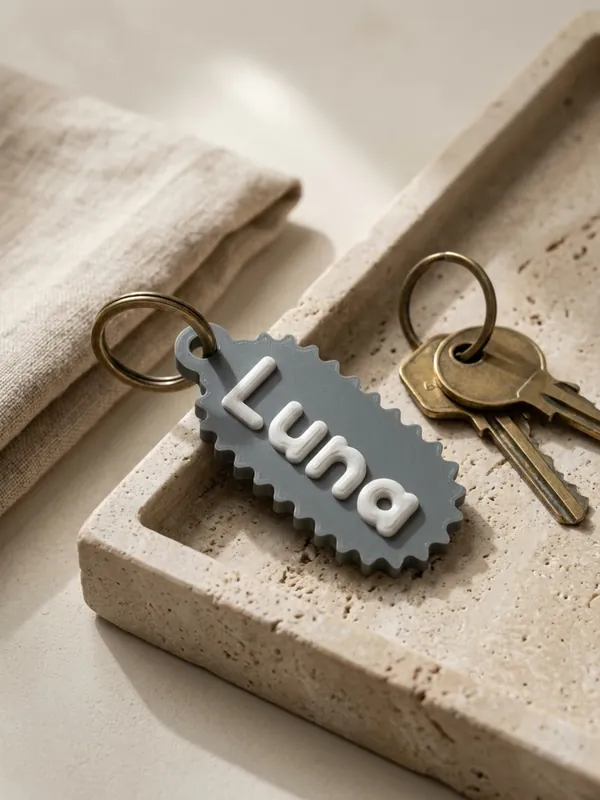
There are two kinds of AI 3D generator for printing. The first draws a new mesh from a text prompt or a picture: good for figures and decorative shapes, but the result is a sculpture with no real measurements and often needs repair before it prints. The second uses AI only to understand what you want and fills in a parametric generator, which then builds exact geometry: the right size, the right text, walls thick enough to print. Morcano Studio works the second way.
Built and checked by the studio
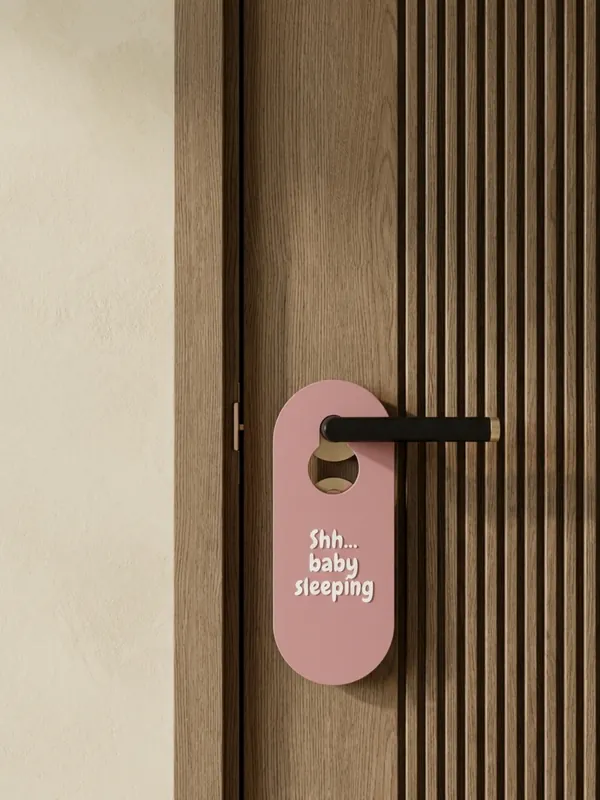
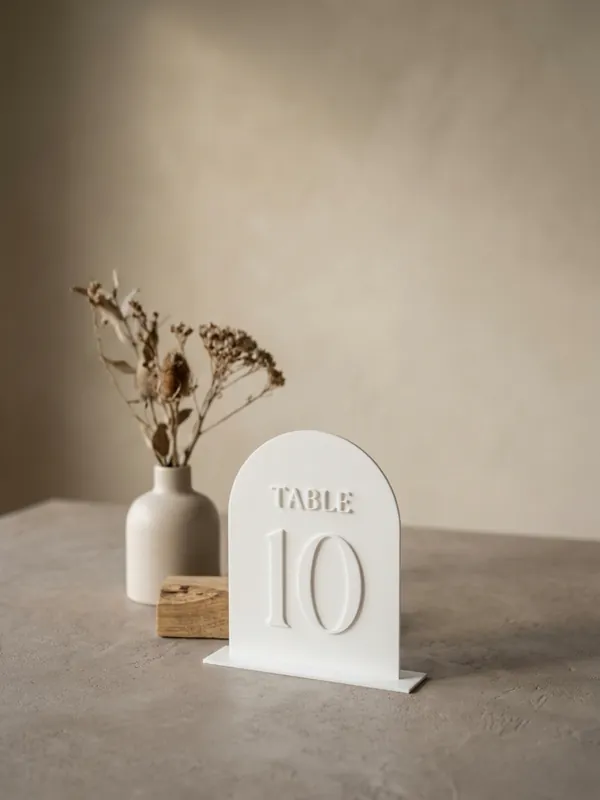
Steps: describe a piece and print it
Describe it
On the Morcano home page, type one sentence, for example "Keychain Rocky, yellow and blue" or "40 door signs, rooms 101-140".
Let the AI set it up
It picks the generator and fills in its settings: the text, sizes and colours. A list in the sentence becomes a batch.
Adjust in words or by hand
In the studio, ask for changes such as "bigger letters, gold text", or move the sliders yourself.
Check and download
The engine builds the model and checks that it prints. Download STL, or 3MF with each colour as its own object.
Print
Open the file in your slicer. Pieces are designed to print flat, without supports.
Two kinds of AI 3D generator
| Text-to-3D mesh | AI that fills in a generator (Morcano) | |
|---|---|---|
| What the AI makes | A new mesh from a prompt or a picture | Settings for a generator: product, sizes, text, colours |
| Good for | Figures, creatures, sculptural decor | Things that have to fit or carry a name: keychains, switch plates, tags, stamps, planters, rings |
| Sizes | Approximate; you scale the result | Exact millimetres you can type or say |
| Text | Often garbled or blurred | Real fonts, at a size that prints |
| Will it print? | Often needs repair: holes in the mesh, thin parts, overhangs | Built for printing and checked before download |
| Many versions | One prompt at a time | A list of names becomes one batch |
Why an AI mesh often needs repair before printing
A slicer needs a closed, watertight mesh with walls thicker than the nozzle. Meshes generated from a prompt are made to look right in a render, not to print, so they can carry holes, faces pointing the wrong way, paper-thin parts and overhangs that need supports.
- Repair the mesh in your slicer or a mesh tool before slicing.
- Check the size: a generated figure has no real scale, so set it in the slicer.
- Look at the layer preview for thin walls and floating parts before a long print.
For pieces that need exact sizes or text, a generator avoids the repair step: see How to customise a 3D model for printing and Checked before you print.
How the AI in Morcano Studio works
- Describe it on the home page: one sentence in, the right generator with its settings out, for a single piece or a batch.
- Ask AI in the studio: a line under the 3D view that changes the open model, such as larger letters or another colour.
- The engine builds, not the AI. The AI only chooses settings inside each generator's limits; the engine makes the geometry and checks it, as for any design.
- Suggestions can be wrong. Look at the model before you print it, as the Terms say.
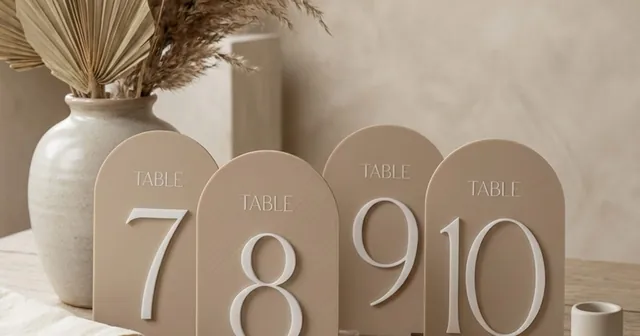
You can try it without an account. The generators cover keychains, switch plates, door hangers, table numbers, glass name tags, plant markers, stamps, planters, trays, pet accessories, rings and more.
Questions
Is there an AI that makes 3D models for printing?
Yes. Text-to-3D tools make a mesh from a prompt or a picture, and tools such as Morcano Studio use AI to set up a parametric generator that builds a printable file with exact sizes and text.
Can AI-generated 3D models be printed?
Often, after repair. Meshes made from a prompt can have holes, thin parts and no real scale, so check and repair them in the slicer first. Files from a generator are built and checked for printing.
Can AI put a name on a 3D print?
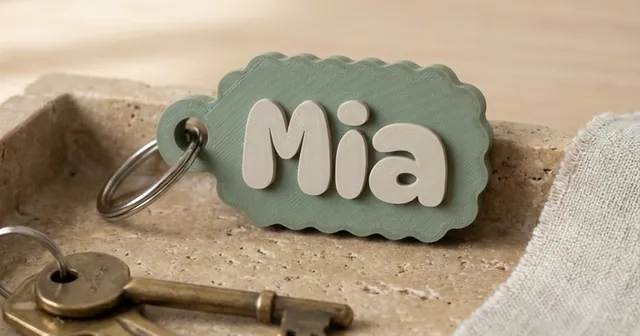
Yes. In Morcano Studio you can type "Keychain Rocky, yellow and blue" and the AI sets up the Keychains generator with that name and those colours.
Is the Morcano AI 3D generator free?
You can try describing pieces without an account, and the free plan gives 3 designs a month on each generator. Paid plans are on the plans page.
Can I make many personalised prints with AI?
Yes. Describe the batch, for example "40 door signs, rooms 101-140", and the studio sets up one batch of files in the same style.
Sources
- Morcano Terms and Conditions sections 5, 7 and 8
- Morcano plans and prices
Checked on 12 October 2026. Rules and fees change: check the source before you rely on a number.