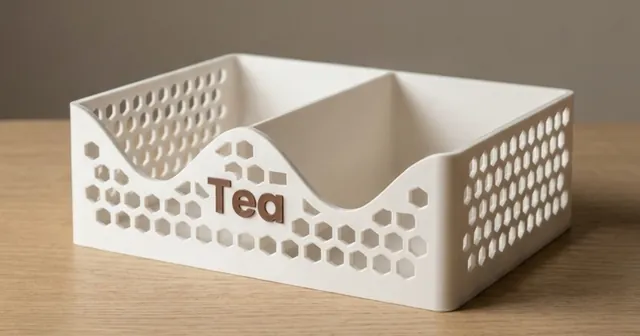
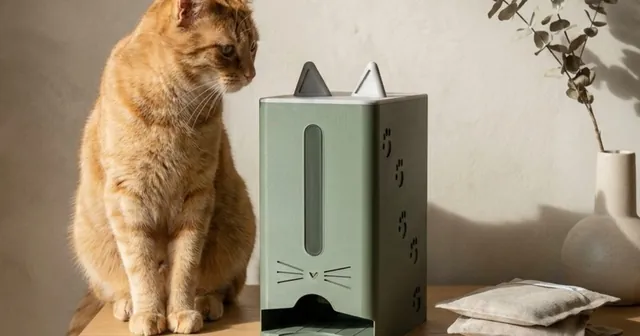
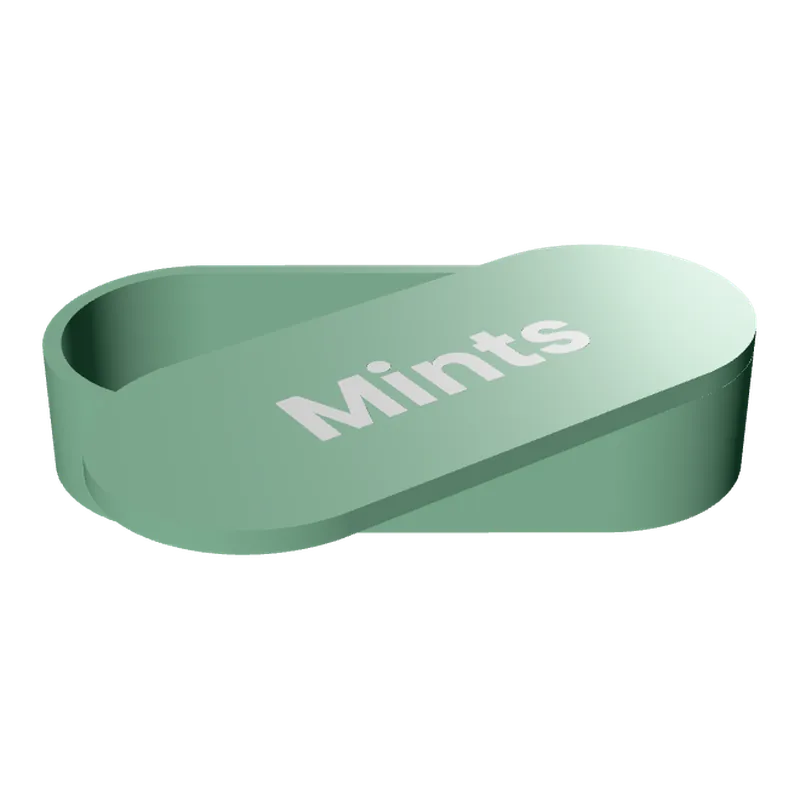
Make a drop-down dispenser to 3D print.
For anything flat in a stack: napkins, pads, tea bags, sachets.
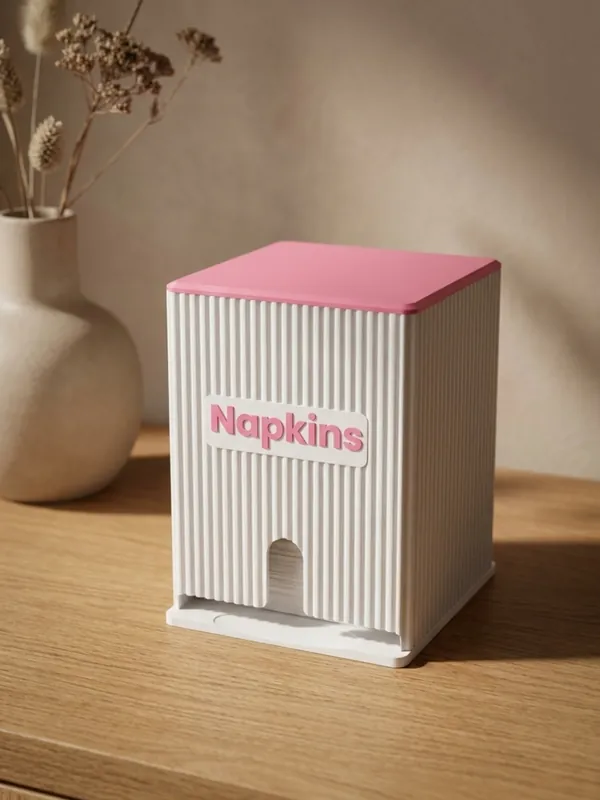
The Drop-down Dispensers generator makes a tall box for anything that comes flat in a stack. You fill it from the top, the stack slides down, and the next item comes out of an opening at the bottom; an arch up the front lets a finger push it out and shows how many are left. The box is sized to what goes in: napkins, wrapped pads, tea bags in sachets or any sachet you measure. It stands on a shelf or hangs on the wall, and the front and the lid carry a word or your logo.
Examples
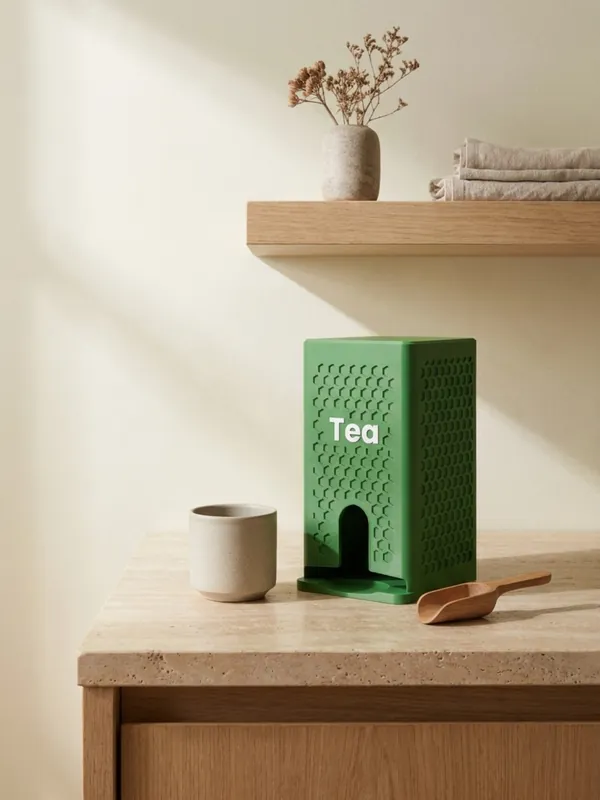
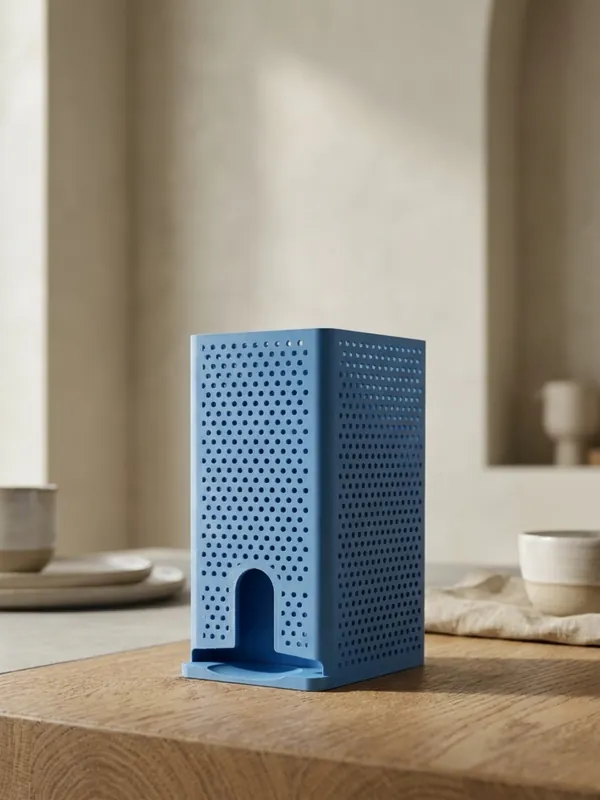
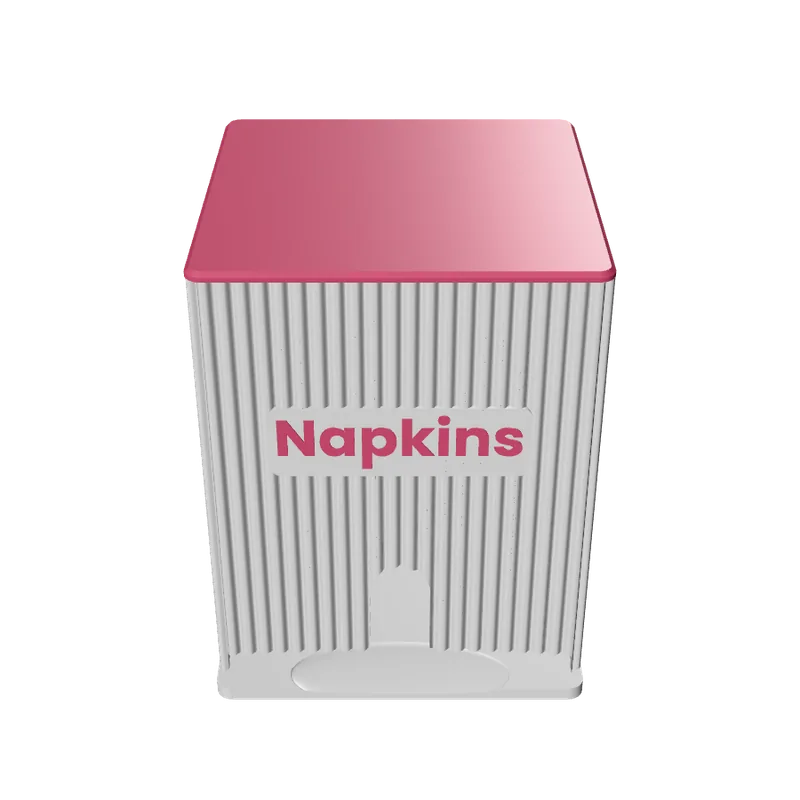
How to make a drop-down dispenser
Measure what goes in
Pick a preset or type the width, depth and thickness of one item lying flat. Sizes vary: measure yours.
Set the opening
1.2 to 1.9 items tall: over one so the bottom item comes out easily, under two so only one does.
Choose the stacks
1 to 3 side by side, each with its own opening: two kinds of tea in one box.
Stand it or hang it
On a shelf, on two screws through keyholes in the back, or on a flat back for mounting tape.
Close it
A flat lid pressed into the top with a snug, normal or loose fit, or no lid.
Finish and mark it
Flutes, honeycomb or a pattern on the walls; a word or a logo on the front, the lid or both.
What you can change
- Opening
- A finger slot 0 to 80 mm up the front, and a front lip 0 to 30 mm under the opening.
- Size
- Height 60 to 250 mm without the lid; wall 1.6 to 3 mm; corners 1 to 20 mm. Taller than the printer: cut to it, with a note.
- Texture
- The same 17 as the tea caddies, 4 to 14 mm, pressed 0.6 to 1.6 mm deep.
- Mark
- A word 6 to 40 mm tall or a logo 8 to 80 mm tall; inlaid flush in a second colour, engraved, or raised.
Printing tips
Tip.The box prints standing without supports, and the lid prints flat beside it. A raised mark on the lid prints the lid right side up; an inlaid or engraved one prints it face down.
Try the normal lid fit first. If the lid sits too loose or too tight on your printer, switch to snug or loose and print the lid again.
The 3MF keeps each colour as its own object, so a printer with automatic filament changes (such as a Bambu Lab AMS) prints it in one go. With one colour, print every object in the same filament.
Questions
What can it hold?
Anything flat that comes in a stack: napkins, sanitary pads, tea bags in sachets, sugar or sauce sachets. Use a preset, or any item 20 to 240 mm wide.
How does only one item come out?
The opening is set between one and two items tall: the bottom one slides out and the one above stays in.
Can I mount it on the wall?
Yes: two keyholes in the back for screws, or a flat back for mounting tape.
Can the lid have my logo?
Yes, on the lid, the front or both. You must hold the rights to the logo.
What file do I get?
A 3MF, which keeps each colour as its own object for a multi-colour printer, or an STL. Every file is checked before it downloads: closed (watertight) geometry, a single shell and walls thick enough to print.
Is it free?
The free plan gives 3 designs a month on each generator. Selling the printed pieces needs the Seller or Studio plan, which include the commercial licence.
Licence
On the Free and Maker plans you may print your designs for yourself and as gifts, not for sale. Selling the printed pieces needs the Seller or Studio plan, which include the commercial licence and a licence certificate for each design. Pieces made during the free beta, before paid plans launched, may still be sold on the terms of that time. The exported files themselves can never be resold or redistributed, on any plan.
This is a summary. Read Can I sell rings I 3D print with Morcano? and the Terms, which are the authoritative text.