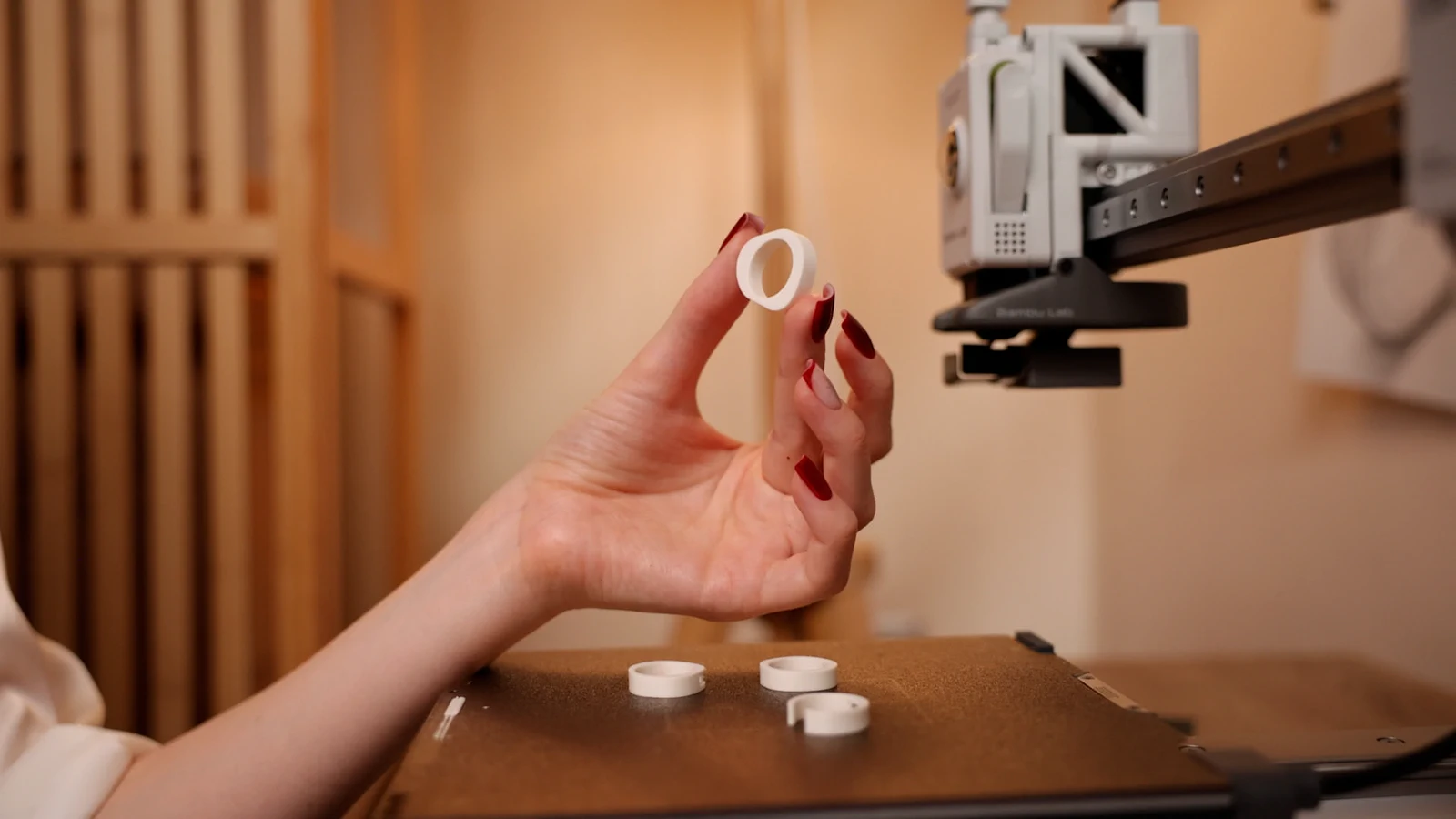
Keep track of ring orders from New to Delivered.
My Designs: tag rings to clients, four statuses.
Morcano Studio keeps your rings in a personal library called My Designs. You tag each ring to a client or order, add a note, and move it through four statuses: New, To print, Printed, Delivered. This page describes the tool. It makes no promise about income.
How it works
Save the ring
Save any ring to your own library, with its size, dimensions and filament estimate.
Tag it
Tag the ring to a client or order, so a batch of gifts or a set of commissions never gets mixed up.
Add a note
Write who it is for, the order number or the colour.
Move it along
Set the status as the piece progresses: New, To print, Printed, Delivered.
The orders desk
- Link for your client
- A link where a client builds a design in the browser and sends you a request.
- Orders
- Each order moves through New, Quoted, Confirmed, Printing, Ready, Shipped and Completed, with messages to the client.
- Payment
- On Seller and Studio the client page shows a Pay button that opens your own PayPal.me, PayPal, Stripe, Revolut or Wise link. Morcano does not take the payment.
- Workshop
- A list of your printers and spools, kept next to your orders.
Licence
On the Free and Maker plans you may print your designs for yourself and as gifts, not for sale. Selling the printed pieces needs the Seller or Studio plan, which include the commercial licence and a licence certificate for each design. Pieces made during the free beta, before paid plans launched, may still be sold on the terms of that time. The exported files themselves can never be resold or redistributed, on any plan.
This is a summary. Read Can I sell rings I 3D print with Morcano? and the Terms, which are the authoritative text.